
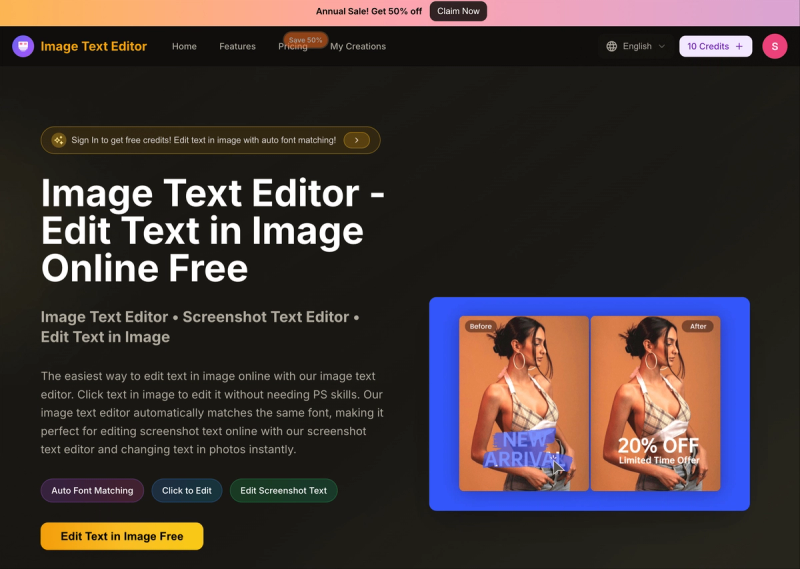
Image Text Editor is a web-based AI tool that lets you edit text in images online by clicking on the text and describing the change, with automatic font matching. It works directly in browsers on desktop and mobile, no app download required.
What is Image Text Editor?
Image Text Editor is an online AI-powered text editor for images. It takes an image (JPG, PNG, or WEBP up to 5 MB) and a text prompt describing the desired edit, and outputs a modified image with the new text seamlessly integrated. The tool runs entirely in the browser and is developed by the team at ImageTextEditor.app.
Key Features
- Auto Font Matching — Automatically detects the original font style, size, and color, and applies them to the new text for natural-looking edits.
- Click-to-Edit Workflow — Click directly on any text in the uploaded image to select it, then describe the change via a prompt.
- Prompt-Based Editing — Enter a plain-text instruction (up to 500 characters) such as "Change '50% OFF' to '60% OFF'" and the AI executes it.
- Screenshot Text Editing — Optimized for editing text in app screenshots, website captures, and social media posts.
- Multiple Removal Algorithms — Offers different methods to cleanly remove original text, reducing artifacts like speckles or shadows behind the new text.
- High-Resolution Output — Supports images up to 2560x2560 pixels; edited images can be downloaded in original quality.
- Web & Mobile Support — Full functionality on desktop and mobile browsers with a touch-optimized interface.
Who is it for?
- Marketers — Update prices, dates, and promotional text in product images and marketing banners without design software.
- Content Creators — Edit text in social media posts, memes, and graphics quickly from any device.







