Edit existing images with clear instructions
ClipLumi is a browser-based AI image editing workspace built for people who already have an image and want to improve a specific part of it. Instead of rebuilding a visual from scratch, creators can start from a source photo, describe the requested change in natural language, optionally use visual references to guide the direction, and keep iterating from the resulting asset.
Practical image-editing workflows
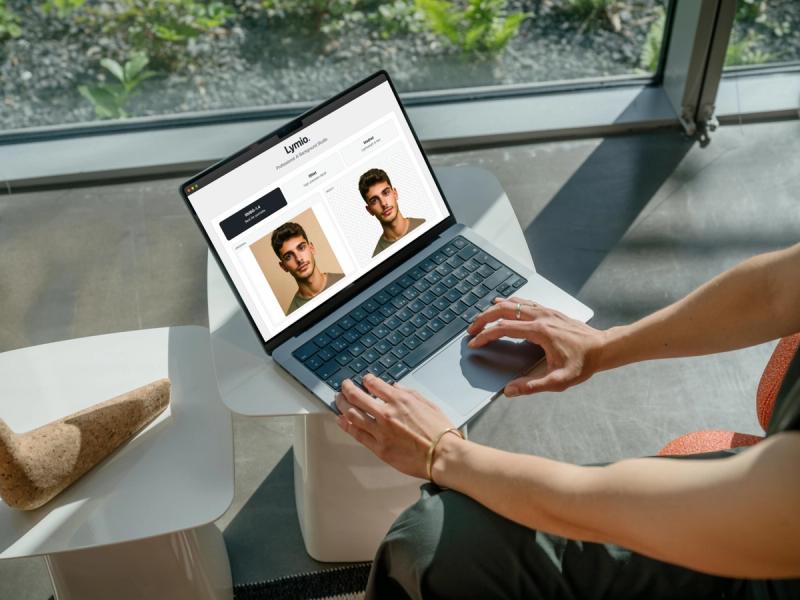
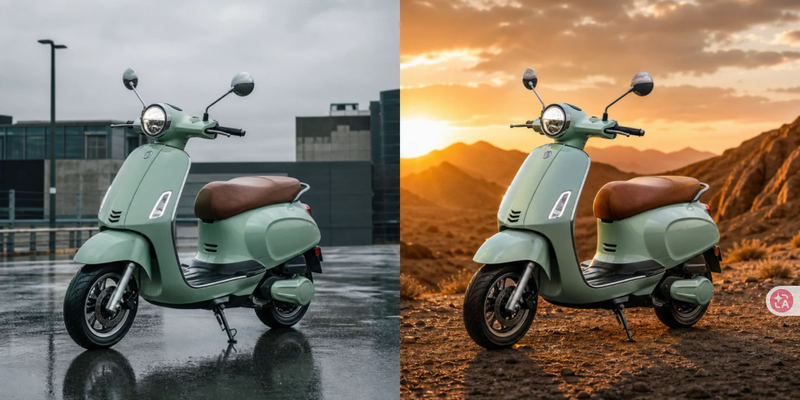
The workflow is useful for product photography, background changes, portrait refinement, restoration, enhancement, upscaling, and marketing creative variations. An online seller can clean up a product image or test a different background. A creator can refine a portrait or social visual. A small marketing team can make targeted revisions while keeping useful parts of the original composition. Older photos can be restored or enhanced, and images that need more detail can move into an upscaling workflow.
Designed around user intent
A key idea behind ClipLumi is that an edit request usually contains two parts: what should change and what should remain stable. Users can write instructions around those constraints, compare the result with the source, and adjust the next edit instead of repeatedly generating unrelated images. Visual references can also help communicate a desired subject, composition, product treatment, or style when text alone is not enough.
One browser workspace
ClipLumi combines image-editing tools, model choices, templates, reference-guided workflows, and history in one browser interface. This makes it easier to move from an existing photo to a usable creative asset without jumping between separate masking, retouching, and generation tools. The product is aimed at creators, online sellers, marketers, photographers, and small teams that want faster visual iteration with less manual layer work.
ClipLumi follows a freemium model, so users can explore the product before deciding whether they need additional usage. The exact available models and usage options are shown inside the current product interface.