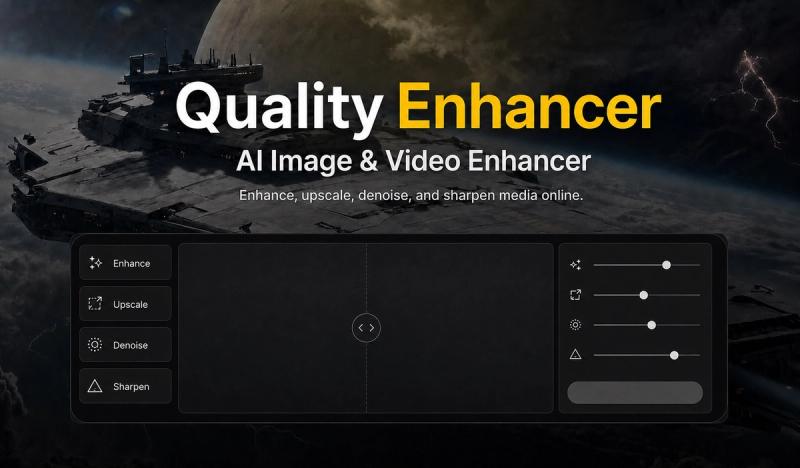
EnhancePhoto is a browser-based AI photo enhancer that improves clarity, sharpens soft detail, and doubles image dimensions through either a free local preview or credit-based Standard AI processing.
What is EnhancePhoto?
EnhancePhoto is an online photo enhancement tool that runs in modern browsers on desktop, tablet, and mobile. It accepts JPG, PNG, and WebP images up to 10 MB, then produces an enhanced version you can compare side-by-side with the original and download. The tool offers a free Local/Quick Enhance route that processes the file inside your browser, a Standard AI route that uses Real-ESRGAN for 2x detail recovery and uploads the image to a processing provider, and a Pro route for stronger processing. It is made by EnhancePhoto at enhancephoto.org and requires no app installation.
Key Features
Dual enhancement routes — Local/Quick Enhance runs entirely in the browser for free; Standard sends the image to an AI provider using Real-ESRGAN for stronger 2x detail recovery.
Category modes — General, Portrait, Object, Scenery, Pets, and Text categories guide the workflow; Portrait mode adds face-aware enhancement with Standard.
Format and size support — Accepts JPG, PNG, and WebP files up to 10 MB; Quick Enhance can export PNG, JPG, or WebP, while Standard uses the provider's native output format.
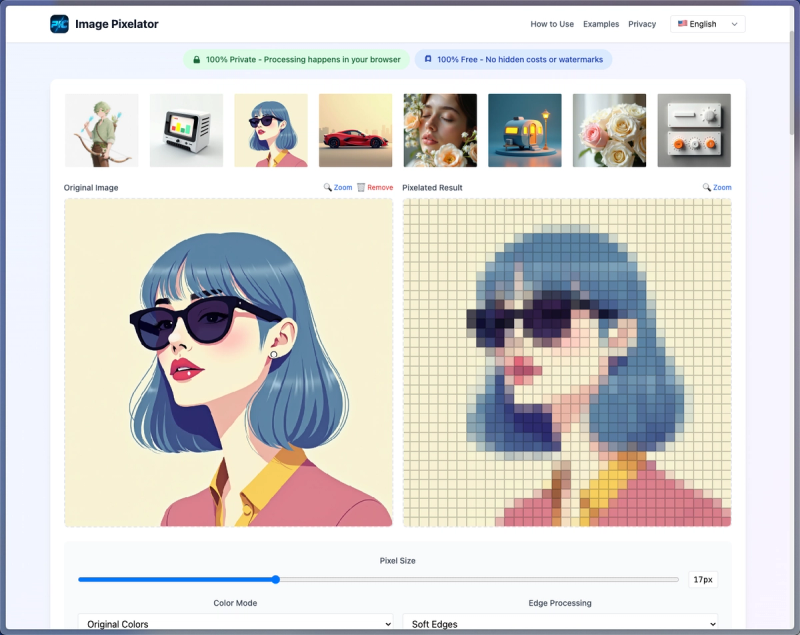
Before-and-after comparison — Displays the original beside the enhanced result so you can judge clarity, edge detail, lighting, and texture before downloading.
Credit-based processing — Standard costs 2 credits per image, with the charge shown before processing starts; new users receive 2 free AI credits per day that reset at 00:00 UTC+8.
Watermark rules — Quick Enhance exports are watermark-free; AI-enhanced downloads are watermark-free when your paid balance is positive and include a small enhancephoto.org mark at zero paid balance.
Local privacy option — Local/Quick Enhance never uploads the file; only Standard and Pro routes upload to the processing provider after you start the run.
2x upscaling — Standard doubles source dimensions, so a 2000 x 1500 image becomes 4000 x 3000, reaching 4K-class width while preserving aspect ratio.
Who is it for?
Portrait photographers and casual users: sharpen soft facial detail, hair, and clothing edges in portraits while keeping the person recognizable.
E-commerce sellers: make product seams, labels, material texture, and edges easier to inspect without changing the item itself.
Designers and developers: increase edge contrast in menus, charts, and interface text in screenshots without rewriting the words.
Archivists and family historians: reduce softness, haze, and visible noise in scanned old photos while preserving the original people and scene.
What can you do with EnhancePhoto?
Portrait retouchers: sharpen soft facial detail, hair, and clothing edges while keeping the person recognizable.
Product photographers: enhance product photos so seams, labels, material texture, and edges are easier to inspect.
UI and data teams: improve screenshot clarity by increasing edge contrast in menus, charts, and interface text without correcting the words.
Photo restorers: reduce softness, haze, and noise in scanned old photos while preserving the original people and scene.
Landscape photographers: improve detail separation in foliage, rock, water, and distant structures without changing the place.
How does EnhancePhoto work?
- Upload a JPG, PNG, or WebP image up to 10 MB. Selecting a file only creates a local preview.
- Choose an enhancement route: Local for a free browser preview, Standard for AI enhancement, or Pro for stronger processing. The interface shows the required credits before every run.
- Run the enhancement, then compare the original beside the result.
- Download. Quick Enhance exports are watermark-free; AI-enhanced downloads are watermark-free when your paid balance is positive, otherwise a watermark and upgrade prompt appear.
Pricing
EnhancePhoto uses a freemium model. Quick Enhance/Local is free and runs in your browser. Standard AI enhancement costs 2 credits per image, with the exact charge shown before processing. New users get 2 free AI credits per day that reset at 00:00 UTC+8. A paid balance removes the watermark from AI-enhanced downloads; at zero paid balance, downloads include a small enhancephoto.org mark. Pro is listed for stronger processing. No dollar amounts are stated on the page.
FAQ
Is EnhancePhoto free to use?
Quick Enhance is free, needs no account, and runs entirely in your browser. Standard AI enhancement costs 2 credits per image, with the charge shown before processing. New users receive 2 free AI credits per day, resetting at 00:00 UTC+8. Paid balance removes watermarks from AI-enhanced downloads.
Which image formats and sizes does EnhancePhoto support?
The enhancer accepts JPG, PNG, and WebP files up to 10 MB. Quick Enhance can export PNG, JPG, or WebP; Standard uses the provider's native output format. Standard doubles the source width and height, so a 2000 x 1500 image becomes 4000 x 3000, reaching 4K-class width.
Does EnhancePhoto upload my photos?
Selecting a file only creates a local preview. Quick Enhance keeps the image in your browser and never uploads it. Standard and Pro routes upload the photo to the processing provider only after you start the AI enhancement run. This means local processing is private, while AI processing requires an upload.
Can I use enhanced photos commercially?
You keep the rights you already hold in your photos. Commercial use is allowed as long as you have the rights to the source image and follow EnhancePhoto's Acceptable Use Policy. Quick Enhance exports are watermark-free; AI-enhanced downloads are watermark-free when your paid balance is positive, otherwise a small enhancephoto.org mark appears.
Does EnhancePhoto work on iPhone, Android, and desktop?
Yes. EnhancePhoto runs in modern browsers, so you can choose a photo, enhance it, compare the result, and download it on mobile or desktop without installing an app. It supports desktop, tablet, and mobile browsers, including iPhone and Android devices.