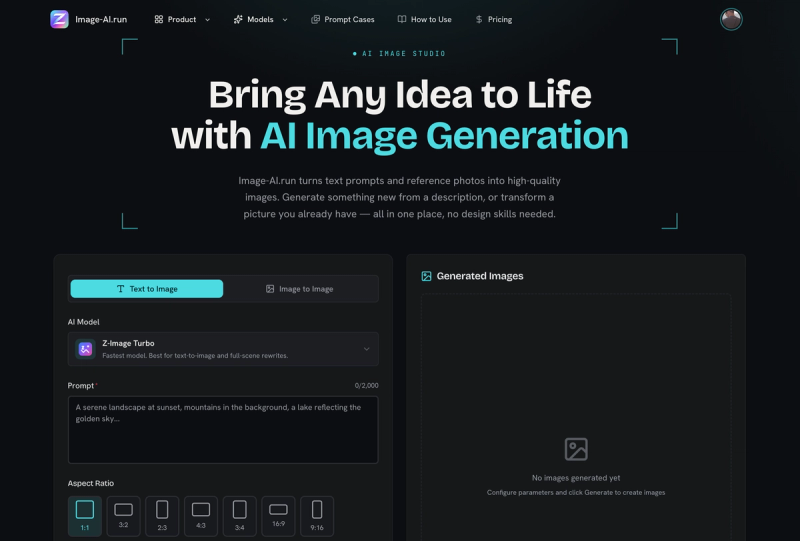
DrawPic is a browser-based AI image generator that turns written prompts — or an uploaded reference image — into generated pictures, with credit-priced quality tiers and preset output sizes.
What is DrawPic?
DrawPic is a web app that generates images from text prompts and also supports image-to-image generation from a supplied starting picture. You type a description into the prompt field, pick a model, choose a quality tier and an output size, then generate and view the result on the same page. It runs entirely in the browser with no desktop install, and a free signup includes 20 credits.
What makes DrawPic stand out?
- Two generation modes — Text to Image builds a picture from a prompt alone, while Image to Image uses an uploaded image as the starting point for the result.
- Model switching — the Model control exposes at least two options, shown on the page as GPT Image 2.5 and Flare4cr, so the same prompt can be run through different generators.
- Credit-priced quality tiers — Economy costs 2 credits, Standard 4 credits, and HD 10 credits per generation, letting you trade credits against output fidelity.
- Preset output sizes — Auto, 1024x1024 square, 1536x1024 landscape, and 1024x1536 portrait, chosen before you generate.
- Free signup credits — creating an account grants 20 credits, enough for several Economy or Standard generations before any spend.
- Targeted image editing tools — separate tools cover AI Character Sheet Generator (several angles in, one consistent character sheet out), AI Inpaint Editor (box-select a region and change only that area), Edit Text in Image (retype words inside a boxed area while the rest stays identical), and Edit Numbers in Image (change a figure while font, decimals and currency symbols stay put).
Who should use DrawPic?
- Social media and blog content creators: produce a square or landscape image from a short prompt at Economy or Standard quality to fill a post slot.
- Illustrators and character designers: feed multiple angles into the AI Character Sheet Generator to keep one character consistent across a sheet.
- Designers fixing supplied artwork: use Edit Text in Image or Edit Numbers in Image to correct a price, label or figure without rebuilding the graphic.
- Retouchers and product marketers: use AI Inpaint Editor to box-select a region and replace only that section of an existing image.
What can you do with DrawPic?
- Prompt-driven concepting: describe a scene, choose GPT Image 2.5 or Flare4cr and a size, and get a draft image using 2 to 10 credits depending on tier.
- Image-to-image variation: upload a base image and generate a new version instead of starting from a blank prompt.
- Localized corrections: repaint a boxed area with Inpaint, or swap out words and numbers while the surrounding design is preserved.
How does DrawPic work?
- Sign up free to receive 20 credits, or sign in.
- Choose Text to Image or Image to Image and enter your description (or upload a reference image).
- Select a model, a quality tier (Economy 2cr, Standard 4cr, HD 10cr) and an image size.
- Press Generate and review the result.
Pricing
DrawPic uses a freemium credit model: signup is free and includes 20 credits, and each generation deducts 2 credits (Economy), 4 credits (Standard) or 10 credits (HD). The page does not state dollar prices for additional credit purchases.
FAQ
Is DrawPic free to use?
Signing up is free and comes with 20 credits. Every generation then costs credits — 2 for Economy, 4 for Standard, or 10 for HD — so the free allowance covers a limited number of images before more credits are needed.
What image sizes does DrawPic support?
The size selector offers Auto, 1024x1024 square, 1536x1024 landscape, and 1024x1536 portrait. Output format beyond the pixel dimensions is not specified on the page.
Can DrawPic edit text and numbers inside an existing image?
Yes, through two dedicated tools. Edit Text in Image lets you box the words and retype them while everything else stays identical, and Edit Numbers in Image changes a number while font, decimals and currency symbols are preserved.
Which AI models does DrawPic offer?
The Model dropdown lists at least two options, shown on the page as GPT Image 2.5 and Flare4cr. Quality tiers and pricing apply across the generation flow regardless of which model you pick.
Do I need to install anything to use DrawPic?
No. DrawPic runs in a web browser — you choose a mode, enter a prompt or image, set quality and size, and generate. No desktop or mobile app download is described on the page.