
What is Trill?
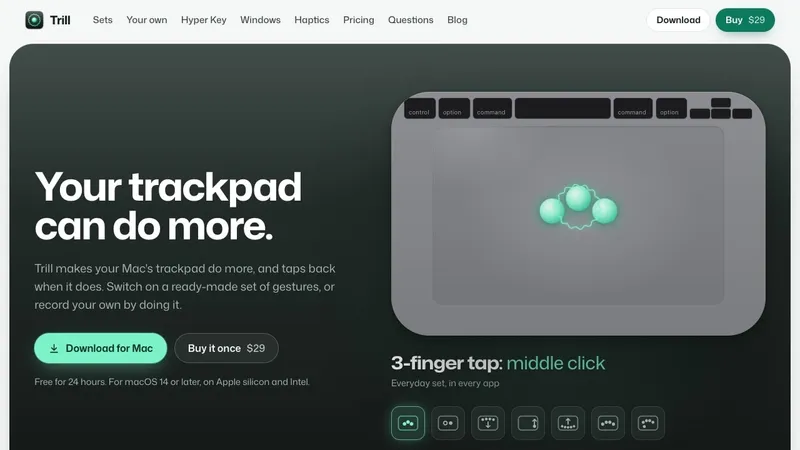
Trill makes your Mac's trackpad do more, and taps back when it does.
Record a gesture by simply doing it, or start from ready-made gesture sets. Caps Lock becomes a Hyper Key that adds Control, Option, Shift and Command; a tap alone sends Escape, and holding it shows a cheat sheet of shortcuts for the app in front. Drag-to-snap window management is built in, and on Force Touch trackpads every gesture gets a haptic tick.
$29 once, with a 24-hour free trial that starts when you allow Accessibility. One license covers three Macs.
Start with a set, not a blank page
Each Gesture Set is a few gestures for one kind of work, ready to switch on: Everyday, Browser, Windows, Media, Writing and Developer. The first time you open Trill, it suggests the sets that fit the apps already on your Mac.
Make your own by doing it
Press New gesture and do it on the trackpad. Trill names the gesture it saw, you pick what it does, and it reads back as a sentence you can check at a glance. Tap with three, four or five fingers, swipe in from an edge, click in a corner of a Force Touch trackpad, or slide along an edge. More than a hundred actions: press any keyboard shortcut, type text, open an app, a file or a link, run one of your Apple Shortcuts, control music, volume and brightness, switch tabs, or move a window.
Windows and haptics
Drag a window to an edge for a half, or to a corner for a quarter, with a translucent preview of where it will land. On a Force Touch trackpad, Trill taps back the moment it knows what you did. When one of your gestures is one macOS also uses, Trill keeps yours off and offers the fix in one click.
Details
- $29 once, every feature free for 24 hours, no card
- One license covers three Macs
- macOS 14 or later, Apple silicon and Intel
- Made by Everyday Mac Tools


