Newsletter
Join the Community
Subscribe to our newsletter for the latest news and updates
Explore the versatility of Notion with its innovative "Faces".
Traffic, search & AI signals for faces.notion.com.
Third-party traffic estimate · Updated Sep 9, 2026
Submit your own product to reach creators and founders looking for the next tool to try.
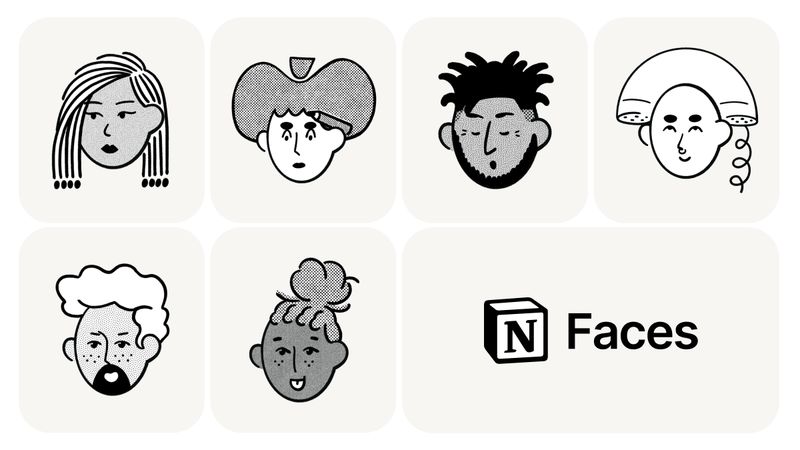
Notion Faces is a personalization feature within Notion that enables users to customize their workspace with diverse facial representations, offering skin tone selection for inclusive digital expression.
Notion Faces is a built-in feature of Notion, the all-in-one workspace platform, that allows users to select and apply facial avatars to their interface. It takes user preferences for skin tone and other visual attributes as input, and outputs a personalized avatar that appears within the Notion workspace. This feature is developed by Notion Labs and is available to all users for free.
Notion Faces is completely free to use for all Notion users, regardless of plan tier.
Yes, Notion Faces is included in Notion's free and paid plans at no extra cost. Users can access all available avatars and skin tones without any additional charge.
To use Notion Faces, navigate to your workspace settings and look for the 'Faces' option. From there, you can browse and select from available avatars and adjust skin tones to your preference.
Yes, the feature supports English, Chinese, and other languages, making it accessible to a diverse user base.