
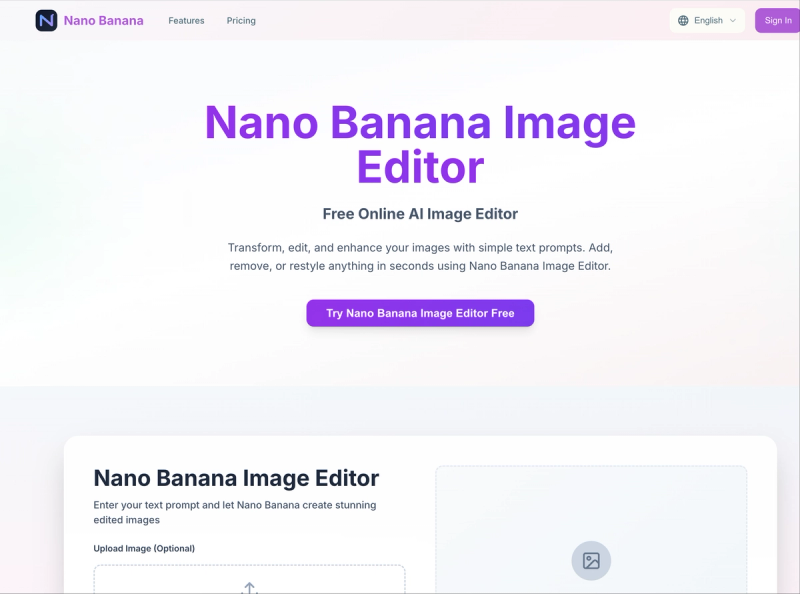
Nano Banana AI is a free AI image editor and generator that transforms photos and text prompts into edited or generated images using Google's Gemini 3 Pro Image model. It supports both text-to-image and image editing modes, runs entirely in a web browser, and is developed by Nano Banana.
What is Nano Banana AI?
Nano Banana AI is a web-based AI tool that combines image editing and generation. It accepts user-uploaded images (JPG, PNG, WEBP, up to 10 MB each, max 8 images) or text prompts, and outputs edited or newly created images. The service is powered by Google's Gemini 3 Pro Image model, one of the most powerful AI image models currently available.
Key Features
- Text-to-Image and Image Editing — Generate images from scratch using text prompts or edit existing images by describing changes in natural language.
- Multiple Aspect Ratios — Choose from 9:16, 16:9, 1:1, 3:4, 4:3, 3:2, 2:3, 5:4, 4:5, 21:9, or Auto for generated/edited images.
- Artistic Styles — Apply predefined styles such as Photorealistic, Digital Art, Oil Painting, Anime, Fantasy Art, Cyberpunk, Watercolor, and Abstract Art.
- In-Context Generation — Edit images while preserving original composition, lighting, and perspective (e.g., change backgrounds, objects, or styles).
- Character Consistency — Modify objects or characters while maintaining consistent appearance across multiple edits.
- Local Editing Precision — Make targeted edits to specific regions of an image using text instructions.
- High-Resolution Output — Generate images at up to 2K resolution natively, without post-processing.
- Fast Generation — Most edits complete in under 3 seconds; text-to-image generation takes 1–3 minutes.
Who is it for?
- Content creators and social media managers — Quickly edit images for posts, ads, or thumbnails without needing design software.

- Digital artists and designers — Use AI to generate concept art, style transfers, or variations from rough sketches.
- Small business owners — Create professional-looking product images, marketing visuals, or social media graphics on a budget.
- Hobbyists and beginners — Edit photos or generate artwork using simple text prompts, no artistic skill required.
What can you do with Nano Banana AI?
- Edit backgrounds — Replace or remove backgrounds with a single text command, maintaining consistent lighting and shadows.
- Change objects or styles — Transform a photo into an oil painting or anime style, or swap an object (e.g., a car to a bicycle) while keeping the rest of the image intact.
- Generate original images — Create images from scratch using descriptive prompts, such as "a cyberpunk city at sunset with neon lights."
- Combine text and image inputs — Upload a photo and add instructions like "make it a watercolor painting" or "add a cat sitting on the chair."
How does Nano Banana AI work?
- Choose between Text-to-Image Mode or Image Editor Mode.
- In Image Editor Mode, upload an image (JPG, PNG, WEBP, up to 10 MB, max 8 images).
- Enter a text prompt describing the desired edit or generation (up to 500 characters).
- Select an aspect ratio and optional style preset.
- Click "Generate with Nano Banana" (costs 1 credit per generation).
- Wait 1–3 minutes for text-to-image or under 3 seconds for edits; results appear on the same page.
Pricing
Nano Banana AI operates on a freemium model with credit-based usage. New users receive free credits upon registration. Paid plans are available:
- Starter: $4.9/month (billed annually at $58.8) for 50 credits/month (600/year).
- Professional: $9.9/month (billed annually at $118.8) for 200 credits/month (2,400/year). Recommended as best value.
- Business: $19.9/month (billed annually at $238.8) for 600 credits/month (7,200/year).
All plans include advanced AI features, multiple style variations, HD downloads, priority email support, and commercial usage rights. Cancel anytime.
FAQ
Is Nano Banana AI free?
Yes, it offers free credits for new users, allowing you to test the service without payment. After that, you can choose a paid plan or purchase credit packs.
JPG, PNG, and WEBP formats are accepted, with a maximum file size of 10 MB each and up to 8 images per batch.
How long does it take to generate an image?
Text-to-image generation takes 1–3 minutes. Editing an existing image typically completes in under 3 seconds.
Can I use the generated images commercially?
Yes, all paid plans include commercial usage rights. Starter plan and above allow you to use outputs for commercial projects.
Do I need to sign up to use Nano Banana AI?
Yes, registration is required to access the editor and receive free credits. You can sign up on the website.






