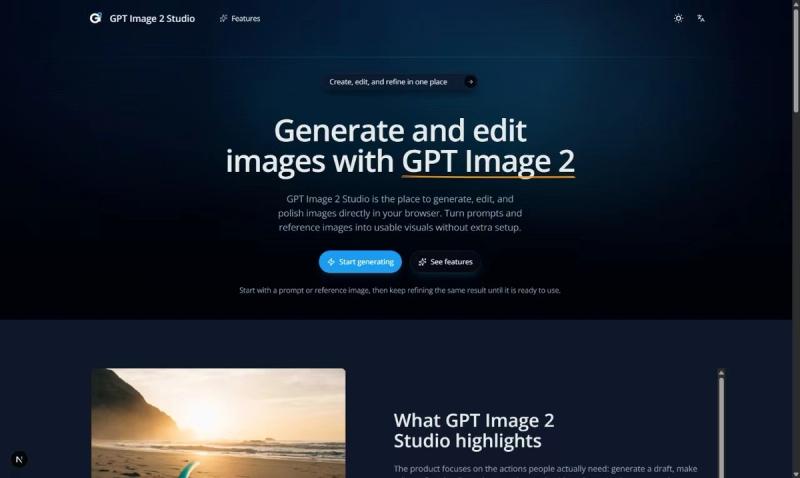
GPT Image 2 Studio is a browser-based AI image generator and editor that turns text prompts and reference images into finished visuals without requiring any software installation or setup. It runs entirely in the web browser on desktop and mobile devices, offering both a quick-start homepage generator and a full workspace for iterative refinement.
What is GPT Image 2 Studio?
GPT Image 2 Studio is a web application that generates, edits, and polishes images using OpenAI's GPT Image 2 model. It accepts text prompts and optional reference images as input, and produces high-resolution images in multiple aspect ratios (square 1:1, landscape 3:2, portrait 2:3). The platform is developed by the team behind gpt-image2ai.com and operates on a freemium credit model—users sign in to generate images, with each generation costing 2 credits.
Key Features
- Text-to-image generation — Start from a text prompt of up to 2000 characters and generate a first draft in seconds. Choose from three aspect ratios: square (1:1), landscape (3:2), or portrait (2:3).
- Image editing — Upload an existing image, add instructions, and refine specific parts while preserving key details like faces and logos with high fidelity.
- Multi-turn refinement — Keep improving the same image over several turns without starting over, adding new instructions with each iteration.
- Reference-friendly inputs — Maintain high fidelity to source images, including faces and logos, when making edits based on reference images.
- Size, quality, and background controls — Select output ratio, quality level, format, and background mode to fit your design channel or task.
- Multiple outputs in one run — Generate up to several variations at once in the full workspace for easy comparison.
- Quick generator on homepage — Try GPT Image 2 instantly with a prompt field and aspect ratio selector, then open the full workspace for deeper controls.
Who is it for?
- Graphic designers who need to quickly generate concept art or edit existing images for client presentations without switching between multiple tools.
- Content creators looking to produce custom visuals for social media posts or thumbnails, iterating on style and composition until satisfied.
- Hobbyists and beginners exploring AI image generation—the tool's simple prompt-and-generate flow lowers the barrier to creating usable visuals.
What can you do with GPT Image 2 Studio?
- Generate a product mockup: Provide a prompt like "a photorealistic coffee mug on a wooden table" and get a ready-to-use image in square or landscape format.
- Edit an existing logo or face: Upload a company logo, add instructions to change the background color, and preserve logo details with high fidelity.
- Create variations for A/B testing: Generate multiple versions of a social media banner in one run, then compare and select the best option.
FAQ
Is GPT Image 2 Studio free?
It uses a freemium model: you can generate images after signing in, and each generation consumes 2 credits. Credit packs are available for purchase—visit the pricing page for details.
How do I create my first image?
Go to the homepage generator, type a prompt, select an aspect ratio, and click 'Sign in to generate'. Your first result will appear instantly.
Can I upload a reference image?
Yes. In the full workspace, you can upload an image and use it as a reference for editing or style guidance. The tool preserves details like faces and logos.
How are credits used?
Each image generation costs 2 credits. Editing and refinement also consume credits—the exact cost is shown before you confirm the action.