
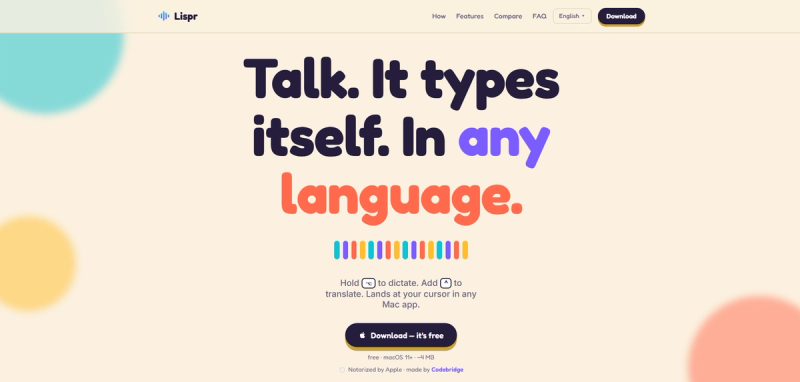
Lispr: hold a key, speak yours, land in theirs
Lispr is a free voice dictation and translation app for macOS and Windows. Hold a key to dictate, add the translation shortcut to switch languages, and the text lands at your cursor when you release. No copy-paste, no window switching.
What is Lispr?
Lispr is a 3.67 MB dictation and translation app for macOS 11 and later, including Intel Macs, and for Windows, built by Codebridge Technology, Inc.. It takes your voice, transcribes it with Whisper large-v3-turbo across about 99 languages, and can translate into 32 target languages. The text types straight into the active field in any app, whether that is Slack, Figma, a browser, your terminal, or wherever your cursor sits.
Key features
- Push-to-talk dictation. Hold the dictation key, speak, and release. Transcribed text appears at your cursor, at a median latency around 346 ms.
- One-gesture translation. Hold the translation shortcut while you speak. When you release, the translated text appears in your preset target language.
- About 99 speech recognition languages. Automatic language detection, no menu to dig through.
- 32 target translation languages. English, Spanish, French, German, Italian, Japanese, Chinese, Korean, Arabic, Hindi, Ukrainian, and more.
- Custom vocabulary. Add product names, code identifiers, or personal terms to improve accuracy for dictation and translation.
- Clipboard-safe. Lispr inserts your text, then restores whatever you had copied.
- Privacy-first. No account, no sign-up. Your audio travels over an encrypted connection, and Lispr does not store it after transcription. Your voice and transcripts are never used to train models. The mic stays off until you hold the key.







