
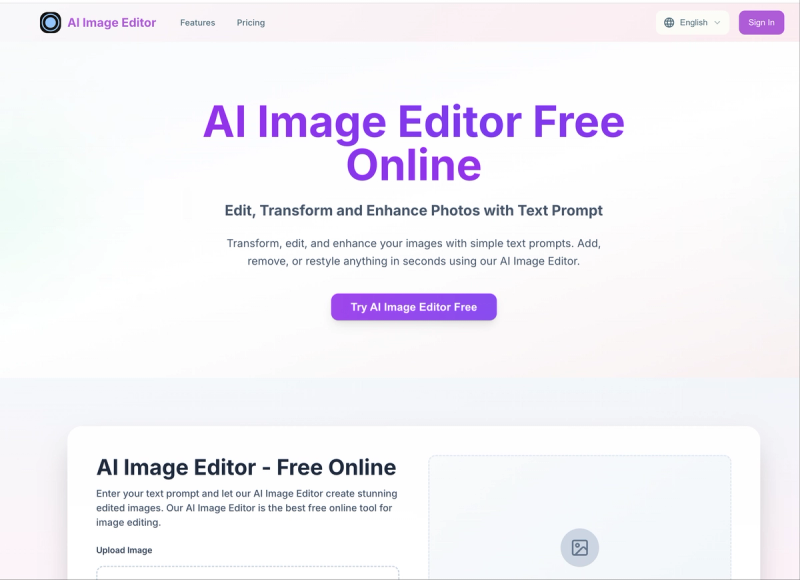
AI Image Editor is a free online tool that transforms, edits, and enhances photos using simple text prompts, generating results in under 3 seconds.
What is AI Image Editor?
AI Image Editor is a web-based AI image editing platform that takes an uploaded image (JPG, PNG, or WEBP, up to 5 MB) and a text description of desired edits, then outputs a new 2K-resolution image with the changes applied. It runs entirely in the browser and is developed by the team at aiimgeditor.org. The tool handles tasks like adding objects, changing backgrounds, applying artistic styles, and local edits.
Key Features
- Text-to-edit interface — Describe changes in natural language (e.g., “add a tattoo,” “make it Pixar”) without any design skills.
- 3-second generation — AI completes most edits in about 3 seconds with accelerated processing.
- 2K resolution output — Natively produces high-resolution images without post-processing.
- Multiple artistic styles — Includes Photorealistic, Digital Art, Oil Painting, Anime, Fantasy, Cyberpunk, Watercolor, and Abstract Art.
- Context-aware editing — AI preserves composition, lighting, and perspective while applying changes.
- Style transfer — Transform images into different artistic styles while keeping the original scene intact.
- Credit system — New users get free credits upon registration; paid plans (Starter, Professional, Business) provide monthly credits for higher usage.
Who is it for?
- Content creators — Quickly generate social media visuals by editing photos with text prompts.
- Digital artists — Use AI to rapidly iterate on concepts or apply style variations.
- Non-designers — Edit images without learning complex software like Photoshop.
- — Create professional-looking product images or marketing materials in seconds.







