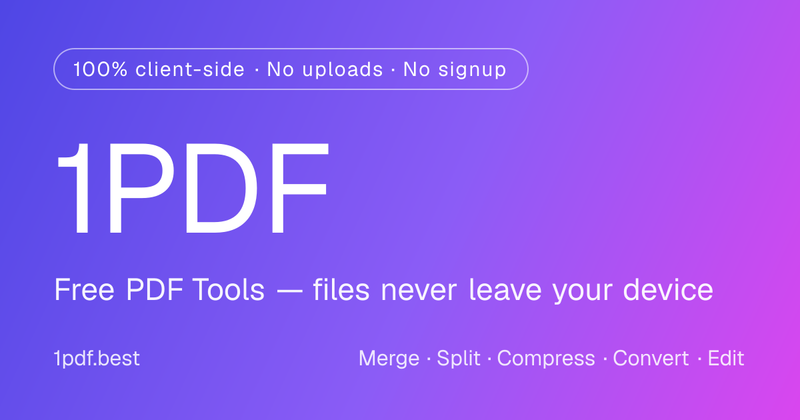
1PDF.best is a privacy-first online PDF toolkit with 88 browser-based tools and 4 optional AI tools. Its local tools process files directly on your device without uploading the original PDFs.
What is 1PDF.best?
1PDF.best is a free web application for organizing, editing, converting, securing, extracting, and analyzing PDFs. It supports PDFs, images, and documents up to 100 MB per selection.
You can merge, split, rotate, compress, watermark, encrypt, OCR, redact, extract content, and convert files—all from one website.
Why use 1PDF.best?
- Privacy-first processing: 88 PDF tools run locally in your browser using JavaScript and WebAssembly. Original files are not uploaded to 1PDF servers.
- Free and unlimited: Local tools require no signup and have no daily usage limit.
- No watermarks: Free local processing does not add watermarks to exported files.
- Broad coverage: Includes 19 organization tools, 36 editing tools, 17 convert-to-PDF tools, and 16 convert-from-PDF tools.
- Local OCR: Make scanned PDFs searchable and extract selectable text directly in your browser.
- Metadata control: View, edit, or remove hidden PDF metadata before sharing.
- Optional AI tools: Summarize PDFs, ask questions, extract structured information, and translate documents.
What can you do?
- Merge PDFs, reorder pages, split page ranges, and combine documents.
- Add watermarks, page numbers, headers, footers, annotations, or permanent redactions.
- Convert JPG, PNG, TXT, Markdown, HTML, EPUB, and other formats to PDF.
- Export PDF content to JPG, PNG, TXT, JSON, Markdown, or CSV.
- Encrypt PDFs, remove restrictions, flatten forms, and create PDF/A files.
- Extract text, images, tables, attachments, and document metadata.
Who is it for?
1PDF.best is useful for privacy-conscious professionals, office workers, students, researchers, and content creators who need fast PDF processing without installing software or uploading confidential documents.
How does it work?
Choose a tool, select your file, configure the options, and run the task. For the 88 local tools, processing happens entirely inside your browser.
For the 4 optional AI tools—AI Summarize, AI Chat with PDF, AI Extract Info, and AI Translate PDF—the original PDF remains local. Only browser-extracted text, your instructions, and limited context are sent to third-party AI providers after you explicitly start the task.
Pricing
All 88 local PDF tools are free and unlimited. Optional paid plans remove advertising and provide AI Credits for Pro AI tools and cloud features.
FAQ
Does 1PDF.best upload PDF files?
No. The 88 local tools process files inside your browser. AI tools keep the original PDF local but send extracted text and instructions to a third-party AI provider after you start a task.
Is an account required?
No account is required for local PDF tools. Signing in is required for optional AI features and paid services.
What is the maximum file size?
1PDF.best accepts files up to 100 MB per selection. Practical limits may vary depending on browser memory, device performance, document complexity, and OCR requirements.