Overview
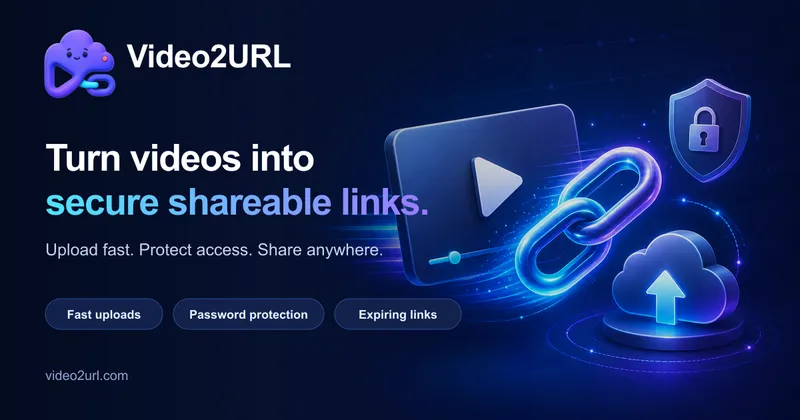
Video2URL (https://video2url.com/) is a web-based tool designed to turn video files into shareable web links. Users upload a file through the browser interface and receive an unlisted viewing URL that can be copied and distributed to recipients. The platform hosts the uploaded file directly without transcoding it. Because no re-encoding takes place, playback capability in a web browser depends entirely on whether that specific browser natively supports the internal video and audio codecs of the uploaded file.
Key Features
- Format Support: The web uploader accepts video files in MP4, MOV, MKV, and WebM formats.
- Unlisted Links: Uploading generates an unlisted link for web playback and direct copying.
- Original Encoding Delivery: Files are stored and served without transcoding.
- Guest Uploads: Video uploads can be completed immediately without creating an account.
- Guest File Retention: Files uploaded by guests remain accessible for 14 days.
- Link Management: Registered users who sign in can access tools to manage their created links.
- Password Protection: Signed-in accounts can add passwords to their shared links.
- Custom Expiration Dates: The premium web uploader allows users to set custom expiration dates.
Use Cases
- Quick Guest Sharing: Users who need to share a video file without registering can upload directly, provided the 14-day guest retention period fits their requirements.
- Protected Distribution: When access control is required, logged-in users can set a password on the link before sending it to viewers.
- Controlled File Lifespans: Senders who need files to expire at a specific time rather than the default guest timeframe can use the premium web uploader to select a custom expiration date.
- Codec Verification: Because the service does not transcode files, senders sharing formats like MKV, MOV, WebM, or MP4 should confirm that their recipients' browsers support the specific codecs used in the file.
Getting Started
- Visit https://video2url.com/ to access the web uploader.
- Choose whether to proceed as a guest or sign in to an account.
- Select an MP4, MOV, MKV, or WebM file to upload.
- If signed in, manage links or apply a password to the link as needed.
- If using the premium web uploader, select a custom expiration date.
- Copy the generated unlisted link and send it to recipients. Ensure recipients have browser support for the file's internal codecs.
Pricing & Plans
- Guest Use: Upload files without an account; uploaded files are retained for 14 days.
- Logged-in Account: Signed-in users can manage links and set passwords for shared links.
- Premium Web Uploader: Adds the option to configure custom expiration dates for uploaded files.