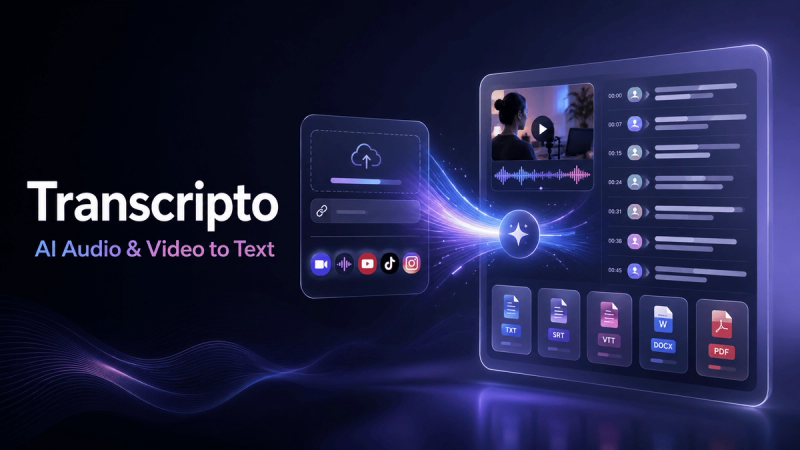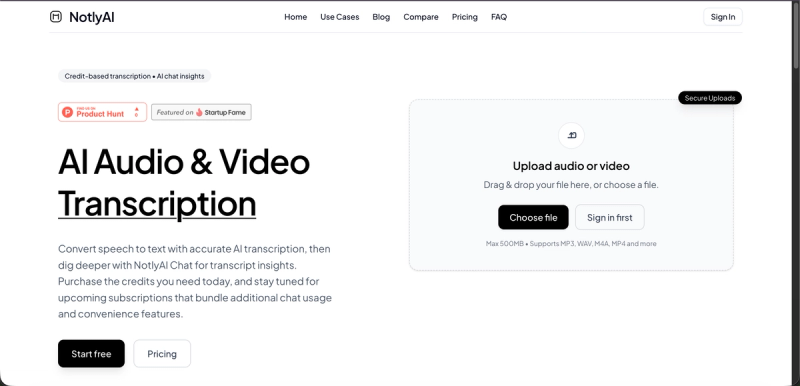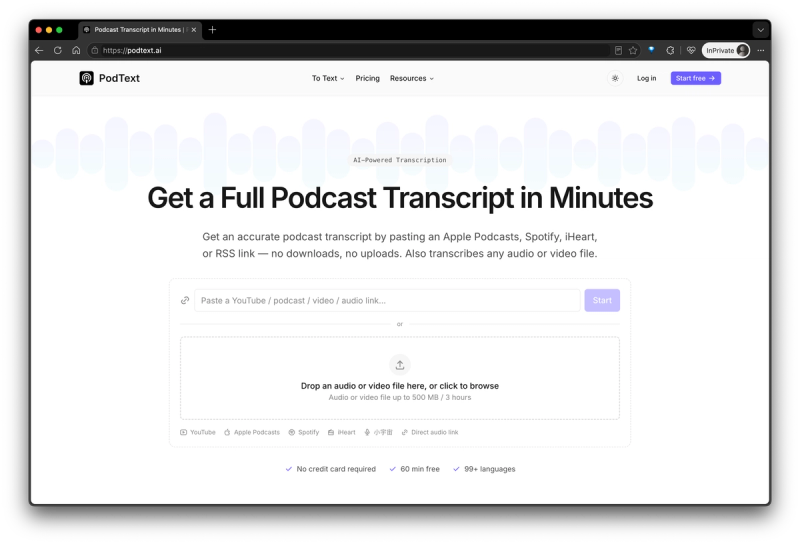
PodText is an AI transcription tool that turns podcasts, audio, and video into accurate, editable, and searchable text in minutes. Whether you need to transcribe a podcast episode, convert an interview to text, create subtitles for a video, or turn a long recording into notes, PodText provides a simple workflow that works directly in your browser.
You can upload popular audio and video formats including MP3, WAV, M4A, AAC, MP4, MOV, and WEBM. PodText also makes podcast transcription easier by allowing you to import episodes directly from Apple Podcasts, Spotify, or an RSS feed. Instead of downloading an episode first and uploading it manually, simply paste the podcast URL and start the transcription.
PodText supports more than 50 languages with automatic language detection and delivers up to 98%+ transcription accuracy. Transcripts include timestamps and can be edited directly in the browser, making it easy to correct names, terminology, or other details. Full-text search also helps you quickly find a specific quote, topic, or moment inside a long recording.
Key features:
- AI transcription for podcasts, audio, and video
- Up to 98%+ transcription accuracy
- Support for 50+ languages with automatic language detection
- Import podcast episodes from Apple Podcasts, Spotify, and RSS feeds
- Upload MP3, WAV, M4A, AAC, MP4, MOV, WEBM, and other common formats
- Editable transcripts with timestamps
- Full-text search across transcripts
- AI-generated summaries and show notes
- Export transcripts as TXT and Markdown
- Export subtitles as SRT and VTT
PodText is designed for podcasters, YouTubers, content creators, journalists, researchers, students, educators, and teams that regularly work with spoken content. A podcast creator can turn an episode into show notes or an article, a YouTuber can generate subtitles from a video, and a journalist can convert an interview into searchable text without manually listening to the entire recording.
The goal of PodText is simple: make spoken content as easy to work with as written text. Once your audio or video has been transcribed, you can search it, edit it, summarize it, create subtitles, or reuse the content for articles, social posts, notes, and other formats.
You can get started with 30 minutes of free transcription, with no credit card required.