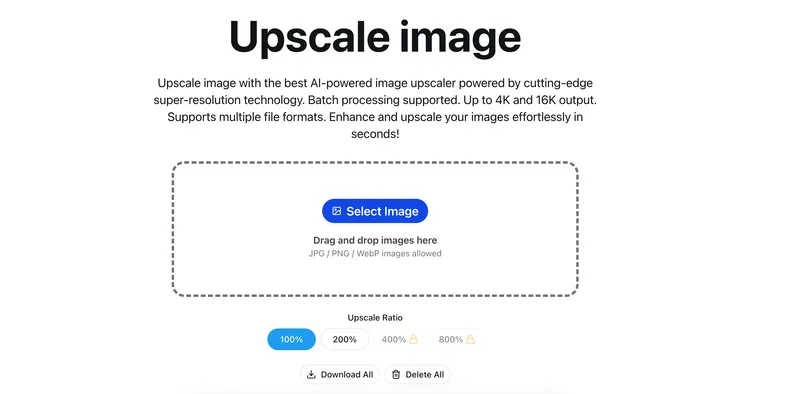
Unblur Image is an AI-powered web tool that restores sharpness and clarity to blurry photos and low-resolution images.
What is Unblur Image?
Unblur Image is an AI-based tool designed to fix blurry photos by applying intelligent sharpening and detail enhancement. It accepts blurry or low-resolution image inputs and produces clearer, sharper outputs. The tool runs on web and mobile platforms, and offers a free basic version.
Key Features
- AI-powered unblurring — corrects motion blur, out-of-focus shots, and low-resolution images.
- Precision sharpening — enhances details without creating halos or over-processing artifacts.
- 2×/4× upscaling — increases resolution while preserving image quality.
- Noise reduction — removes grain while maintaining natural texture.
- Smart contrast and lighting optimization — adjusts brightness and contrast to improve overall clarity.
Who is it for?
- Photographers restoring old or imperfect shots to salvage memories.
- E-commerce businesses enhancing product images for clearer, more appealing listings.
- Designers preparing high-resolution assets for print or digital use.
- Social media creators improving content quality for better engagement.
What can you do with Unblur Image?
- Restore old family photos: sharpen faded or motion-blurred images from scanned prints.
- Fix out-of-focus shots: recover detail from accidentally blurry photos taken with smartphones or cameras.
- Prepare images for printing: upscale and sharpen low-res images to meet print resolution requirements.
- Enhance e-commerce listings: make product photos crisp and professional without expensive reshoots.
Pricing
Unblur Image operates on a freemium model; a free basic version is available, with paid tiers for advanced features (details not specified).
FAQ
Is Unblur Image free?
Yes, there is a free basic version that provides core functionality. Paid upgrades unlock additional capabilities like higher resolution output or batch processing.
What types of blur can it fix?
It handles motion blur, out-of-focus blur, and low-resolution blur. The AI is trained to recognize and correct each type.
Does it support upscaling?
Yes, it offers 2× and 4× upscaling while preserving detail and minimizing artifacts.
Can I use it on mobile?
Yes, Unblur Image works across web browsers on both desktop and mobile devices.