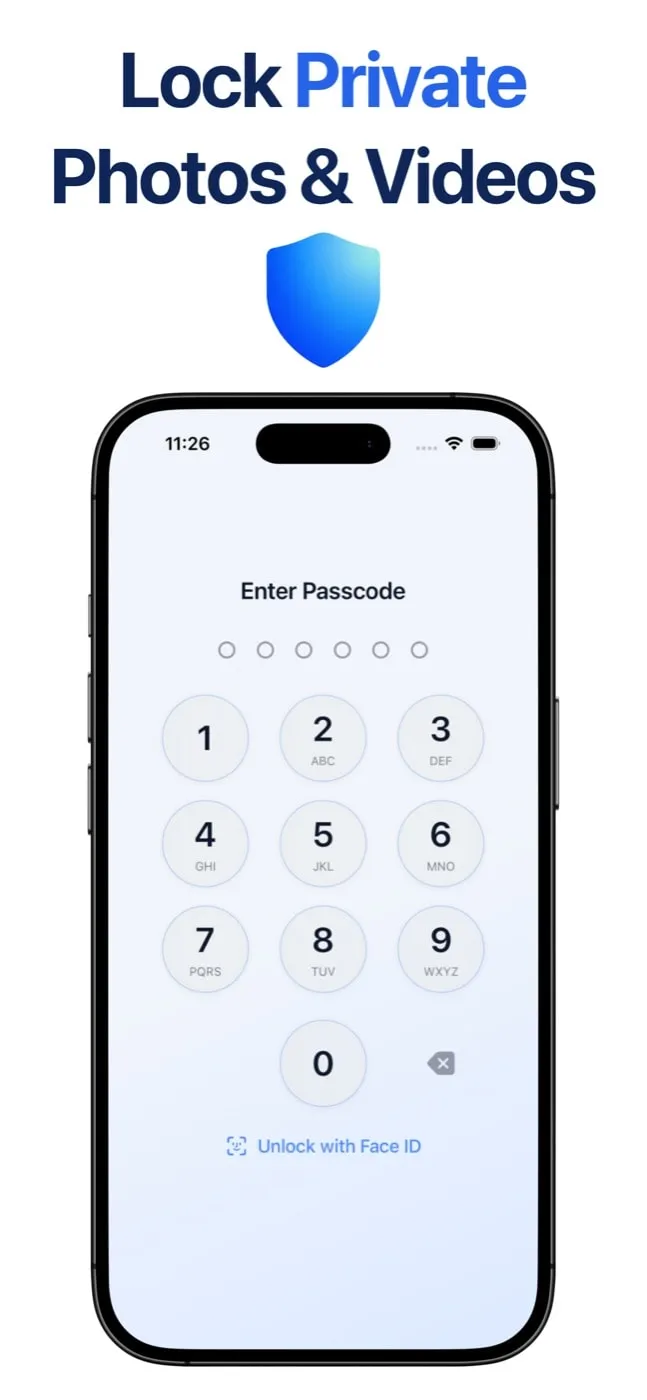
Secure Folder: Privacy Vault is an iPhone app for keeping private photos, videos, and files out of the main photo gallery. The vault opens with a PIN you choose or with Face ID. It sits apart from the ordinary Photos library, so personal content has a place of its own.
Photos and videos are stored locally on the iPhone. Nothing is uploaded. The app does not ask you to create an account.
A second PIN opens a decoy vault. You can keep ordinary content there while the real vault stays closed. Alternative icons let the app blend into the home screen. One of those icons is a working calculator, and the gear on that screen opens the PIN pad.
Wrong PIN attempts can be recorded with a local photo and a timestamp. The photo is taken with the front camera, with no flash and no shutter sound, and the log stays inside the vault.
The vault locks when you leave the app, and a blur covers it in the app switcher. Home Screen widgets give a locked way back in.
Secure Folder is a privacy utility for photos and videos on iPhone. People use it when a picture or a video should stay on the phone, behind a PIN, instead of in the shared camera roll.
Import a photo or a video, lock the vault, and open it again only with the PIN or Face ID. Files can live in the same vault, next to the photos and videos they belong with. The disguise icon is optional. The decoy PIN is optional. Both are there for moments when someone else is holding the phone.
The App Store page is the install link. The website explains the same product in plain language: a private folder, a PIN, Face ID, and storage that stays on the device.
Website: https://getsecurefolder.com/ App Store: https://apps.apple.com/app/id6755857874 Video: https://www.youtube.com/watch?v=gBB39b_JFIs