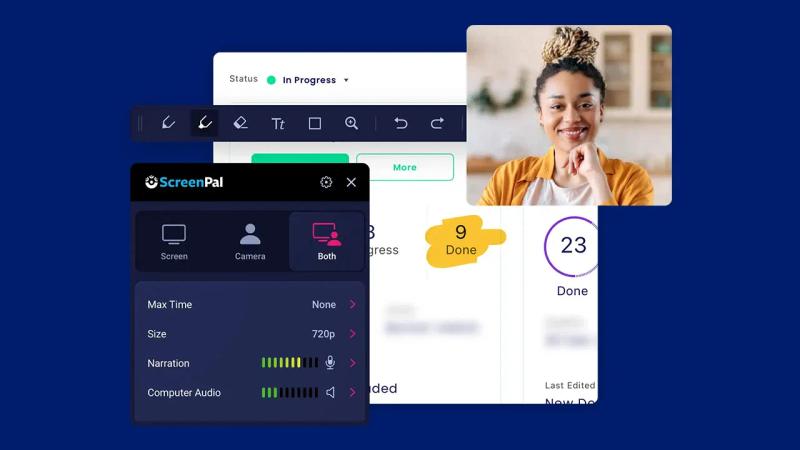
ScreenPal is a freemium screen recording and video editing platform that lets users capture, edit, host, and share videos with AI-powered enhancements, supporting Windows, Mac, iOS, Android, and Chromebook with or without an account.
What is ScreenPal?
ScreenPal is an all-in-one screen recorder and video editor that captures screen, webcam, or both and outputs polished videos with AI captions, translations, and interactive elements. It runs on Windows, Mac, iOS, Android, and Chromebook and is developed by ScreenPal (formerly Screencast-O-Matic), trusted by over 200 million videos captured across 190 countries.
Key Features
- Screen & webcam recording — Record any part of your screen, webcam, or both with optional AI background removal and real-time annotations.
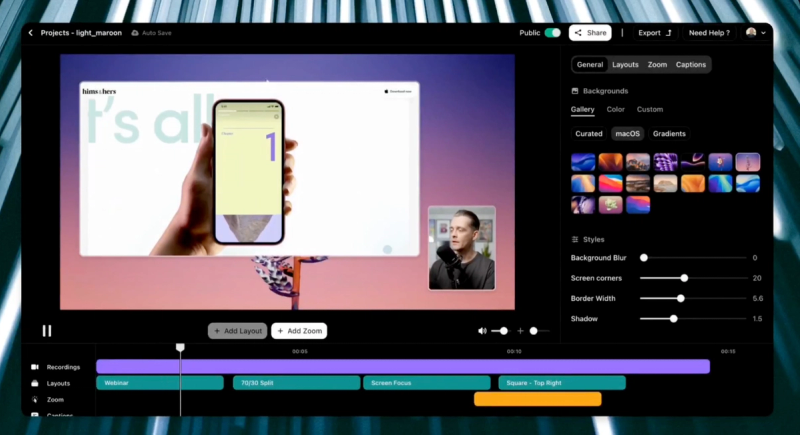
- AI video editing — Auto-generate transcripts, captions, chapters, and summaries; trim, cut, add text overlays, and music with a drag-and-drop storyboard.
- AI video translation — Translate videos into 100+ languages with AI voiceovers and multilingual captions.
- Interactive videos — Add quizzes, polls, and clickable buttons to capture feedback or assess learning.
- Secure hosting & analytics — Host videos in the cloud with privacy controls, embed them anywhere, and track view count, drop-off, and completion rates.
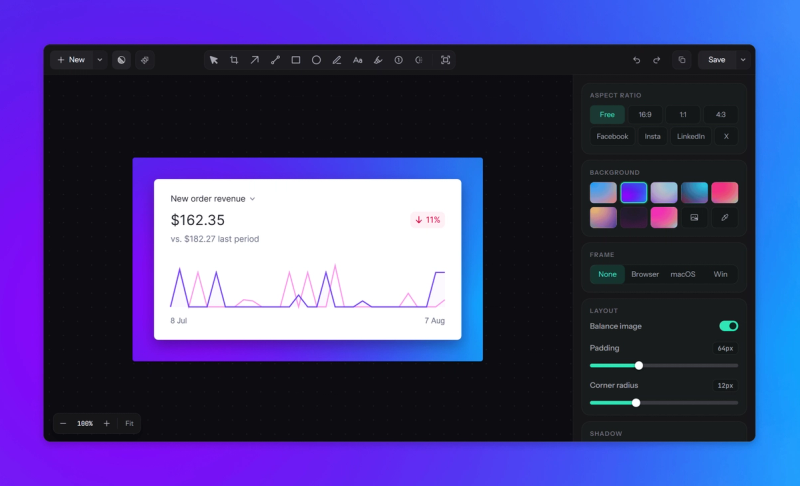
- Image editing — Annotate screenshots with OCR text extraction and a built-in image editor.
- Cross-device access — One account works on desktop, mobile, and web; videos sync automatically.
Who is ScreenPal for?
- Educators — Create flipped/blended learning videos, give video feedback, and assess with interactive quizzes.
- Business professionals — Produce sales demos, training modules, onboarding videos, and internal updates.
- Content creators — Build tutorials, product demos, and social media clips with AI polish.
- Developers — Integrate screen recording into custom workflows using the ScreenPal SDK/API.
What can you do with ScreenPal?
- Teachers: Record a lesson with webcam overlay, auto-generate captions and chapter markers, then embed the video in an LMS with a comprehension quiz.
- Sales teams: Create a product demo, translate it into 10 languages with AI voiceovers, and share a private link with analytics to see who watched.
- Remote trainers: Record a training session, remove background, add interactive polls, and host it securely for team access.
Pricing
ScreenPal operates on a freemium model: a free tier with basic recording and editing, and paid plans for individuals, businesses, and education (including district-wide licenses). Specific dollar amounts are not listed on the site.
Pros and cons
Pros:
- Free tier requires no account for basic recording
- AI features (captions, translation, background removal) save manual work
- Works across all major platforms including Chromebook
- Interactive quizzing and analytics built in Cons:
- Free exports include a watermark on videos
- Advanced AI features require a paid subscription
- No native Linux support
FAQ
Is ScreenPal free?
Yes, ScreenPal offers a free tier that includes screen recording, basic editing, and hosting. Free videos include a ScreenPal watermark. Paid plans remove watermarks and unlock AI features.
What platforms does ScreenPal support?
ScreenPal runs on Windows 10+, macOS, iOS, Android, and Chromebook. A web version is also available for basic editing and hosting.
Does ScreenPal have AI features?
Yes, ScreenPal offers AI-powered speech-to-text captions, text-to-speech voiceovers, video translation into 100+ languages, automatic chaptering, and background removal.
Can I use ScreenPal without creating an account?
You can download and start recording without an account. To save, host, or edit videos in the cloud, you need a free ScreenPal account.
How many organizations use ScreenPal?
ScreenPal is used in 190 countries, with over 200 million videos captured to date. It is adopted by 98% of U.S. universities and Fortune 100 companies.