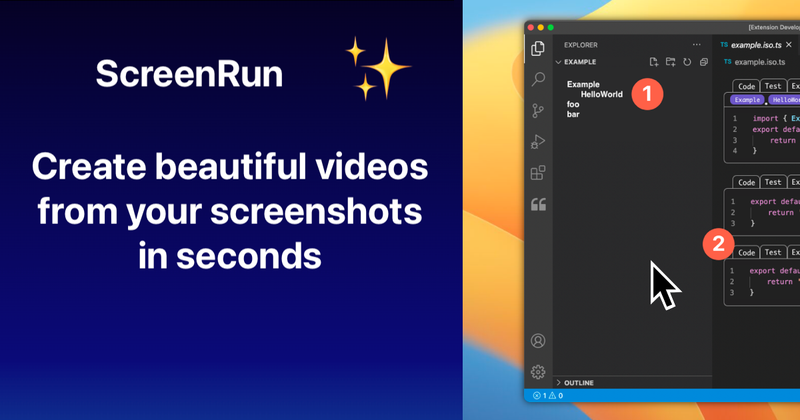
ScreenRun is a web-based video creation tool that transforms screen recordings, screenshots, PDFs, and images into polished videos with cinematic effects, AI narration, and automatic subtitles — all in just a few clicks.
What is ScreenRun?
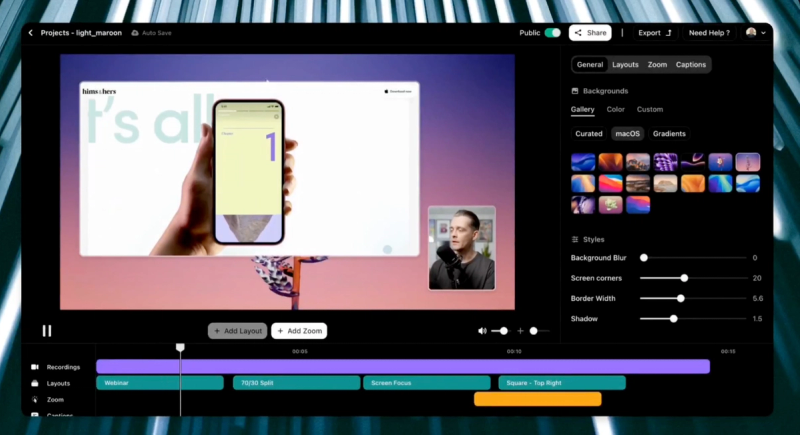
ScreenRun is an online video editor that takes static or recorded screen content (screenshots, screen recordings, PDFs, images) and outputs professional-looking videos with smooth zooms, cursor animations, background overlays, and AI-generated voiceovers. It runs entirely in the browser and is developed by ScreenRun (the company behind ScreenRun.app). The platform is designed for quick turnarounds — the page claims you can create a video from a screenshot in just five clicks.
Key Features
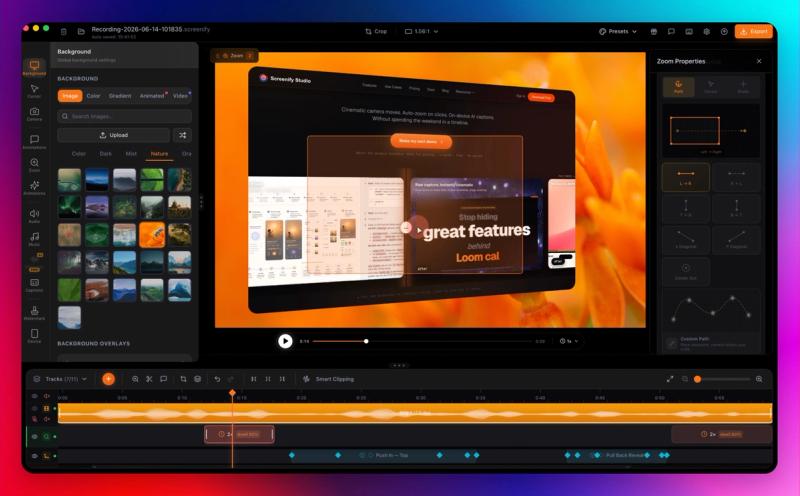
- Zooming effects — Add cinematic push-ins and pull-outs to emphasize specific areas of your screen content, guiding viewer attention smoothly.
- Smooth and custom cursors — Replace default mouse pointers with polished motion paths and branded cursor styles for a more professional look.
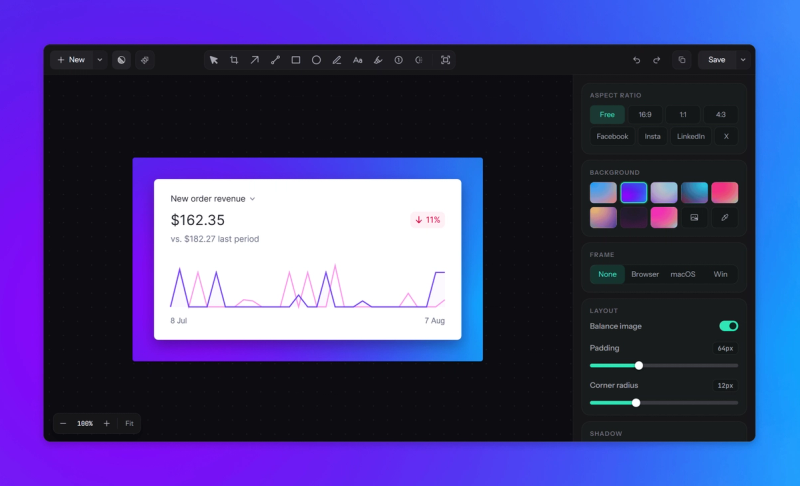
- Background images and videos — Set static or animated backdrops behind your main content to provide context or branding.
- Multiple assets — Combine screen recordings, screenshots, PDFs, and images into a single timeline for complex compositions.
- AI voices — Generate clear narration in different voices and accents, reducing the need for human voiceover recording.
- Automatic subtitles — Convert narration to captions automatically using speech-to-text, making videos more accessible.
- Background music — Add music tracks and balance audio levels with your voiceover for a polished final mix.
- Webcam overlays — Layer facecam footage in circular, rounded, or custom framings to add a personal touch.
Who is it for?
- Educators and tutorial creators — Turn step-by-step screen recordings into engaging lessons with zoom and narration.
- SaaS teams and product marketers — Create quick product demos or walkthrough videos from screenshots without video editing skills.
- Freelancers and social media managers — Produce short-form video content for platforms like Twitter and LinkedIn from static visuals.
- Content creators — Build polished explainer videos or visual stories with minimal time investment.
What can you do with ScreenRun?
- Create tutorial videos from screenshots — Upload a single screenshot, add zoom effects and AI narration, and produce a short instructional video in under a minute.
- Transform screen recordings into demos — Import a full recording, trim, add subtitles, and overlay music to create a professional product walkthrough.
- Generate social media clips from PDFs or images — Convert presentation slides or infographics into animated videos with background music and cursor highlights.
Pricing
ScreenRun operates on a freemium model. A free trial is available (as indicated by the “Start your free trial” call-to-action on the homepage). Paid tiers exist but specific prices are not listed on the page.
FAQ
Is ScreenRun free?
ScreenRun offers a free trial with limited features. To unlock all features (e.g., watermark-free exports, advanced effects), you need to subscribe to a paid plan. Exact pricing is not disclosed on the homepage.
Can I use my own voice for narration?
Yes, you can record your own voiceover, but ScreenRun also provides AI voices in multiple accents and styles, allowing you to generate narration without recording.
Does ScreenRun support importing PDFs?
Yes, ScreenRun accepts PDFs as input along with screen recordings, screenshots, and images. You can combine multiple asset types in one timeline.
Can I remove the watermark?
The free version may include a watermark. Upgrading to a paid plan removes it. Refer to the pricing page for details.
Is there a limit on video length or resolution?
Specific limits are not stated on the homepage. The free trial likely has constraints; paid plans likely offer higher resolution and longer duration.