TikTok transcript generator
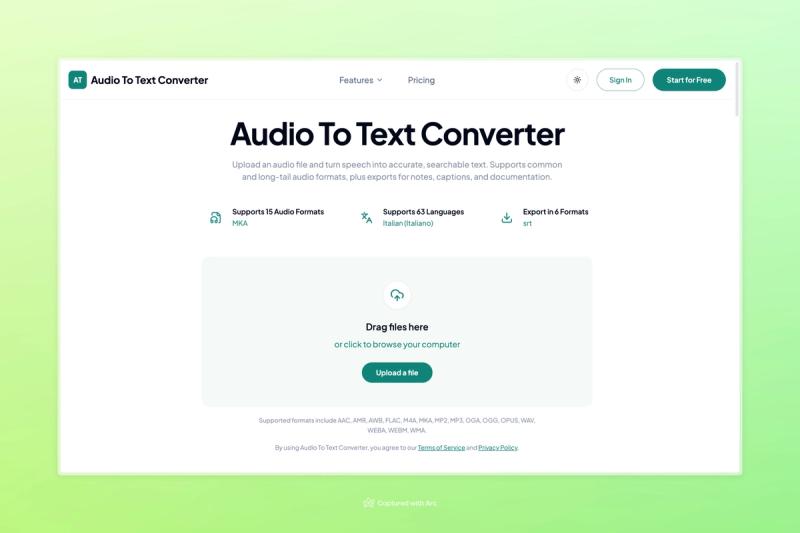
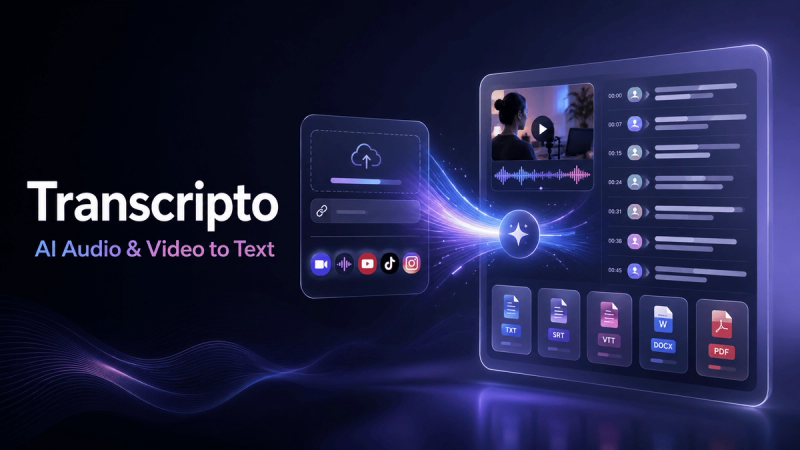
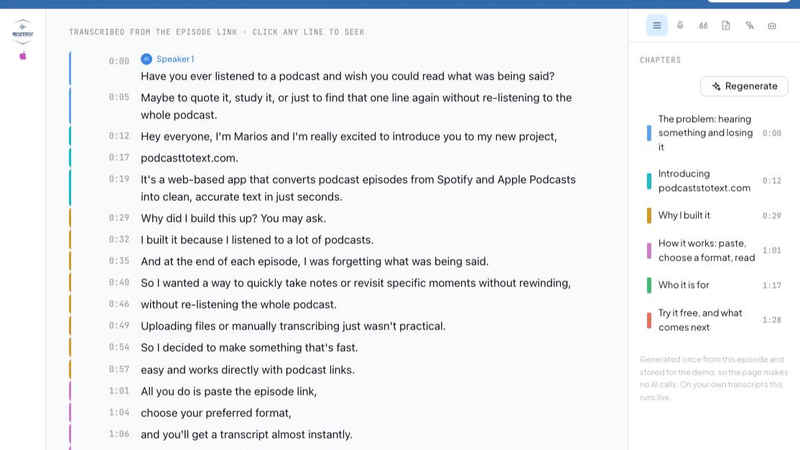
PodcastsToText turns a TikTok video into text. Paste the link (full tiktok.com URLs and vm.tiktok.com short links both work) and the audio is transcribed with AI, with timestamps, usually in under a minute. Then copy it or export it as TXT, Markdown, SRT, VTT, JSON, DOCX or PDF.
How to get a TikTok transcript
- Open the video in TikTok, tap Share and choose Copy link.
- Paste the link into PodcastsToText and press Get the transcript.
- Read it in the editor, fix any names, then copy the text or download a file. SRT and VTT keep the timings, ready to use as captions.
Who uses it
- Creators who want the script of a video back as text, to reuse as a caption, a thread or a blog post.
- Marketers and researchers collecting quotes from many videos.
- Language learners who want to read along with fast speech.
Not only TikTok
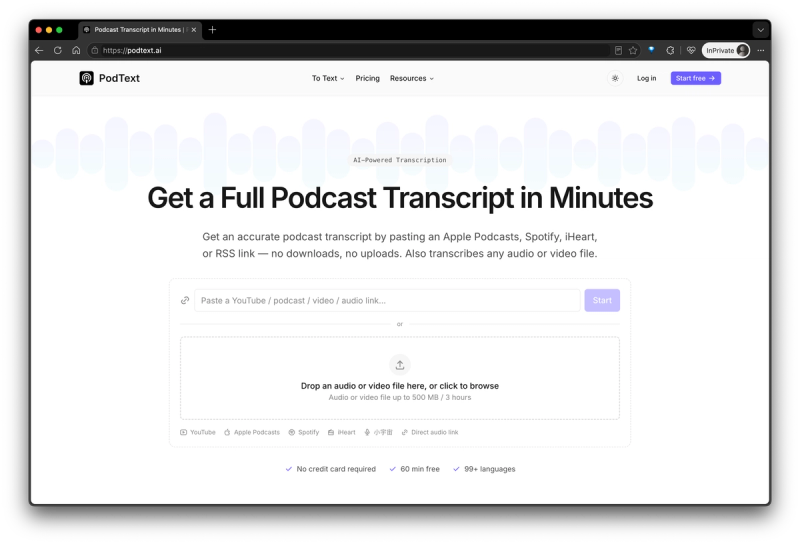
The same field takes YouTube videos (read straight from their captions), Spotify and Apple Podcasts episodes, RSS feeds and audio uploads. Longer recordings get speaker labels, and every transcript opens in an editor where you can fix names once for the whole recording.
Pricing
Free plan with 30 minutes a month and no card. Paid plans add AI show notes, chapters, summaries and translation, plus a REST API and an MCP server for AI agents.