
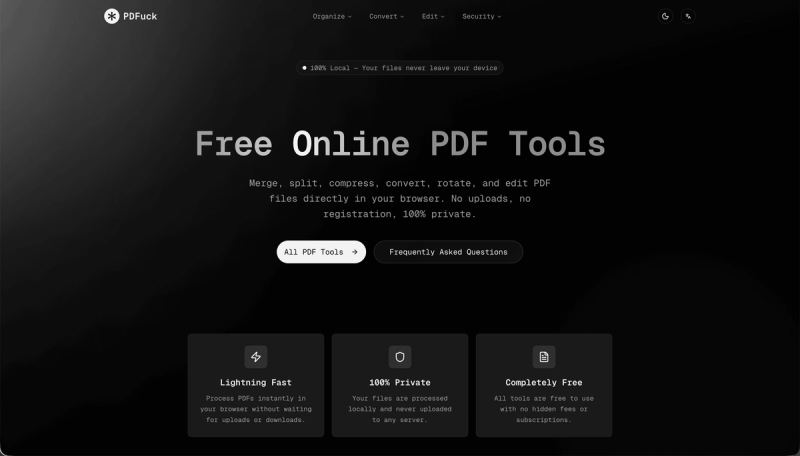
PDFuck is a free, browser-based PDF toolkit that processes all files locally on your device, never uploading anything to any server.
What is PDFuck?
PDFuck is an online PDF manipulation suite offering over 40 tools for merging, splitting, compressing, converting, editing, and securing PDF files. It runs entirely in the browser using JavaScript, accepting input files from your device and outputting the result with no server interaction. The platform supports PDF, PNG, JPG, WebP, Word, Excel, PowerPoint, and more formats.
What makes PDFuck stand out?
- 100% local processing — All operations happen in your browser; files never leave your device, ensuring complete privacy.
- 40+ free tools — Including merge, split, compress, rotate, convert between PDF and images/Office formats, add watermarks, page numbers, headers/footers, and security features like sign, unlock, protect, redact.
- No registration required — Use any tool instantly without creating an account or providing personal information.
- No file size limit — Supports files up to 100MB, with the actual limit depending on your browser's memory.
- Cross-browser support — Works on Chrome, Firefox, Safari, and Edge.
- Lossless operations — Merging, splitting, and rotating preserve original PDF quality.
Who should use PDFuck?
- Students — Combine lecture slides into one PDF, extract pages for notes, or convert assignments to Word.
- Professionals — Compress large PDFs for email, add signatures to contracts, or protect sensitive documents with passwords.
- Freelancers and designers — Convert PNG/JPG/WebP images to PDF portfolios, or extract text from scanned PDFs using OCR.
- Anyone needing quick PDF fixes — without installing software, such as rotating a page or removing pages.







