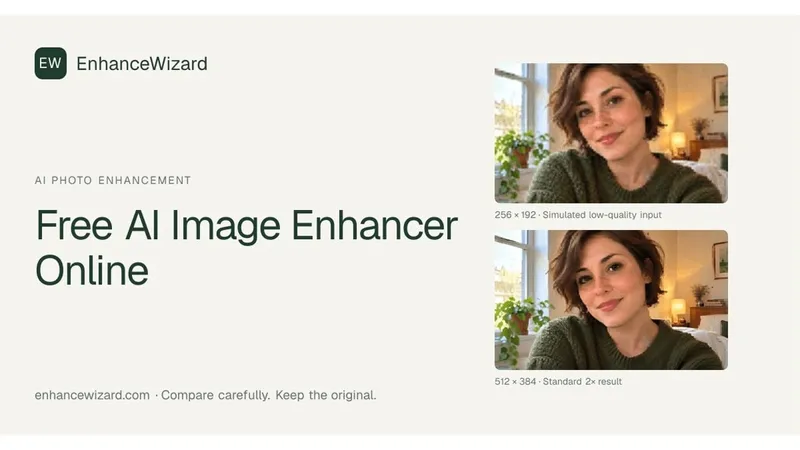
ImageSharpen is a free, browser-based AI image sharpener that restores detail to blurry or low-resolution photographs. It accepts JPG, PNG, and WEBP, processes them automatically in about 5-10 seconds, and lets you download a sharper, higher-resolution result without signing up.
What is ImageSharpen?
ImageSharpen is an AI-powered photo enhancing web tool that sharpens blurry images, increases resolution by up to 4×, and improves overall clarity. You upload a JPG, PNG, or WEBP file up to 20MB, the AI reconstructs missing detail in about 10 seconds, and you download the enhanced image or copy it. No desktop software is required; it runs entirely in modern web browsers on desktop and mobile.
Key Features
- One-click AI enhancement — Upload, paste, or drop an image; enhancement starts automatically with no manual adjustment sliders.
- 4× resolution boost — The AI upscales images while reconstructing detail, as demonstrated by the before/after slider.
- Multiple input methods — Drag-and-drop, file browsing, or paste directly with Ctrl+V.
- Supported formats — Works with JPG, PNG, and WEBP files up to 20MB.
- Fast processing — Each enhancement takes about 10–15 seconds per image.
- Mobile friendly — Runs in the browser on iPhone and Android devices with no app installation.
- Suitable for various image types — Handles portraits, product photos, screenshots, scanned pictures, and compressed images from messaging apps.
Who is it for?
- Content creators and social media users: Sharpen images received from clients or compressed by WhatsApp before posting.
- E-commerce sellers: Restore clarity to product photos taken on phones so items look crisp in listings.
- Photographers and hobbyists: Recover detail from old scanned photos or slightly out-of-focus shots without opening Photoshop.
- Non-designers: Users who need a quick fix for a blurry image but don't want to learn complex editing software.
What can you do with ImageSharpen?
- Unblur old family pictures: Upload scanned or weathered photos and let the AI reconstruct expressions and background details.
- Improve product images: Enhance catalog photos taken in bad lighting so they look professional on online stores.
- Enhance screenshots and UI shots: Make text and edges in compressed screenshots or images exported from design tools look crisp again.
- Prepare images for social media: Increase resolution and clarity of photos before publishing on platforms where compression reduces quality.
How does ImageSharpen work?
After you upload an image, the AI analyzes the photo and uses deep-learning models to reconstruct lost detail and remove blurriness. The workflow is three steps: upload the image (or paste it), wait roughly ten seconds as the AI processes, then preview the result alongside the original using the slider and download in full resolution. There are no manual controls to tune, making the process fully automatic.
FAQ
Is ImageSharpen truly free?
Yes, ImageSharpen offers a free plan that lets you enhance 20 images per day. There’s no need to create an account, and images up to 20MB are accepted.
Do I need to install software or sign up?
No. ImageSharpen works directly in your web browser — no account, no downloads. The tool works on both iPhone and Android phones as well as desktop.
Which image formats are supported?
The tool supports JPG, PNG, and WEBP files with a maximum file size of 20MB per image.
How is this different from Photoshop?
Photoshop’s sharpen filters increase edge contrast, which can look unnatural if overdone. ImageSharpen uses AI to reconstruct actual missing detail, producing cleaner, more natural results without manual adjustments or masking.
How long does sharpening take?
Each image takes about 5-10 seconds to process. The exact time depends on the image’s resolution and the current server load.