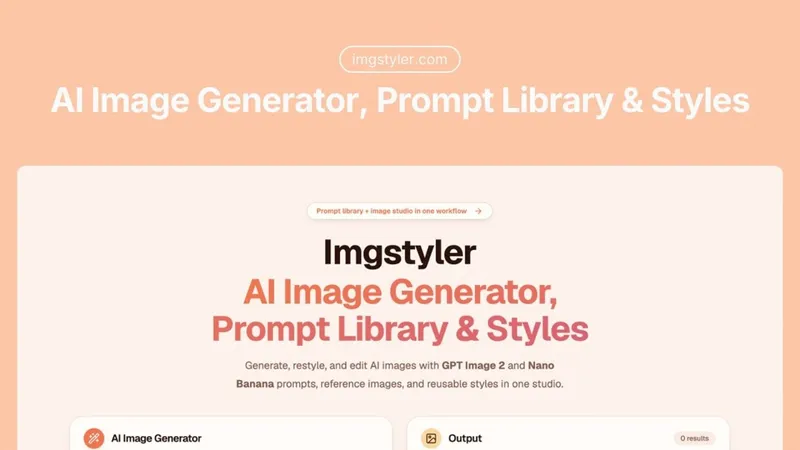
GPT Image 2 is a browser-based AI image generator that excels at producing images with accurate text rendering, photorealistic UI screenshots, and complex multi-object compositions for marketing and design.
What is GPT Image 2?
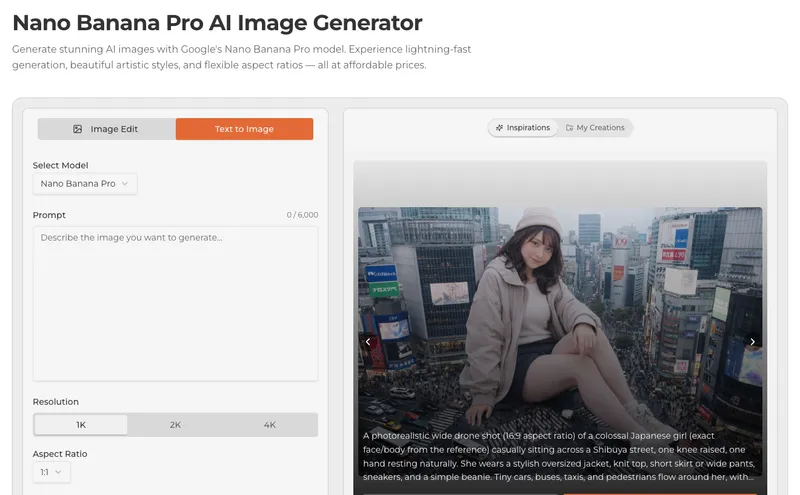
GPT Image 2 is an AI image generation tool that takes text prompts (and optionally reference images) as input and outputs high-resolution, production-ready visuals. It runs entirely in the browser with no installation required, offering fast generation speeds for rapid iteration. The model is built on advanced neural architecture optimized for text accuracy and instruction following, making it distinct from earlier AI image generators.
Key Features
- Perfect Text Rendering — Generates multi-word labels, signs, banners, and UI text with consistent fonts, proper spacing, and correct punctuation, solving a common AI image problem.
- Realistic UI Screenshots — Creates photorealistic software interfaces, browser windows, mobile app screens, and dashboards with pixel-level fidelity for wireframing and documentation.
- Enhanced Photorealism — Delivers sharper textures, consistent lighting, and refined details on human subjects, hands, faces, and material surfaces with fewer artifacts.
- Superior Instruction Following — Accurately interprets complex multi-part prompts specifying object placements, colors, and multiple subjects with distinct attributes.
- Fast Generation Speed — Optimized inference enables quick image generation for rapid iteration and experimentation.
- Versatile Creative Control — Supports multiple artistic styles, aspect ratios (1:1, 16:9, 4:3, 3:2, 21:9, 3:4, 2:3, 9:16), and both text-to-image and image-to-image modes.
- Commercial Use License — Paid plans include full commercial usage rights for marketing campaigns, product listings, and client deliverables.
Who is it for?
- Marketing professionals who need to create social media graphics, product mockups, and banners with accurate text and brand elements.
- Product designers who want to prototype app interfaces and generate realistic UI screenshots for investor decks or documentation.
- Content creators who require photorealistic lifestyle imagery and product shots for e-commerce and blog posts.
- Digital artists who need precise instruction following for complex multi-object compositions.
What can you do with GPT Image 2?
- Create marketing materials with text: Generate signs, banners, menus, and ads where text appears correctly within the image, eliminating manual overlay work.
- Prototype UI designs: Produce photorealistic screenshots of software interfaces, dashboards, and mobile app screens that look like actual captures.
- Generate product photography: Create studio-quality product shots and lifestyle imagery for e-commerce listings and brand storytelling.
- Visualize complex scenes: Use detailed prompts to generate scenes with multiple objects, specific colors, and precise compositions.
Pricing
GPT Image 2 follows a freemium model: users start with free credits. Paid annual plans are available at a 50% discount during a flash sale: Basic ($9.9/month, 800 credits/month), Professional ($19.9/month, 2000 credits/month), and Enterprise ($44.9/month, 6000 credits/month). All paid plans include commercial use, no watermark, and priority support.
FAQ
Is GPT Image 2 free?
Yes, it offers free credits to start, allowing users to test the service before committing to a paid plan.
Can GPT Image 2 render text accurately?
Yes, it specifically solves text rendering issues, producing legible multi-word text in images with consistent fonts and spacing.
What image sizes are supported?
It supports aspect ratios including 1:1, 16:9, 4:3, 3:2, 21:9, 3:4, 2:3, and 9:16.
Does it support image-to-image generation?
Yes, you can upload a reference image for style matching or image-to-image transformation.