Newsletter
Join the Community
Subscribe to our newsletter for the latest news and updates
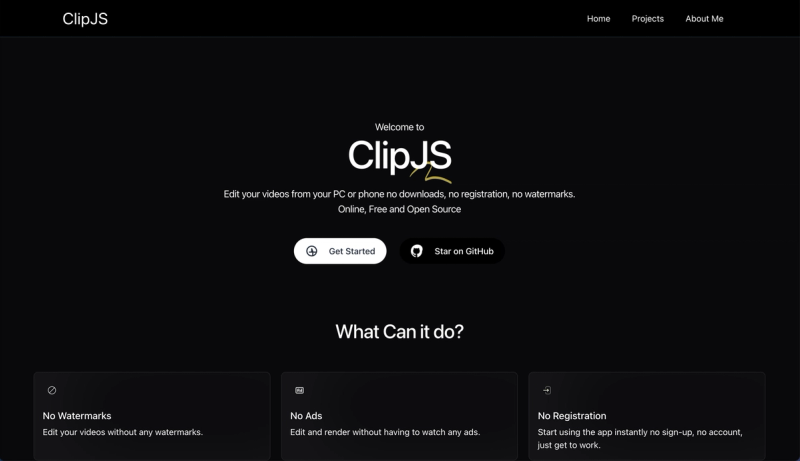
Online video editor built with Next.js, Remotion and FFmpeg (WebAssembly port) for rendering.
github.com (powered by turbo0)
github.com (powered by turbo0)
Submit your own product to reach creators and founders looking for the next tool to try.
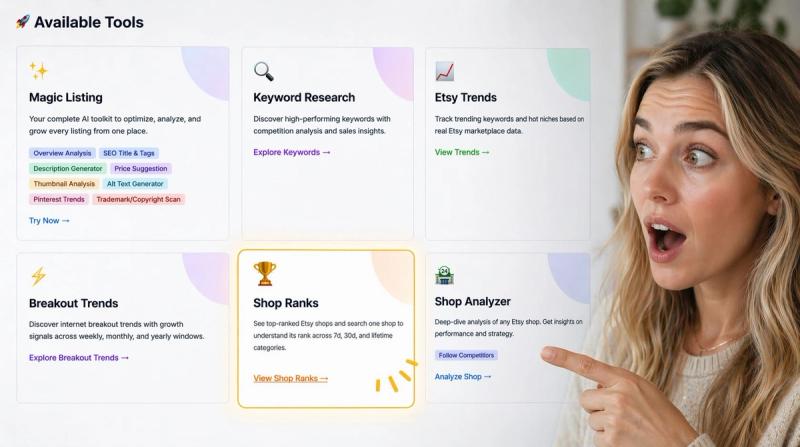
Research Etsy keywords and products with real-time and historical listing signals. Compare demand, competition, estimated sales, prices, titles, and tags, then turn evidence into stronger listing ideas with InsightAgent's connected AI tools.

VideoSwap is an all-in-one AI-powered video tool that lets anyone create professional-quality video content without editing expertise or expensive production tools.
AI-powered study app that generates personalized spaced-repetition plans from uploaded materials to boost exam prep.
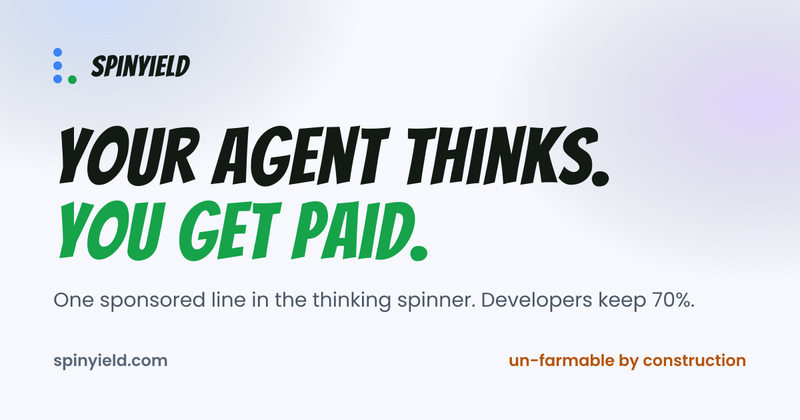
Get paid while your AI coding agent thinks — sponsored lines in the status bar.
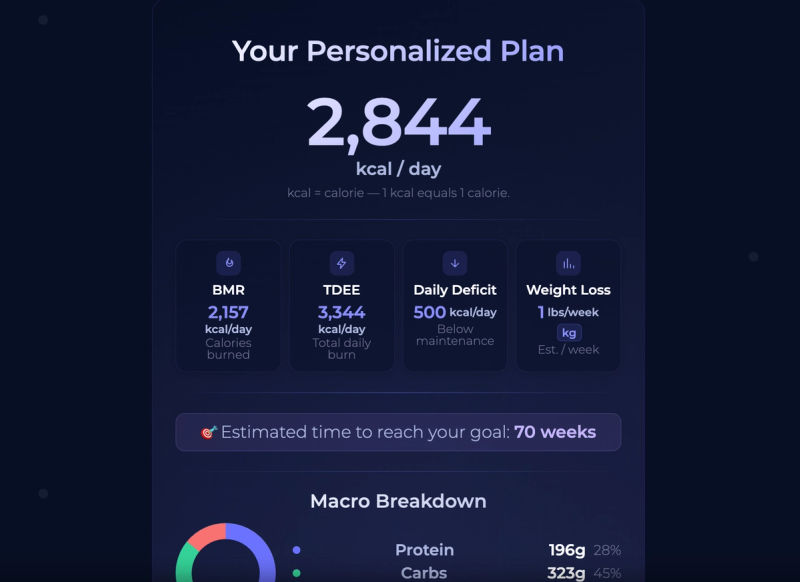
Free Calorie Deficit Calculator by GetFIT App. Calculate your daily calorie target, macros, and estimated weight loss timeline in seconds based on your goals and activity level.
ClipJS is an open-source online video editor built with Next.js, Remotion for real-time previews, and FFmpeg compiled to WebAssembly for high-quality rendering, available at clipjs.mohy.dev.
ClipJS is a web-based video editor that takes media files (videos, audio, images, text) as input and produces edited video files up to 1080p resolution as output. It runs entirely in the browser using WebAssembly, requiring no server-side processing. The project is developed by mohyware and licensed under MIT.
ClipJS is designed for content creators who need a quick, browser-based video editing solution without installing heavy desktop software. It also suits developers looking to integrate video editing into web applications or contribute to an open-source project. Hobbyists and educators can use it for simple video projects like tutorials or social media clips.
ClipJS runs as a Next.js application. To use it locally, clone the repository, install dependencies with npm install, and start the development server with npm run dev. For production, run npm run build then npm start. Alternatively, use Docker: build the image with docker build -t clipjs . and run the container with docker run -p 3000:3000 clipjs. The editor then opens at http://localhost:3000.
Yes, ClipJS is free and open-source under the MIT license. You can download, modify, and use it without charge.
ClipJS supports rendering up to 1080p (Full HD) using the FFmpeg WebAssembly port.
No, ClipJS requires a browser with WebAssembly support and an internet connection for initial load. Once loaded, some features may work offline, but the application is primarily web-based.
The project welcomes contributions. You can find prioritized tasks in TODO.md and submit pull requests on GitHub.