CleanShot X is a Mac-native screen capturing and recording tool that combines over 50 features including annotation, cloud sharing, scrolling capture, and screen recording into a single app. It replaces the need for multiple utilities by offering a unified workflow for capturing, annotating, and sharing screenshots and recordings.
What is CleanShot X?
CleanShot X is a screen capturing and recording application exclusively for Mac. It takes screenshots or screen recordings as input and produces annotated images, GIFs, or video files (optionally uploaded to CleanShot Cloud for instant sharing). The app is developed by CleanShot, a company focused on Mac utilities, and is designed as a native macOS app for performance and system integration.
Key Features
- Annotation Tools — highlight, crop, add text, arrows, and shapes to screenshots with a dedicated toolbar that appears after capture.
- CleanShot Cloud — upload screenshots and recordings with one click to get a shareable link; supports custom domain and branding for Pro users.
- Scrolling Capture — capture scrollable content like webpages, chat histories, or code snippets that extend beyond the screen in any app.
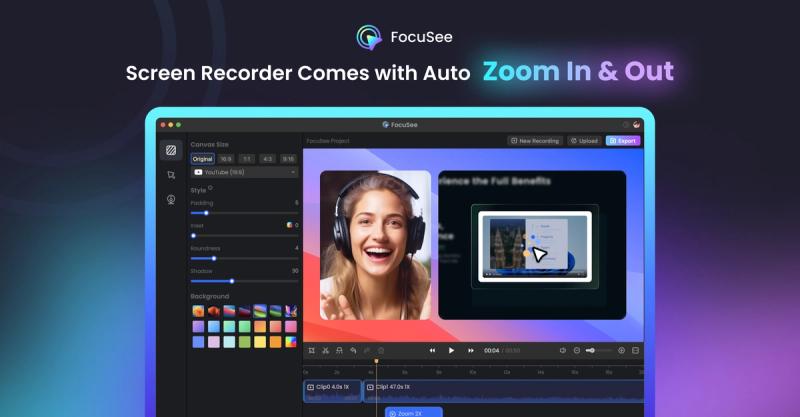
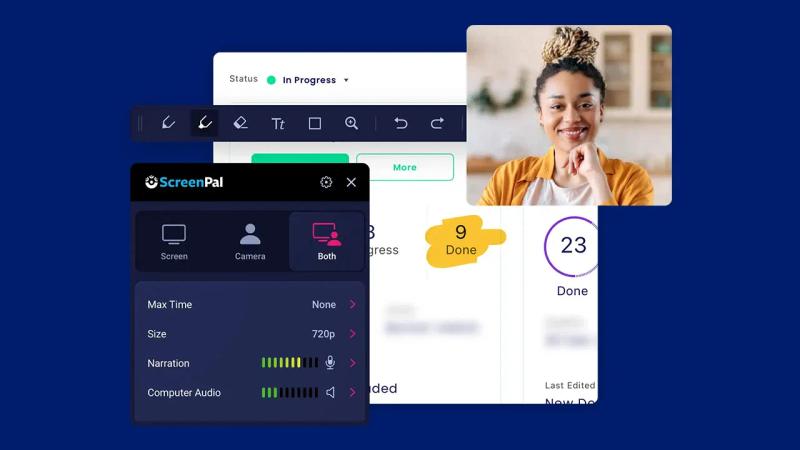
- Screen Recording — record video or optimized GIFs with built-in trimming; supports webcam overlay, mic and system audio recording, mouse click and keystroke highlighting, and automatic notification hiding.
- Background Tool — apply one of 10 included backgrounds or custom images (via upload) to screenshots for polished social media posts.
- Text Recognition (OCR) — extract text from images or scanned documents using on-device OCR, enabling copy of non-selectable text.
- Pin Screenshots — float screenshots above all windows with adjustable size and opacity, keeping references always visible.
- Hide Icons — temporarily or permanently hide desktop icons and set a custom wallpaper during captures for clutter-free screenshots and recordings.
- Self-Timer — schedule screenshots after a delay to capture the perfect moment.
- Scale Down Retina — automatically downsample Retina screenshots to standard resolution for smaller file sizes.
- Crosshair Mode — display pixel-level guides for precise alignment when selecting capture areas.
- Tweakable Settings — customize nearly every aspect of the app to tailor it to your workflow.
Who should use CleanShot X?
- Professionals who share visual feedback — designers, developers, and product managers can annotate screenshots quickly and upload them to the cloud for team collaboration, leveraging features like team management for Pro users.
- Content creators and social media managers — use the background tool to create visually appealing screenshots for social posts, or record tutorials with webcam and audio to explain products or workflows.
- Students and educators — capture scrolling web pages or lecture slides, annotate them, and use OCR to extract text from images for study notes.
- Anyone who needs to communicate clearly via screenshots — the intuitive overlay, pinch-to-zoom, and drag-and-drop sharing make CleanShot X a daily driver for quick captures and annotations.
What can you do with CleanShot X?
- Create polished social media graphics — capture a screenshot, apply a background from the built-in library (10 included), add annotations, and share directly via the overlay.
- Record software tutorials — enable webcam and microphone, highlight mouse clicks and keystrokes, and trim the final video or export as GIF using the built-in trimming tool.
- Extract text from images — use OCR on a captured screenshot or imported image to copy non-selectable text, such as from a scanned document or a locked PDF.
- Collaborate with remote teams — upload captures to CleanShot Cloud in one click, get a shareable link, and manage team access with Pro team management features.
Pricing
CleanShot X is a paid app with a 30-day money-back guarantee. It offers Pro tiers that include custom domain, branding, and team management features. A cloud account is not required to use the core app, but cloud features are available with a subscription.
FAQ
Is CleanShot X free?
No, CleanShot X is a paid application. It offers a 30-day money-back guarantee, and a free trial is not mentioned on the website.
Can I use CleanShot X without a cloud account?
Yes, the app does not require a CleanShot Cloud account for local capturing, annotating, and saving. The cloud features for uploading and sharing are optional.
Does CleanShot X support text recognition?
Yes, CleanShot X includes OCR technology that works on-device, allowing you to copy text from images and scanned documents quickly.
What are the system requirements?
CleanShot X is a native macOS app. The exact system requirements are not stated on the page, but it is designed for Mac and requires macOS that supports modern features.
What export formats are available?
Screenshots can be saved as PNG, JPEG, and other common formats. Screen recordings can be exported as video files (MP4, etc.) or optimized GIFs. The built-in trimming tool works on recordings before export.