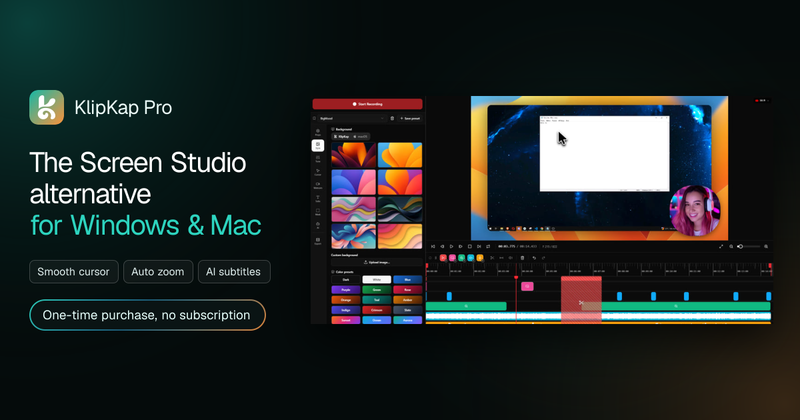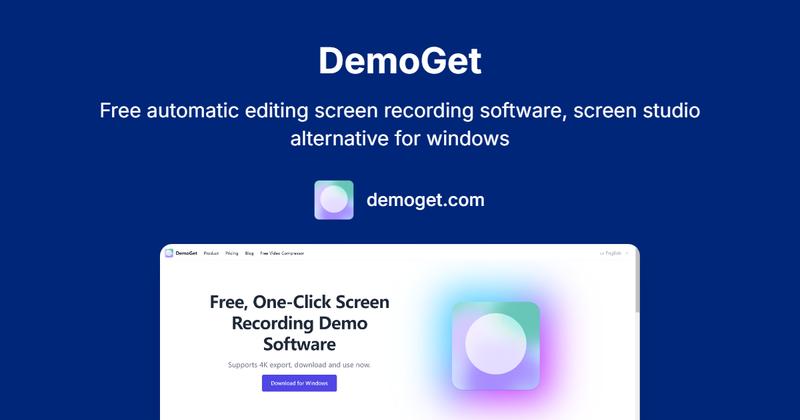
DemoGet is a free automatic editing screen recording tool for macOS that delivers polished, professional-grade videos immediately after recording, eliminating the need for manual post-processing.
What is DemoGet?
DemoGet is a screen recording and editing application developed by solo founder lxfater (a GitHub maintainer with 30K stars and a content creator with 40K followers). It captures screen activity along with optional camera and voice narration, then applies automatic enhancements such as mouse trajectory smoothing, smart zoom, and background beautification to produce a finished video in one step. The software runs on macOS 13.0 and above, with a Windows beta in development.
Key Features
- Automatic editing — Record once; the software applies intelligent cuts, speed adjustments, and visual polish without any manual work.
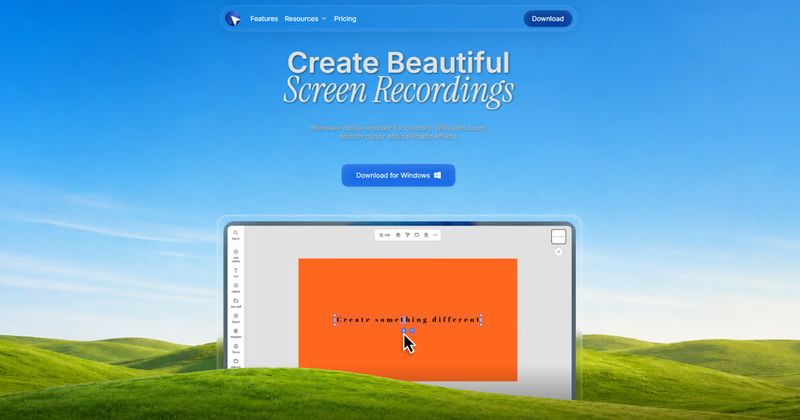
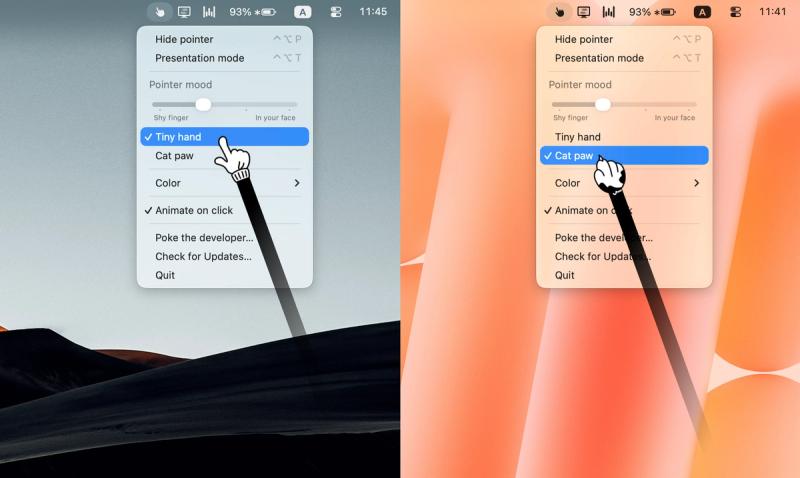
- Mouse movement optimization — Smooth mouse trajectories and custom cursor styles guide viewer attention and enhance professionalism.
- Smart auto-zoom — Automatically zooms in on clicks and detailed operations so viewers never miss important actions.
- Camera + voice narration — Record with your webcam and microphone; trim, adjust speed, and control volume within the app.
- Privacy protection — Switch camera backgrounds, hide desktop icons, and mask sensitive information (masking is in development).
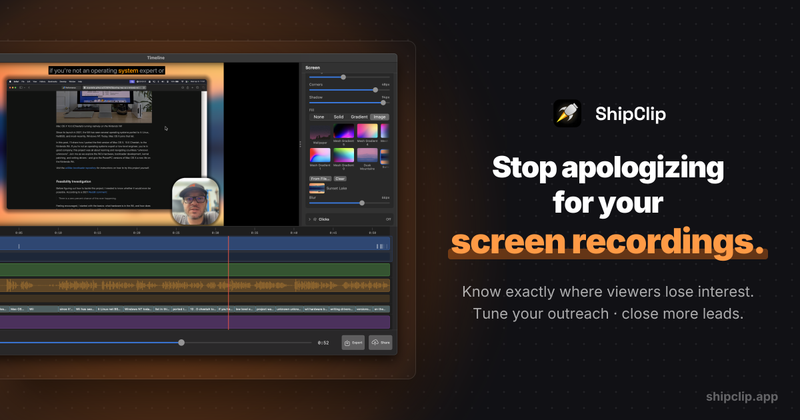
- Built-in editing features — Quick cutting, speed adjustment, and volume control without relying on third-party software.
- Visual customization — Add beautiful backgrounds, rounded corners, shadows, and custom watermarks to strengthen brand identity.
- High-quality export — Supports 4K resolution output for crisp, professional videos.
Who is it for?
- Content creators who need to produce product demos or tutorials quickly, with minimal editing effort.
- Educators creating online course materials where clear, engaging demonstrations drive student enrollment.
- Sales and marketing professionals preparing polished presentation videos for clients or stakeholders.
- Remote workers recording software walkthroughs, bug reports, or performance reviews with a professional finish.
What can you do with DemoGet?
- Record software demonstrations — Capture any application window or screen region with optional camera overlay, then export a complete video with automatic zoom on actions.
- Create training materials — Use smart zoom and annotation tools (coming soon) to explain complex workflows step by step.
- Showcase product features — Leverage custom mouse styles and beautiful backgrounds to make your product stand out.
- Protect privacy while recording — Switch camera backgrounds to hide your real environment, and in future versions, mask sensitive data on screen.
Pricing
DemoGet offers a one-time purchase with lifetime use. A Founder Package is available for $60 (USD), covering 2 devices and including lifetime upgrades, 1-on-1 support, and additional perks. Some planned features (video masking, iPhone recording, beauty filters, virtual avatar) will increase the price after release; current pricing is locked for early adopters.
FAQ
Can I unbind the device?
Yes, device binding can be managed; contact support for assistance.
What systems are supported?
Currently macOS 13.0 and above (Apple Silicon and Intel). A Windows beta version is available for download.
When will there be a Windows version?
A Windows beta is already available; a stable release timeline has not been announced.
What features will be developed in the future?
Planned features include video masking, iPhone recording, beauty filters, auto subtitles, three-dimensional promotional mode, and AI-powered video translation with lip sync.
How to contact the author?
You can reach the creator via their X (Twitter) profile or through GitHub.