
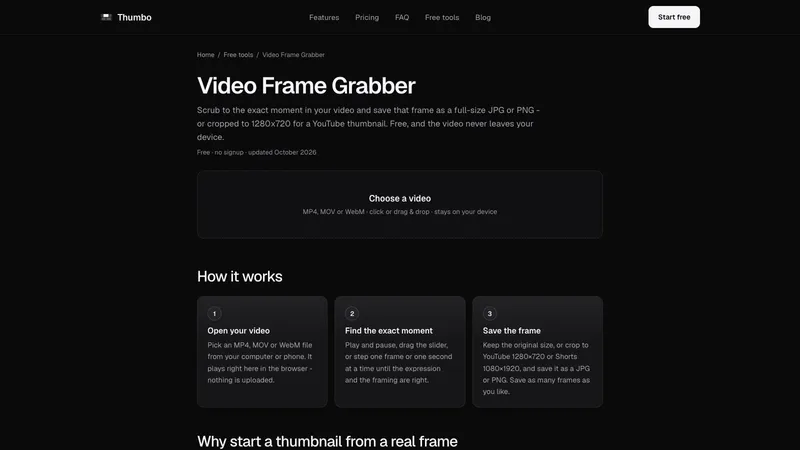
Video Frame Grabber lets you scrub to the exact moment in your video and save that frame as a full-size JPG or PNG, or cropped to 1280x720 for a YouTube thumbnail. It is free, and the video never leaves your device.
How it works
- Open your video. Pick an MP4, MOV or WebM file from your computer or phone. It plays right in the browser and nothing is uploaded.
- Find the exact moment. Play and pause, drag the slider, or step one frame or one second at a time until the expression and the framing are right.
- Save the frame. Keep the original size, or crop to YouTube 1280x720 or Shorts 1080x1920, and save as JPG or PNG. Save as many frames as you like.
Why start from a real frame
A screenshot of a playing video captures the player controls, the screen resolution instead of the video's, and often a half-blurred frame. This grabber pauses on the exact frame and saves it at the video's own resolution, with no player chrome.
Picking a frame that works as a thumbnail
Check sharpness, since fast movement leaves motion blur in single frames. Check the face: eyes open, clear expression, mouth not mid-word. Look for one clear subject that reads at phone size, and for room for text. Made by Thumbo, the AI thumbnail maker. Free, no signup, no watermark.


