
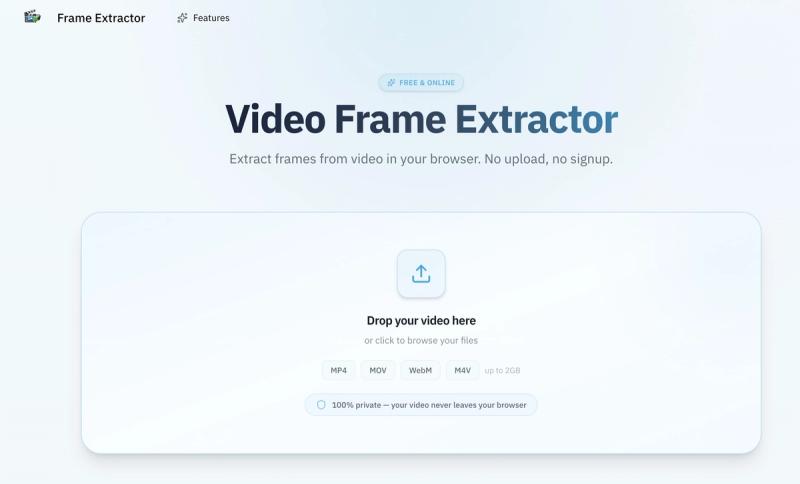
Frame Extractor is a free browser-based video frame extractor that pulls still images from any video file—MP4, MOV, WebM, or M4V—without uploading your footage anywhere. It runs entirely on your device, using the WebCodecs API for native-quality extraction.
What is Frame Extractor?
Frame Extractor is a browser-based tool that extracts still frames from video files up to 2 GB. You input a video, choose how many frames you need, and get back PNG or JPG images at the original resolution. Because everything runs locally via WebCodecs, your video never touches a server and you don't need an account.
Key Features
- No upload — Your video stays on your device; zero data is sent to any server.
- Multiple extraction modes — Extract a single frame, frames at regular intervals, a specific count, or let scene detection capture the most distinct keyframes.
- Frame-accurate navigation — Seek to any millisecond with precision to capture the exact moment you need.
- Full resolution output — Frames are exported at the original video resolution (HD, 4K, etc.) with no quality loss.
- PNG & JPG export — Save as lossless PNG or choose JPG with adjustable quality from 1 to 100.
- ZIP batch download — Download all extracted frames as a single ZIP package.
- Works offline — Once the page loads, the tool runs without an internet connection.
- No account required — Open the page and start extracting immediately; no signup or email needed.
Who is it for?
- Content creators — Pull perfect thumbnails, featured stills, and social visuals for YouTube, TikTok, and Instagram.
- Designers and storyboard artists — Build storyboards and mood boards by extracting key scenes or batch-frame summaries from entire projects.







