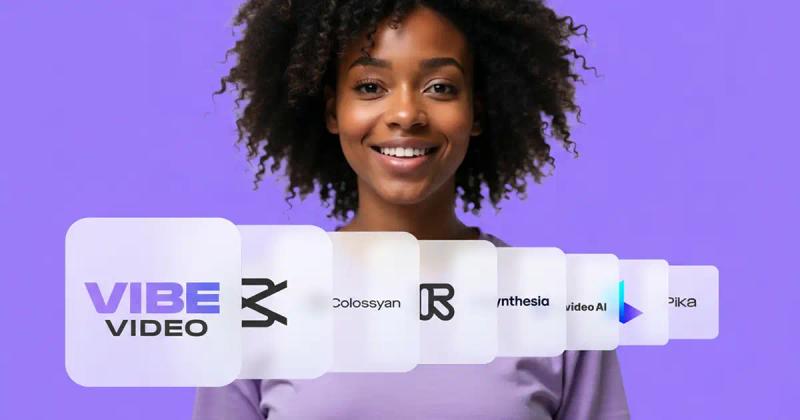
Vibe Video is a web-based AI tool that converts static images into animated MP4 videos, guided by user-provided text prompts, with options for various resolutions and durations.
What is Vibe Video?
Vibe Video (accessible at vibevideo.org) is an AI-powered platform that generates short videos from user-uploaded images. It accepts JPG, PNG, WebP, and HEIC files up to 10 MB and outputs MP4 videos with durations from 5 to 15 seconds depending on the model selected. The tool runs entirely in a web browser and offers three model tiers: VibeVideo Basic (free, 480p, 5-second clips), VibeVideo Pro (720p up to 15 seconds), and VibeVideo Cinematic (1080p up to 15 seconds). The platform is developed by Vibe Video, a team of creative technologists.
Key Features
- AI Video Generator From Image: Upload any photo and convert it into a lively video with a single click.
- Text-Guided Animation: Type a prompt describing the desired motion (e.g., "make the trees dance") and the AI animates the image accordingly.
- Consistent, Natural Animations: The AI maintains the original subject's appearance across frames, avoiding morphing or color shifts.
- Multiple Resolution Options: Choose between Basic (480p free), Pro (720p), and Cinematic (1080p) models, each with different credit costs.
- Fast Processing: Generates videos in approximately 1–2 minutes.
- Commercial Use: All generated videos are fully licensed for commercial purposes.
- 100% Private: The service emphasizes data privacy; no data used for AI training.
Who is it for?
- Social Media Marketers: Create eye-catching short videos for Instagram, TikTok, or YouTube without needing video editing skills.
- Content Creators: Enhance blog posts, websites, and presentations with animated visuals from still photos.
- Businesses: Produce product showcases, advertisements, and corporate communications with AI-generated video.
- Hobbyists and Families: Turn personal photos into fun, animated keepsakes or social media content.
What can you do with Vibe Video?
- Animate a family photo: Upload a picture from a vacation and add a prompt like "gentle waves on the beach" to create a short video.
- Create product demos: Upload product images and describe motion (e.g., "rotate slowly") to produce an engaging advertisement.
- Generate social media content: Turn event photos into dynamic video posts with text prompts.
- Make stop-motion-style clips: Use the consistent animation feature to create claymation or fluffy character videos as shown in the gallery.
How does it work?
- Upload your image (JPG, PNG, WebP, or HEIC, max 10 MB) to the AI Video Generator From Image page.
- Add a text prompt describing the desired animation (best results with English).
- Click Generate and wait about 1–2 minutes for your MP4 video to be created and downloaded.
Pricing
Vibe Video operates on a freemium model. The Free plan includes 70 credits and access to the Basic model (480p, 5-second clips). Paid plans (Pro, Premium, Ultimate, Elite) offer 3000 to 25000 credits, access to all video models up to 1080p, and additional features like text-guided animation. Credits are one-time or subscription-based via credit card or crypto. The Pro plan starts at $19.90 per month, Premium at $29.90, Ultimate at $59.90, and Elite at $79.90. All paid plans include 100% privacy and cancel-anytime options.
FAQ
What is the Vibe Video AI Video Generator From Image?
It's a web-based tool that transforms your photos into realistic MP4 videos using AI. It's accessible at vibevideo.org and produces videos in 1–2 minutes.
Is there a free trial?
Yes, the Free plan gives 70 credits to test the tool with the Basic model.
Can I use generated videos commercially?
Yes, all videos created with Vibe Video are fully licensed for commercial use.
How does the subscription work?
Paid plans auto-renew if paid by credit card; crypto payments are one-time and do not renew. You can cancel anytime.
Is my data used for AI training?
No, Vibe Video states it is 100% private and your data is not used for training.