Newsletter
Join the Community
Subscribe to our newsletter for the latest news and updates
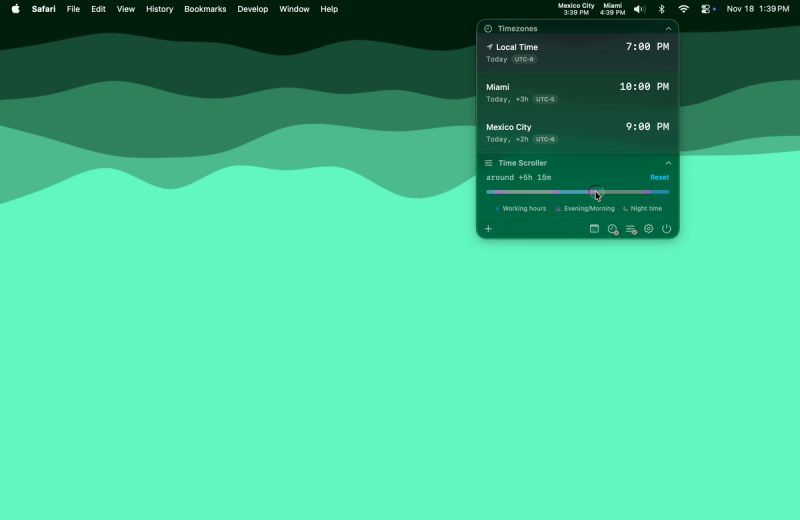
Time is a native macOS menu bar app for managing time zones and calendar events. Track unlimited zones, see when teammates are awake, and join meetings with one click.
Submit your own product to reach creators and founders looking for the next tool to try.

Web-based text-to-speech generator with 185 British, Scottish, Welsh, and Northern Irish voices for converting scripts into downloadable UK English audio.

AI image translator that converts text in photos and scans into 60+ languages while preserving layout.
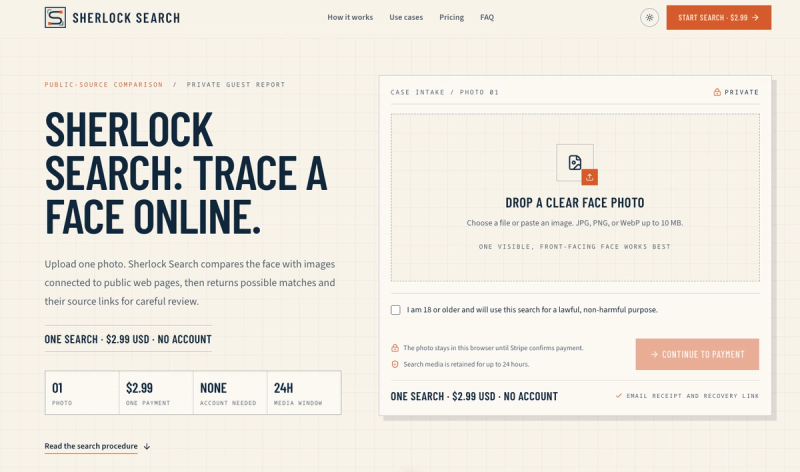
Sherlock Search is a reverse face search that compares your photo to images linked to public web pages and returns possible matches with source links for review.
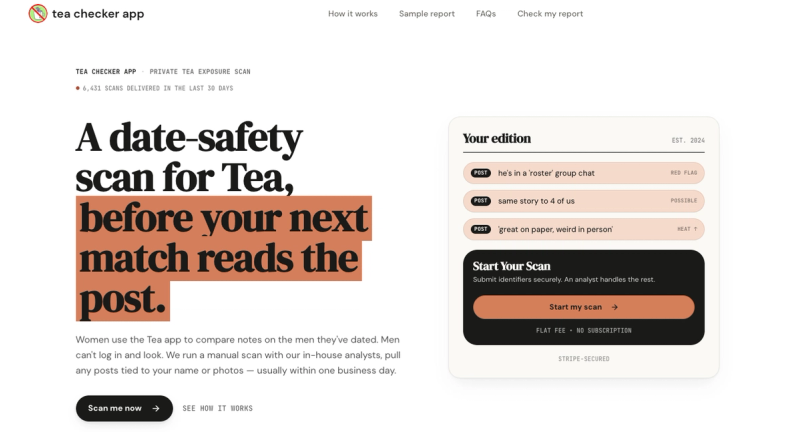
A date-safety scan for TeaOnHer that finds posts about you and delivers a verified report in 24 hours.
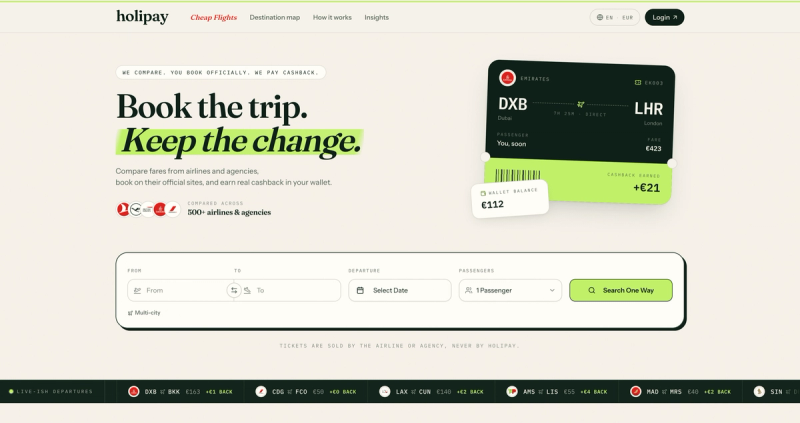
Compare cheap flights from 500+ airlines and agencies, book on the provider’s site, and earn cashback you can withdraw after your trip.

Free word art generator that turns text into shapes and fills them with your own words. 390+ templates or your own image, three fill styles, palettes, gradients, and exports up to 4K PNG, cut-ready SVG, or animated MP4/GIF. Free, no account, in-browser.

Free fullscreen color screen tool. 12 colors, in-browser monitor/dead-pixel tests, 4K/8K wallpaper downloads, white-background editor, 11 languages, PWA, no ads and no sign-up. Great for cleaning monitors, lighting video calls, tracing art, and focus work.
Time is a native macOS menu bar app built for people who work across time zones. The Problem If you've ever pinged a coworker at 3 AM their time, missed a meeting because you calculated the time wrong, or spent five minutes hunting for a Zoom link buried in an email thread, you know the pain. Working with a global team means constantly doing mental math, and existing solutions are either ugly widgets, bloated apps, or subscription traps. The Solution Time lives quietly in your menu bar and shows multiple time zones at a glance. Add unlimited zones, give them custom names like "Tokyo Office" or "Mom," and instantly see everyone's local time without opening anything. Key Features Time Scroller: Drag to preview what time it will be across all your zones up to 24 hours ahead. Perfect for finding that magical meeting slot when everyone is actually awake. Day & Night Awareness: Color-coded segments show daylight and nighttime across all zones. No more mental math to figure out if someone is sleeping. Smart Calendar Integration: See upcoming events directly in the popover, get warnings before meetings start, and join Zoom, Google Meet, Microsoft Teams, or Webex calls with a single click. No more digging through emails for links. Date Picker: Planning a meeting next week? Pick any future date and see how times align across all your zones. Airport Code Search: Search from 5,500+ airport codes to quickly find cities. Type "LAX" instead of scrolling through a list of Los Angeles options. DST Warnings: Get notified when daylight saving time changes are coming so you're never caught off guard. Why Time? Native SwiftUI means buttery smooth performance and minimal resource usage. Your calendar data stays on your device with zero tracking or data collection. It's a one-time purchase with no subscriptions, and you get lifetime updates. Time is actively developed and optimized for the latest macOS versions including Tahoe. Extensive customization options let you control 12/24-hour formats, fonts, colors, and alignment. Pricing One-time purchase starting at $24.99. No subscriptions. Free 30-day trial included. Built by a remote worker who got tired of doing time zone math at 6 AM.