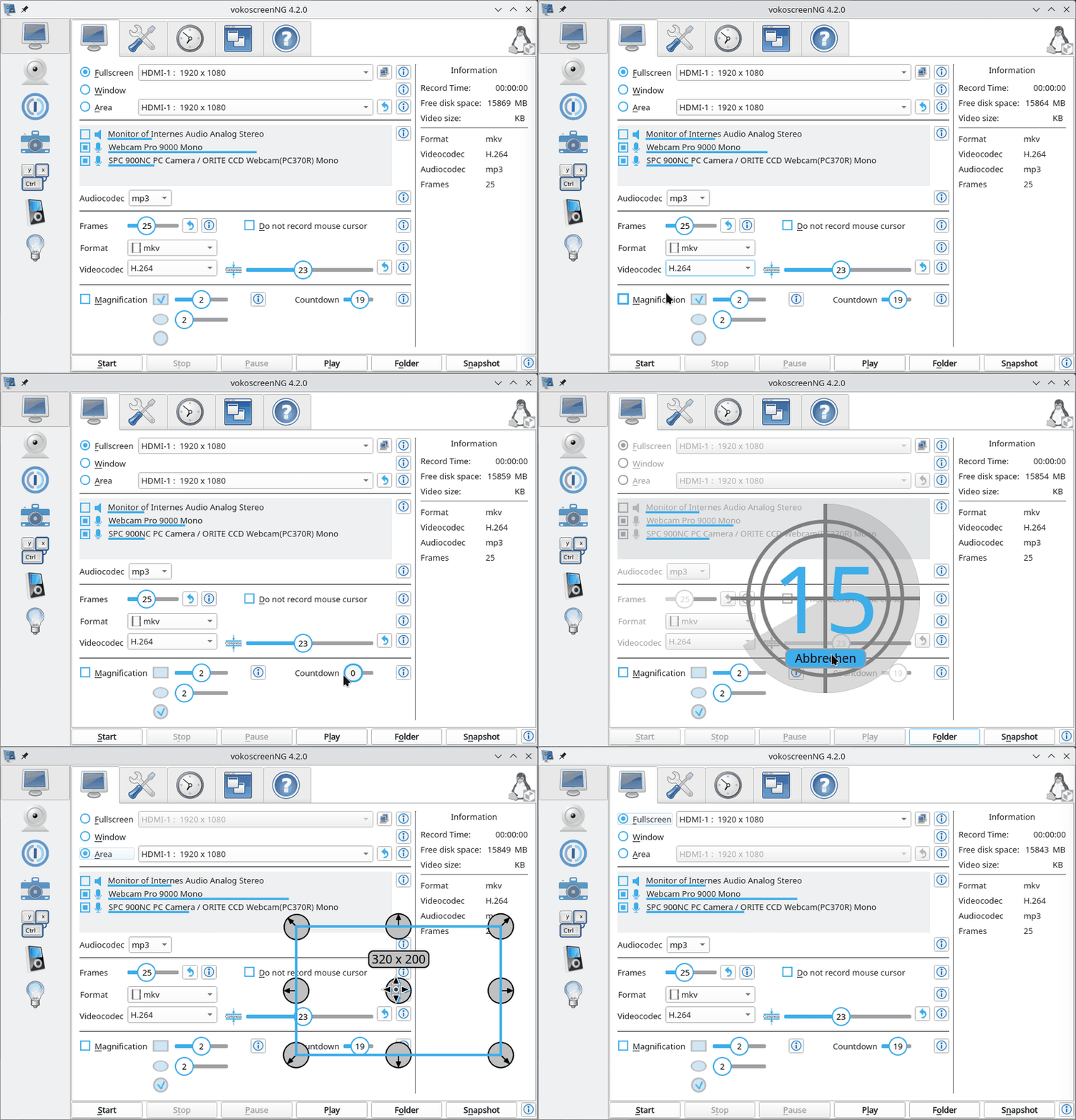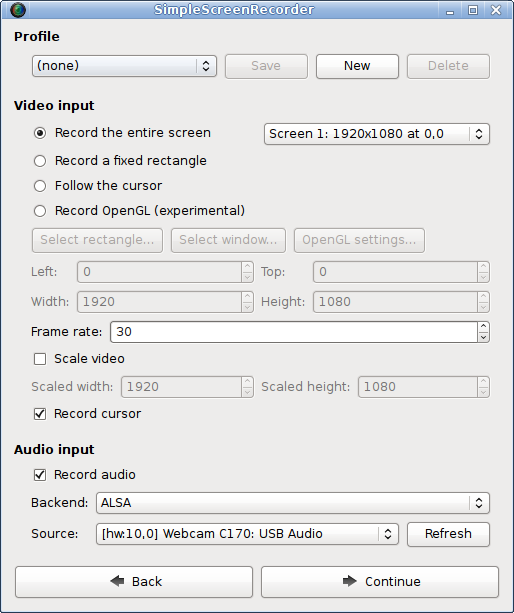
SimpleScreenRecorder is a Linux screen recording application that captures programs and games with a Qt-based graphical interface while offering high performance and OpenGL support. Unlike command-line tools like ffmpeg, it provides straightforward controls, proper audio-video synchronization, and adaptive frame rates. Developed by Maarten Baert and released under the GNU General Public License, it is freely available on GitHub.
What is SimpleScreenRecorder?
SimpleScreenRecorder is a free, open-source Linux tool for recording desktop activities, applications, and games. It takes input from your screen (full or partial) or directly from OpenGL applications and produces video files in various formats via ffmpeg/libav libraries. The program runs on all Linux distributions and is actively maintained by its creator, Maarten Baert.
Key Features
- OpenGL Recording — Captures 3D applications directly (similar to Fraps on Windows) with support for 32-bit OpenGL apps on 64-bit systems via an additional package (lib32-simplescreenrecorder).
- Multithreaded Architecture — Ensures smooth recording by preventing small delays in any component from blocking others, improving performance on multi-core systems.
- Pause/Resume — Allows pausing and resuming recordings at any time using a button or hotkey, with statistics displayed (file size, bit rate, actual frame rate).
- Live Streaming — Experimental support for streaming to the web, configurable through the interface.
- Adaptive Frame Rate — Automatically reduces frame rate if the computer is too slow, avoiding RAM overuse (a common issue with VLC).
- Preview During Recording — Shows a real-time preview to verify settings before completing a recording.
- Sensible Defaults — Comes with preconfigured settings so most users can start recording immediately without adjustments.
- Tooltips — Detailed explanations for every option, reducing the need to read documentation.
Who is it for?
- Gamers — Record or livestream gameplay, including OpenGL-based titles on Linux, with minimal performance impact.
- Tutorial Creators — Capture software demonstrations or video lectures with synchronized audio and video.
- Developers — Record bug reproductions or feature walkthroughs for open-source projects, leveraging the comprehensive statistics and pause feature.
What can you do with SimpleScreenRecorder?
- Game recording — Capture gameplay from OpenGL applications, as demonstrated in the official demo recording Valve's Portal on Linux.
- Desktop recording — Record the entire screen or a selected region for creating tutorials or presentations.
- Live streaming — Stream content to platforms like YouTube or Twitch using the experimental live streaming feature.
Pros and cons
- Pros: Completely free and open-source, actively maintained on GitHub, easy-to-use graphical interface, supports many codecs via ffmpeg.
- Cons: Linux-only (no Windows/macOS version), live streaming is experimental.
FAQ
Is SimpleScreenRecorder free?
Yes, it is distributed under the GNU General Public License and can be downloaded and used without any cost.
What Linux distributions are supported?
It works on any Linux distribution, with official packages available for Arch Linux (via AUR), Debian, Fedora, Gentoo, KaOS, Mageia, NixOS, OpenSUSE, PCLinuxOS, Red Hat Enterprise Linux/CentOS/Scientific Linux, Slackware, and Ubuntu/Linux Mint.
Can I record 32-bit games on a 64-bit system?
Yes, by installing the 32-bit compatibility library (e.g., lib32-simplescreenrecorder or simplescreenrecorder-lib:i386).
How do I report bugs or request features?
Bugs and feature requests can be submitted on the GitHub issue tracker or emailed to the maintainer (address shown on the website).
Does SimpleScreenRecorder support hardware encoding?
The tool relies on libav/ffmpeg for encoding; hardware acceleration support depends on the codec and your system configuration. The custom codec options page provides more details.