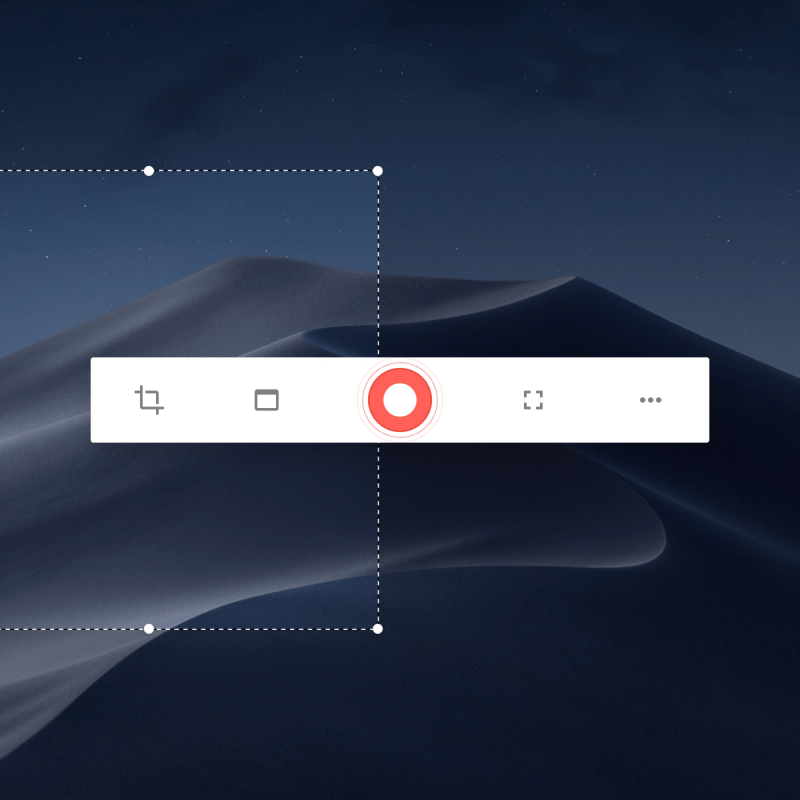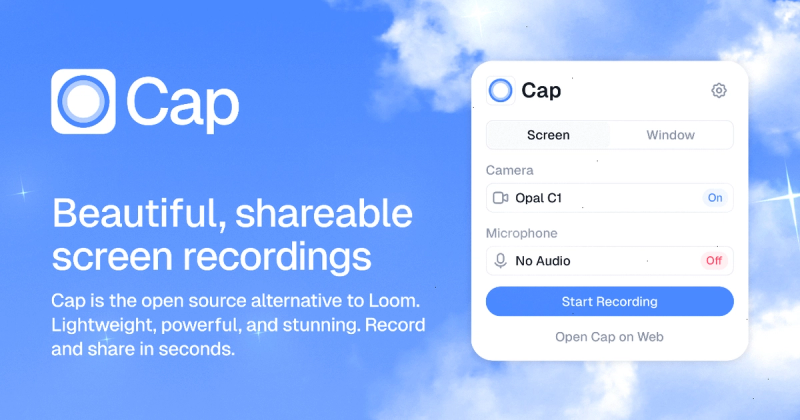
Cap is an open-source screen recording and sharing application for macOS (Apple Silicon and Intel), Windows, and via Chrome extension, offering three modes—Instant, Studio, and Screenshot—to record, edit, and share videos and images with AI-generated summaries and custom storage options.
What is Cap?
Cap is an open-source screen recording tool that replaces a recorder, editor, screenshot tool, and video host in one app. It runs on macOS 13.1+ (Apple Silicon), Windows, and as a Chrome extension. Developed by Cap.so, it allows users to record screen and webcam, edit with backgrounds and annotations, and share via links. It supports connecting own Google Drive or S3 bucket for storage, ensuring data sovereignty.
Key Features
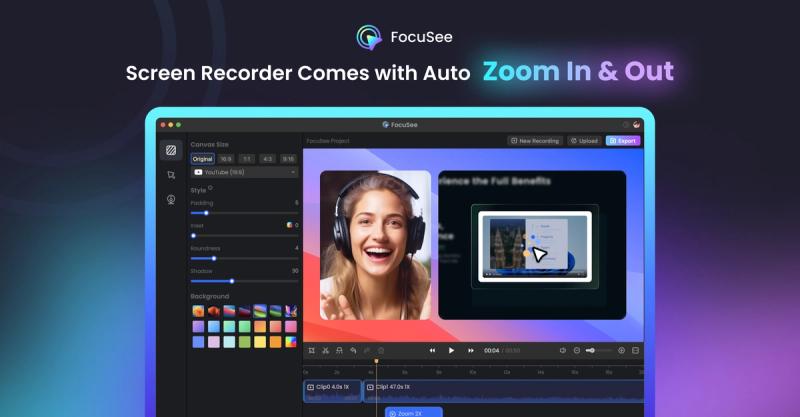
- Three recording modes: Instant Mode uploads while recording for immediate sharing; Studio Mode records locally at high quality with editing options like backgrounds, padding, rounded corners, shadow, and cursor effects; Screenshot Mode captures and enhances images with annotations and backgrounds.
- AI-powered automation: Auto-generates titles, summaries, chapters, and transcriptions for every recording, available for Cap Pro users with no usage limits.
- Custom storage: Connect your own Google Drive or S3 bucket, or use Cap Cloud; keep recordings local when desired.
- Cross-platform: Native macOS and Windows apps, plus Chrome extension for browser recording.
- Open source: Code is fully auditable and transparent; can self-host for complete control.
- Advanced editing: Studio Mode offers customizable backgrounds (gradients, wallpapers, colors), adjustable padding (0–40%), rounded corners (squircle or rounded), shadow/depth effects, cursor effects (sizing, smoothing, click effects), and motion blur.
- Instant sharing: Shareable link immediately after recording; AI creates metadata. Viewable in browser with no downloads required.
- Collaboration: Comments, reactions, and transcripts for async communication; viewer analytics and notifications on Pro.
Who is it for?
- Remote workers and teams: Record quick async updates, bug reports, or demos with instant sharing and AI summaries.
- Content creators: Produce high-quality tutorials or presentations using Studio Mode's professional editing tools.
- Developers and open-source enthusiasts: Use open-source code, self-host, or contribute features; integrate with own storage for compliance (GDPR/HIPAA).
- Anyone migrating from Loom: Built-in Loom video importer makes switching effortless; Cap offers better pricing and ownership.
What can you do with Cap?
- Record screen and webcam simultaneously with Instant Mode for quick sharing—upload begins during recording.
- Edit recordings professionally with Studio Mode: add custom backgrounds, adjust padding, round corners, apply shadows, and customize cursor appearance.
- Capture and enhance screenshots with Screenshot Mode: add backgrounds, padding, rounded corners, shadows, and annotation tools (arrows, shapes, text, masks).
- Share securely with password protection (Pro), custom domains (Pro), and viewer analytics (Pro).
- Collaborate asynchronously via comments and reactions on shared videos; transcript and chapters aid navigation.
Pricing
Cap offers a free Desktop License for unlimited local recording and editing, with 20 cloud shareable links per month (up to 5 min each). Cap Pro starts at $12/user/month billed monthly, includes unlimited cloud storage, AI features, team workspaces, custom S3/Google Drive support, and priority support. A paid plan (Desktop License or Cap Pro) is required for commercial usage.
FAQ
Is Cap free?
Yes, Cap is 100% free for personal use with local recording and editing. A paid plan is needed for commercial usage.
How long can I record on the free version?
You can record up to 5 minutes per video on the free version. After that, you need a paid plan.
What platforms does Cap support?
Native desktop apps for macOS (Apple Silicon & Intel) and Windows. Shareable links can be viewed from any browser.
Is my data secure?
Yes, Cap is open source, supports end-to-end encryption, and allows you to use your own storage (Google Drive, S3) or self-host for complete control. Community-driven security reviews ensure transparency.
How does Cap compare to Loom?
Cap is open source, offers custom storage, better pricing, and works offline. It includes a built-in Loom video importer for easy migration. Cap also provides three modes (Instant, Studio, Screenshot) versus Loom's single recording mode.