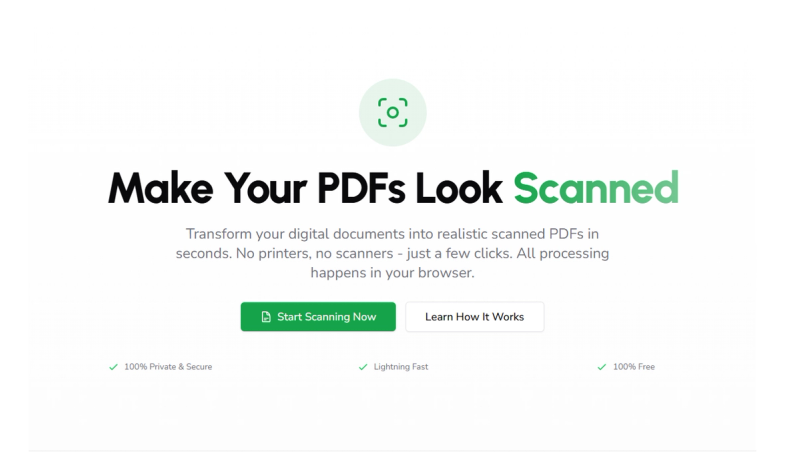
Scanned Maker is a free, browser-based tool that instantly transforms digital files (PDFs, images, Word docs, and more) into realistic scanned PDFs without uploading any data to a server.
What is Scanned Maker?
Scanned Maker is a privacy-focused web application that converts digital documents into authentic-looking scanned PDFs. It accepts inputs like PDF, DOCX, JPG, PNG, Excel, HTML, Markdown, and TXT files, and outputs a realistic scanned PDF. All processing runs locally in your browser using WebAssembly, so your files never leave your device. The tool is built and maintained by an independent developer (no company name stated on the site).
Key Features
- 100% Browser-Based — All file processing happens locally with no server uploads, ensuring complete privacy and security.
- Lightning Fast — Powered by WebAssembly, conversions complete in seconds even for multi-page documents.
- Full Customization — Adjust tilt angle, rotation, brightness, contrast, blur, and noise intensity to create an authentic scanned look with real-time preview.
- Multi-Format Support — Works with PDFs, images (JPG, PNG), DOCX, Excel, Markdown, HTML, and TXT files.
- Mobile Friendly — Fully responsive interface works on desktop, tablet, and smartphone.
- Offline Capable — Once loaded via Progressive Web App (PWA) technology, Scanned Maker works without an internet connection.
- Watermark & Signature Tools — Add text or image watermarks with full control over opacity, rotation, color, and tiling. Draw or upload signatures/stamps.
- PDF Metadata Editing — Edit internal metadata such as Title, Author, and Keywords before downloading.
Who is it for?
- Contract signers and HR teams — Create “scanned” PDFs for procurement contracts or approval forms without printing.
- Visa and school applicants — Convert DOCX, JPG, and PNG files into realistic scanned PDFs that meet embassy or university submission requirements.
- Finance and accounting teams — Batch photos of receipts and invoices into unified scanned PDFs with consistent noise and watermark styles for audits.
- Students and freelancers — Quickly make digital assignments or portfolios appear as scanned submissions.
What can you do with Scanned Maker?
- Sign contracts or approval forms — Add a signature image and apply slight tilt and paper texture to produce a PDF that looks hand-signed and scanned.
- Submit school or visa documents — Convert a DOCX essay or PNG screenshot into a scanned PDF that passes application portals expecting physical scans.
- Manage receipts and invoices — Drag multiple photos into the browser, adjust settings, and export a single scanned PDF with consistent noise and watermark for expense reports.
How does Scanned Maker work?
- Upload Your File — Click or drag a PDF, image, or document into the upload area. A preview appears instantly.
- Customize Scanning Effects — Use the settings panel to adjust tilt, rotation, brightness, contrast, blur, and noise. See changes in real time.
- Download Your Scanned File — Click “Generate Scanned File” and then download the output PDF. Everything stays on your device.
Frequently Asked Questions
Is Scanned Maker really free?
Yes, Scanned Maker is completely free with no hidden costs, subscriptions, or premium tiers. You can scan unlimited documents without restrictions.
Are my documents safe and private?
Absolutely. All processing happens locally in your browser using WebAssembly. Your files are never uploaded to any server or cloud storage, ensuring complete privacy.
Scanned Maker supports PDF, JPG, PNG, DOCX, Excel, Markdown, HTML, and TXT files.
Can I use Scanned Maker offline?
Yes. Once you visit the site, it works offline through Progressive Web App (PWA) technology, even without an internet connection.
Is there a limit on file size or number of pages?
File size and page limits depend on your device's available memory. Most modern devices can handle documents with dozens of pages.