What Kyvenza is
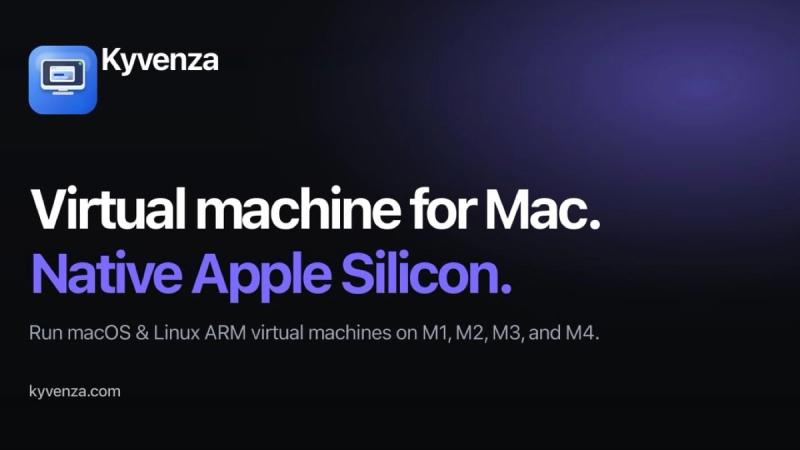
Kyvenza is a native virtual machine app for Apple Silicon Macs. It lets you run macOS, Linux and Windows 11 virtual machines on an M1, M2, M3, M4 or M5 Mac without installing a separate hypervisor or helper daemon. macOS and Linux guests run directly on Apple's Virtualization.framework, so a VM is simply a folder on your disk that the app boots natively.
What you can do with it
- Create macOS arm64 guests from an IPSW, or Linux arm64 guests from Ubuntu, Debian, Fedora and Alpine installer images.
- Run Windows 11 on ARM with TPM 2.0 and Secure Boot enabled by default, bring your own Microsoft ARM64 image and licence.
- Start, stop, restart and pause VMs, with the guest desktop in a native Mac window.
- Take a snapshot before a risky change and restore it when something goes wrong.
- Clone a configured VM, or export and import VMs as single backup files.
- Attach host folders to individual VMs.
Built-in MCP server for AI agents
Kyvenza includes an MCP server that lets Claude Code or any MCP client start a VM, snapshot it, run commands inside the guest and look at the screen. The agent works in a machine of its own instead of on your host, so your Keychain, SSH keys and credentials stay out of reach.
Pricing and requirements
Kyvenza is a $49 one-time Pro licence that includes 12 months of updates, with a 7-day free trial that needs no account or card. It requires an Apple Silicon Mac running macOS 14 Sonoma or later; Windows virtual machines require macOS 26 or later. Intel Macs are not supported.