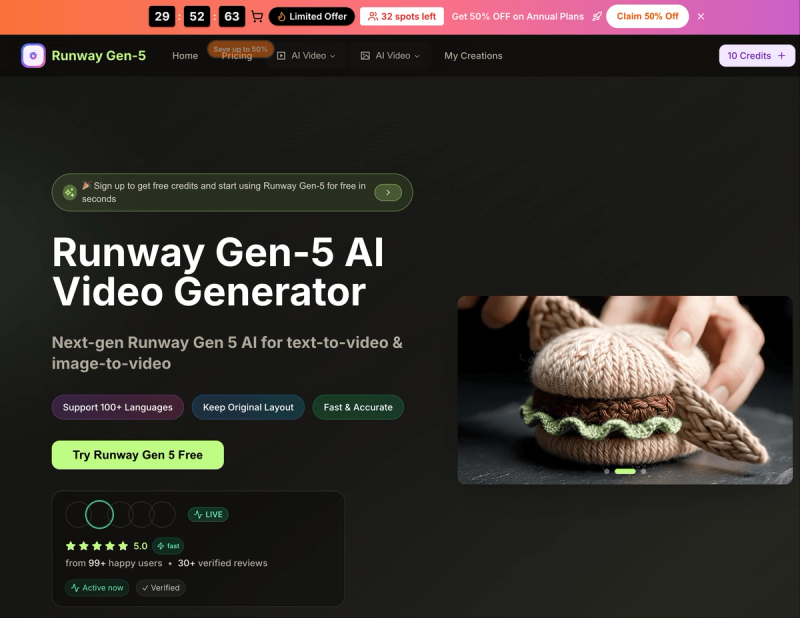
Runway Gen-5 is a fast AI video generator that converts text prompts or images into HD video clips in seconds.
What is Runway Gen-5?
Runway Gen-5 is a video-native AI model that generates short video clips from text descriptions or reference images. It runs entirely in a web browser on desktop and mobile, requiring no installation. Users input a prompt or upload an image, select aspect ratio (16:9, 9:16, 4:3, 3:4, 21:9, 1:1), video quality (720p or 1080p), and duration (5 or 10 seconds), and receive a generated video in seconds. The platform is offered by runwaygen5.org and supports over 100 languages.
Key Features
- Smart Prompt Understanding — Accurately interprets text prompts and reference frames to produce coherent video content.
- Video-Native AI Model — Architecture designed for realistic motion and frame continuity.
- Natural Language Video Creation — Describe shots in plain English; the model handles details.
- HD, Social & Cinematic Output — Exports clips in 720p or 1080p, suitable for editing timelines.
- Text-to-Video & Image-to-Video — Accepts both text descriptions and uploaded images as input.
- Lightning-Fast Generation — Most clips generate in seconds, enabling rapid iteration.
- Multiple Aspect Ratios — Options include 16:9, 9:16, 4:3, 3:4, 21:9, and 1:1.
- Additional AI Models — Includes Seedream, Veo 3, Sora 2, Seedance, and Wan 2.5 on yearly plans.
Who is it for?
- Content creators — Generate short social media videos or concept clips quickly.
- Marketers — Produce campaign-ready video ads from text briefs.
- Video editors — Create placeholder or background footage for editing timelines.
- Businesses — Build product demos or promotional videos without a production team.
What can you do with Runway Gen-5?
- Character consistency — Generate videos where the same character (face, hair, clothing, style) appears across multiple shots, ideal for stories or brand mascots.
- High-resolution videos from text — Convert scripts or ideas into 1080p HD clips with natural language.
- Image-to-video conversion — Upload a still image and turn it into a moving shot with context-aware motion.
How does Runway Gen-5 work?
- Choose the Runway Gen-5 generator on the website.
- Upload a reference image or type a text description for the video.
- Select aspect ratio, quality, and duration.
- Click generate and download the resulting video in seconds.
- Refine using the platform's controls and export the final clip.
Try Runway Gen 5 Free to get started with free credits.
Pricing
Runway Gen-5 offers a free tier with credits for testing. Paid plans are annual and billed yearly:
- Basic — $20.9/month (originally $29.9), 12,000 credits/year, 100 images/month.
- Professional — $29.9/month (originally $49.9), 24,000 credits/year, 200 images/month.
- Enterprise — $49.9/month (originally $99.9), 72,000 credits/year, 600 images/month. All plans include commercial use, priority support, and watermark removal on yearly billing.
FAQ
Is Runway Gen-5 free?
Yes, there is a free tier with credits to start generating videos without payment.
How long does it take to generate a video?
Most clips generate in seconds, depending on length and complexity.
What formats can I download?
Videos are exported in standard formats compatible with social media, web, and editing tools.
Can I use Runway Gen-5 on mobile?
Yes, it runs in modern browsers on both desktop and mobile devices without a separate app.
What is the video quality?
You can choose between 720p HD and 1080p Full HD for output.