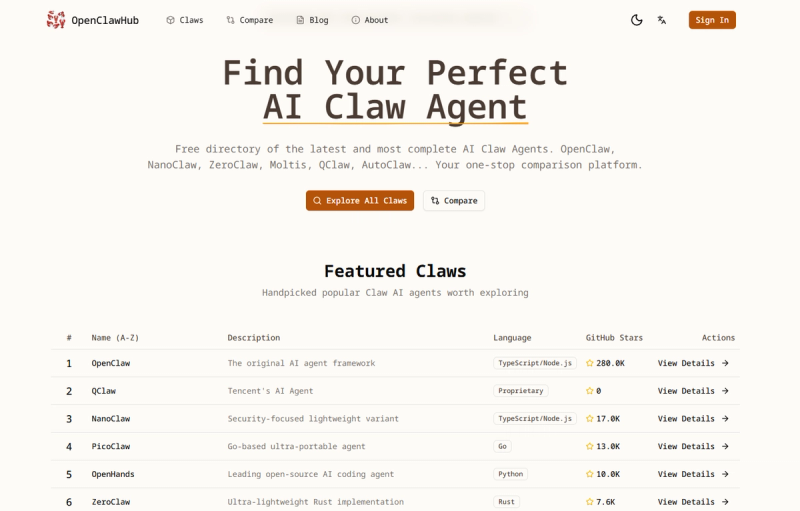
Remote OpenClaw is a searchable directory and CLI tool that indexes over 13,870 MCP servers, 4,384 agent skills, and plugins, allowing developers to discover and install them directly from their terminal or AI agent without requiring an API key.
What is remote openclaw?
Remote OpenClaw is a web directory and command-line interface for finding MCP (Model Context Protocol) servers, agent skills, and plugins used by AI coding assistants. It aggregates listings from sources like GitHub (including repositories from Anthropic, Vercel, Microsoft, OpenAI, Google, and others) and organizes them by categories such as Automation, Data & Analysis, Frontend, Backend & APIs, Testing & QA, Security, MCP & Tooling, Design & Creative, and Docs. The tool returns names, links, and install commands for each resource. It works with multiple AI agents including Claude Code, Cursor, Codex, OpenClaw, and Hermes. The directory sees over 54,000 monthly visitors and is updated as of July 2026.
Key Features
- Extensive catalog — Indexes 13,870+ MCP servers and 4,384+ agent skills from multiple sources, with install counts and popularity rankings.
- CLI search — Use
npx remoteopenclaw search <query>from any terminal to find resources without leaving your workflow. - No API key required — Searches are free and do not require registration or an API token.
- Multi-agent support — Compatible with Claude Code, Cursor, Codex, OpenClaw, and Hermes, making it a cross-platform tool.
- Categorized browsing — Filter by source (e.g., Anthropic, Microsoft, Google) or category (e.g., Automation, Security, Design) to narrow results.
- Rich skill pages — Each listing shows the skill name, source, install count, and a direct link to the repository or documentation.
Who is it for?
- AI agent developers who need to quickly find and integrate MCP servers or skills for their custom agents.
- Software engineers using Claude Code or Cursor who want to extend their coding assistant with specialized capabilities like frontend design, Azure deployment, or security testing.
- Technical product managers evaluating available agent skills and MCP tooling for team adoption.
- Open source contributors looking for popular skills to study or contribute to, with visibility into install counts and sources.
What can you do with remote openclaw?
- Discover top skills — Browse the most-installed skills like "find-skills" (2.4M installs), "frontend-design" (632K), or "azure-ai" (431K) to understand what's widely used.
- Search by keyword — Run
npx remoteopenclaw search <query>to find specific MCP servers or skills relevant to a task, such as "azure" or "lark" integrations. - Filter by source — Narrow results to trusted sources like Anthropic (289 skills), Microsoft (206), or GitHub (301) to ensure quality.
- Integrate into agent workflows — Use the returned install commands to add skills directly to your Claude Code, Cursor, or OpenClaw environment.