Newsletter
Join the Community
Subscribe to our newsletter for the latest news and updates
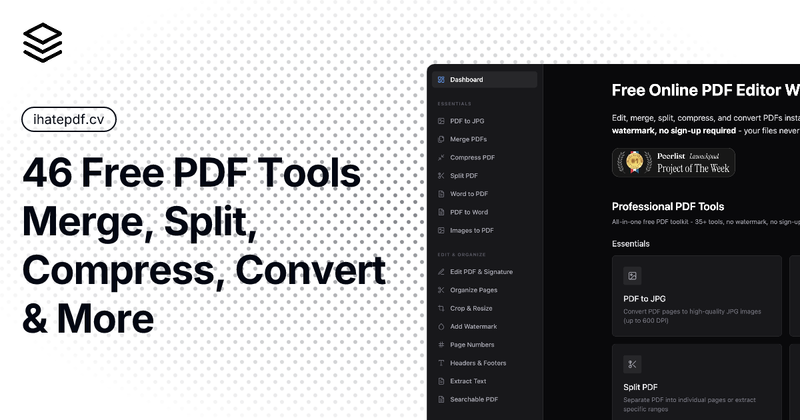
46 free PDF tools. Merge, split, compress, edit, convert, sign, encrypt. No watermark. No upload. No sign-up. Files never leave your device.
Submit your own product to reach creators and founders looking for the next tool to try.
Web-based text-to-speech generator with 185 British, Scottish, Welsh, and Northern Irish voices for converting scripts into downloadable UK English audio.
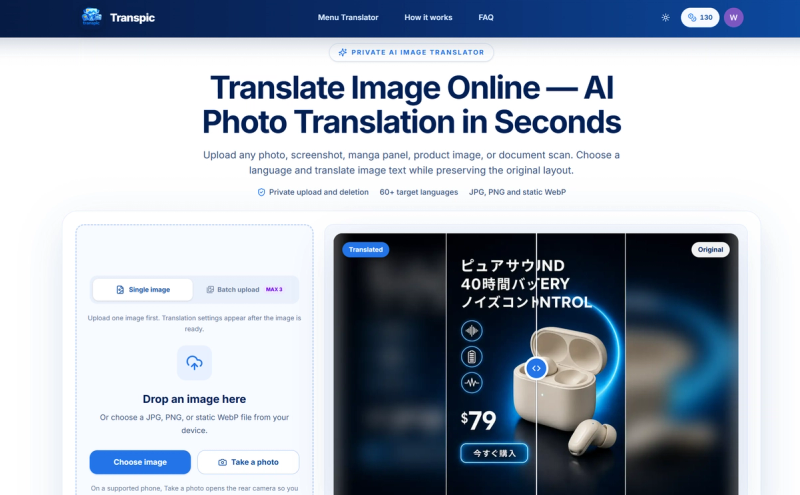
AI image translator that converts text in photos and scans into 60+ languages while preserving layout.
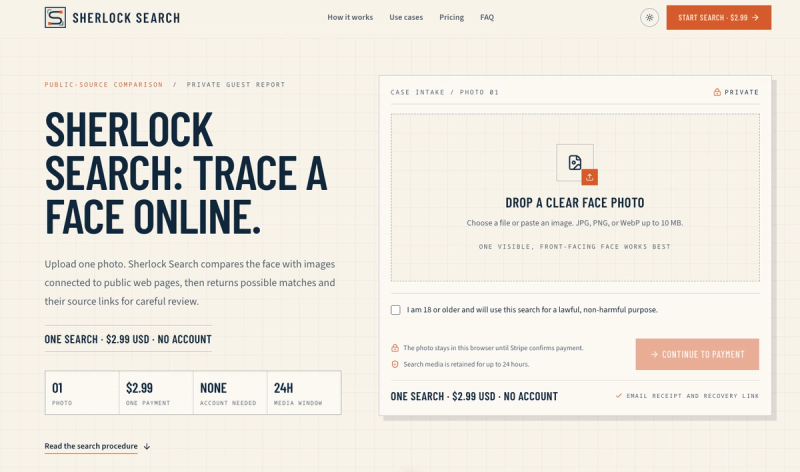
Sherlock Search is a reverse face search that compares your photo to images linked to public web pages and returns possible matches with source links for review.
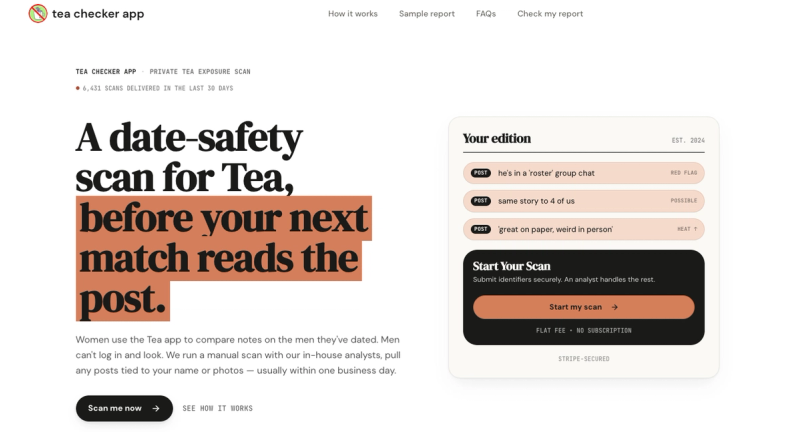
A date-safety scan for TeaOnHer that finds posts about you and delivers a verified report in 24 hours.
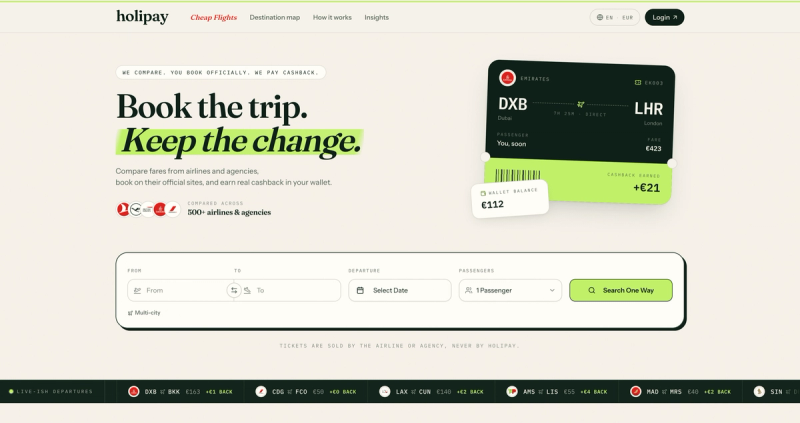
Compare cheap flights from 500+ airlines and agencies, book on the provider’s site, and earn cashback you can withdraw after your trip.
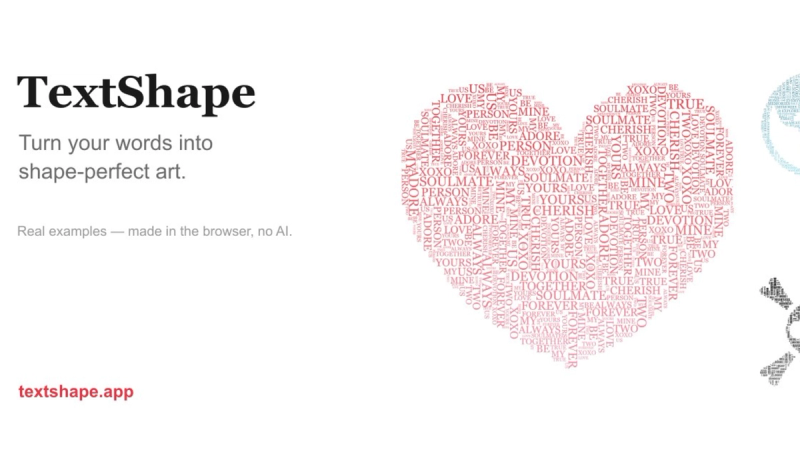
Free word art generator that turns text into shapes and fills them with your own words. 390+ templates or your own image, three fill styles, palettes, gradients, and exports up to 4K PNG, cut-ready SVG, or animated MP4/GIF. Free, no account, in-browser.

Free fullscreen color screen tool. 12 colors, in-browser monitor/dead-pixel tests, 4K/8K wallpaper downloads, white-background editor, 11 languages, PWA, no ads and no sign-up. Great for cleaning monitors, lighting video calls, tracing art, and focus work.
ihatepdf.cv is a free online PDF editor that performs all 46+ PDF tools directly in your browser — edit, merge, split, compress, and convert documents with no watermark, no file upload, and no sign-up required.
ihatepdf.cv is a privacy-first PDF toolkit that runs entirely client-side using JavaScript and WebAssembly. It accepts PDFs and other formats (Word, Excel, PowerPoint, JPG, PNG, Markdown, HTML, audio) as input and outputs edited, merged, split, compressed, or converted files. The platform works in all modern browsers on desktop and mobile, can be installed as a progressive web app for offline use, and is created by independent developer Pranav Pawar.
Open any tool page, choose your file (or use the scanner), and the operation runs immediately in your browser. There is no upload step for the vast majority of tools — JavaScript and WebAssembly handle the PDF processing locally. The Chat with PDF AI tool is the exception: it extracts text on-device but sends your question plus the text to Google's Gemini API (you provide a free API key). After processing, download the result; files are cleared from memory when you close the browser, with an optional local history of the last 50 files stored in IndexedDB.
ihatepdf is 100% free — there are no paid tiers, no subscriptions, and no premium tools. All 46+ tools are available to everyone forever, for personal or commercial use.
Yes. Every tool is free, with no watermark, no sign-up, and no daily limits. The site states that the tool is 100% free with no hidden costs, subscriptions, or premium features. It is also free for commercial use.
No. All processing happens locally in your browser using JavaScript and WebAssembly. The files never leave your device, so even the service operators cannot see them. The only exception is the Chat with PDF AI feature, which sends extracted text to Google's Gemini API when you ask a question.
Yes. After the initial page load, the tools are fully functional without an internet connection. You can install ihatepdf as a PWA on your phone or desktop to access it like a native app in offline mode.
It depends on your device memory: desktop computers typically handle up to 150 MB, tablets up to 75 MB, and smartphones up to 50 MB. For larger files, the recommendation is to split the PDF first.
Never. The site guarantees that no watermark, visible or invisible, is added to any output file, for any tool, at any time. This applies to all operations, including merging, compressing, converting, and editing.