Pixel Art Village is a free, browser-based image to pixel art converter that processes PNG, JPG, GIF, and WEBP files entirely on your device, producing downloadable pixel art in PNG, JPEG, or WebP formats — ideal for sprites, icons, and retro graphics.
What is Pixel Art Village?
Pixel Art Village is a rule-based online tool that converts uploaded images into pixel art. It accepts PNG, JPG, GIF, and WEBP inputs, lets you adjust pixel size, palette, brightness, contrast, saturation, and dithering with a live preview, then exports the final result. All processing happens client-side, so your images never leave your computer.
Key Features
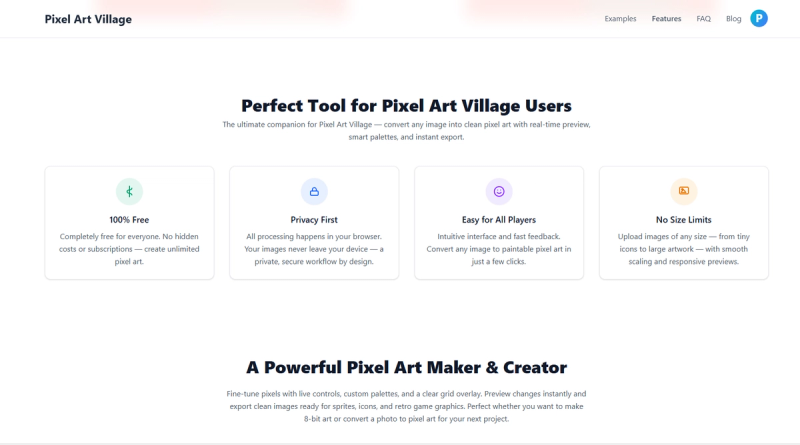
- 100% Free — No account, credit card, or download limit. Use all features without restrictions.
- Privacy First (Client-Side) — All image processing occurs in your browser; your source images stay on your device unless you choose to share them.
- Custom Palette — Switch between built-in palettes or create your own to match retro systems, game projects, or specific styles.
- Live Adjustments — Change pixel size, brightness, contrast, saturation, and dithering, and see the image update immediately in the preview.
- No Dimension Limits — Work with anything from small icons to large reference images; export at any scaled size.
- Multiple Input Formats — Supports PNG, JPG, GIF, and WEBP files.
- Flexible Export — Download results as PNG, JPEG, or WebP.
- Dedicated Workflows — Access specialized routes for photo to pixel art, PNG pixel conversion, GIF pixel conversion, and sprite creation via the homepage.
Who is it for?
- Game Developers — Create pixel art sprites and tiles for retro-style games by converting source images and tweaking palettes.
- UI/Icon Designers — Turn vector or raster graphics into grid-friendly icons with controlled pixel sizes and color limits.
- Retro Enthusiasts — Convert personal photos or artwork into nostalgic pixel art for avatars, banners, or social media.
- Hobbyists — Experiment with dithering and palette constraints to achieve specific looks without learning complex software.
What can you do with Pixel Art Village?
- Convert photos to pixel art — Upload a photograph, adjust pixel size and palette, and export a retro-style pixel art version.
- Generate game sprites — Start with a character sketch or sprite sheet, then tune the output for clean, readable sprites with limited colors.
- Create icons — Reduce complex images to simplified pixel art icons for apps or websites.
- Animate via GIF conversion — Use the GIF-dedicated workflow to convert animated GIFs into pixel art frames.
How does Pixel Art Village work?
- Upload your image — Drag or choose a PNG, JPG, GIF, or WEBP file. The full editor opens on the next page.
- Adjust pixels and palette — Fine-tune pixel size, palette, dithering, brightness, contrast, and saturation; the preview updates instantly.
- Download the result — Export the pixel art as PNG, JPEG, or WebP for use in your project.
FAQ
Is Pixel Art Village free to use?
Yes. The tool is 100% free with no account, credit card, or download limits. You can edit and export as many images as you like.
Do you upload images to a server?
No. All processing happens in your browser. Your source image and final result remain on your device unless you choose to share them.
Can I convert PNG, JPG, GIF, or WEBP files?
Yes. The main editor accepts all four formats. There are also dedicated workflows for photo, PNG, GIF, and sprite conversions.
Is this an AI pixel art generator?
No. Pixel Art Village uses rule-based algorithms, not AI. This gives you direct control over the source image, palette, and pixel settings.
How do I get cleaner pixel art results?
Start with a clear source image, reduce extra detail, then convert with a palette and pixel size that match your intended final export.
Pricing
Pixel Art Village is completely free to use. No account, credit card, or download limit. All features are available without payment.