A first edit in the browser
PhotoCraft.design independently hosts PhotoCraft v0.8.2, developed by the ArtCraft team and contributors. Our work covers the hosting wrapper, navigation and a practical getting-started guide.
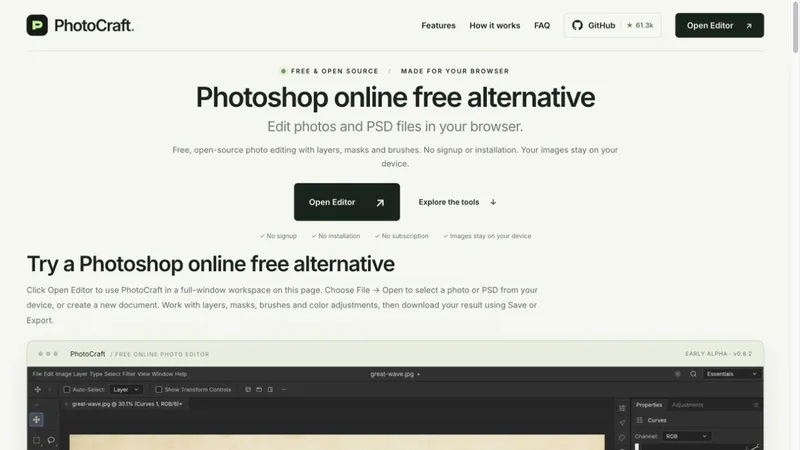
Open the editor without registration, create a small practice document or open a copy of an image, then work with layers, masks, brushes and supported PSD files. Save your editable document manually and inspect the downloaded PNG before using it. PSD compatibility is limited in this early-alpha release.
The deployment is free to use and has no generative AI service, connected assistant, autosave or crash recovery.
Editor credit: https://github.com/storytold/photocraft
First-edit guide: https://photocraft.design/tutorials/ai-photoshop-clone-getting-started/
AIPhotoshopClone.com is another independent host and explainer for the same upstream editor, not a separate editing engine.
A useful first check is to add one text layer, toggle its visibility, save the editable file under a new name and export a PNG. Open the PNG outside the editor to confirm its dimensions and appearance. For an important PSD, work on a copy and compare fonts, masks and effects with a trusted preview before relying on the result.