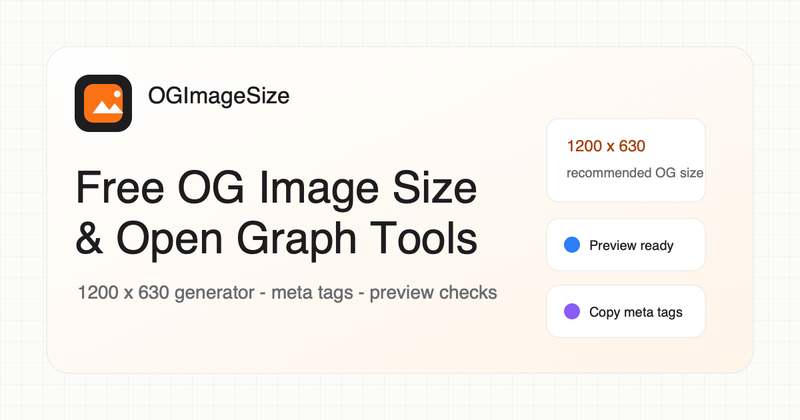
OGImageSize is a free web toolkit for generating and validating Open Graph images, meta tags, and social previews for shared URLs.
What is OGImageSize?
OGImageSize provides free, no-login tools to check recommended Open Graph image sizes (1200×630 pixels), generate 1200×630 PNG images from templates, create HTML meta tags, and preview how shared URLs appear on platforms like Facebook, Twitter, LinkedIn, Slack, and Discord.
Key Features
- Size Guide: Displays recommended 1200×630 dimensions and platform-specific safe zones.
- Image Generator: Creates a clean 1200×630 PNG from fixed templates, with options to copy tags and preview the URL.
- Preview Tool: Shows how a URL will appear with Open Graph tags, Twitter cards, HTTPS, and image checks.
- Tester: Runs diagnostics for og:image, dimensions, HTTPS, image response, Twitter card tags, and common blockers.
- Meta Tags Generator: Produces copy-ready HTML, Twitter card, and Next.js metadata from a single form.
Who is it for?
Builders and SEO teams who need one place to check Open Graph image sizes, prepare images, generate meta tags, and preview shared URLs before publishing.
What can you do with OGImageSize?
- Check the correct OG image size and safe zones for a 1.91:1 social card.
- Generate a 1200×630 PNG image and get the corresponding HTML meta tags.
- Preview a URL to see how its Open Graph tags render and fix issues like missing HTTPS or incorrect dimensions.
FAQ
Is OGImageSize free?
Yes. The first version is designed around free, indexable, no-login tools.
What image size should I use for Open Graph?
Use 1200×630 pixels as the default, then check platform-specific crops when the card matters.
Do I need meta tags if I already have an image?
Yes. Social platforms need og:title, og:description, og:image, and often width/height tags to render a reliable preview.