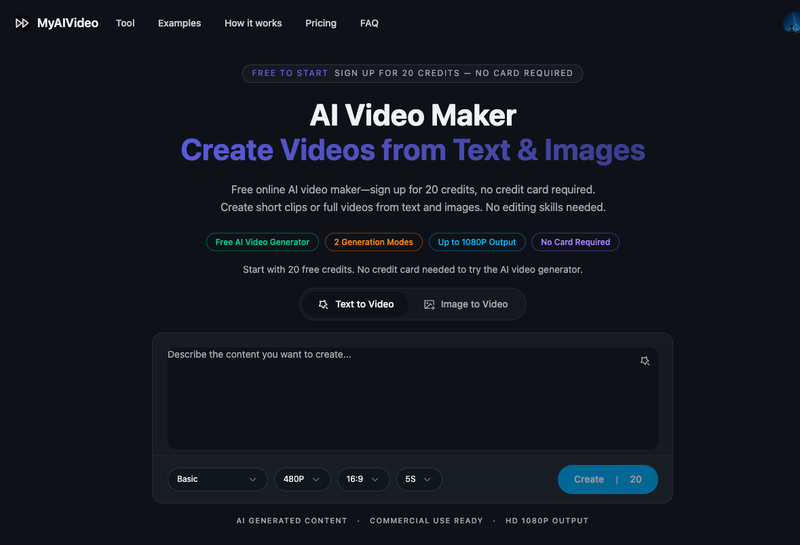
MyAIVideo is a browser-based AI video maker that turns written scene descriptions or uploaded still photos into short MP4 clips, and can assemble a complete narrated video from a single idea. It requires no install and no editing experience, and new accounts start with 20 free credits and no credit card.
What is MyAIVideo?
MyAIVideo is a free-to-start online AI video generator that accepts a text prompt or a JPG, PNG, or WEBP still image as input. It returns either a short social-ready MP4 clip (Quick Clip) or a structured video with script, voiceover, captions, visuals, and background music (Full Video). Output targets up to 1080P in 9:16, 16:9, and 1:1 aspect ratios, so clips fit vertical feeds, YouTube, and square posts. The site is in early access: prompts, examples, and the tool can be explored now, while the generate button activates as video output ships.
What makes MyAIVideo stand out?
- Two generation modes — Quick Clip converts a prompt or uploaded image into a short clip; Full Video turns one brief (topic, audience, platform) into a complete piece with script, narration, captions, and music.
- Image-to-video animation — upload a JPG, PNG, or WEBP product photo, portrait, or thumbnail frame and add natural motion while keeping the source frame recognizable.
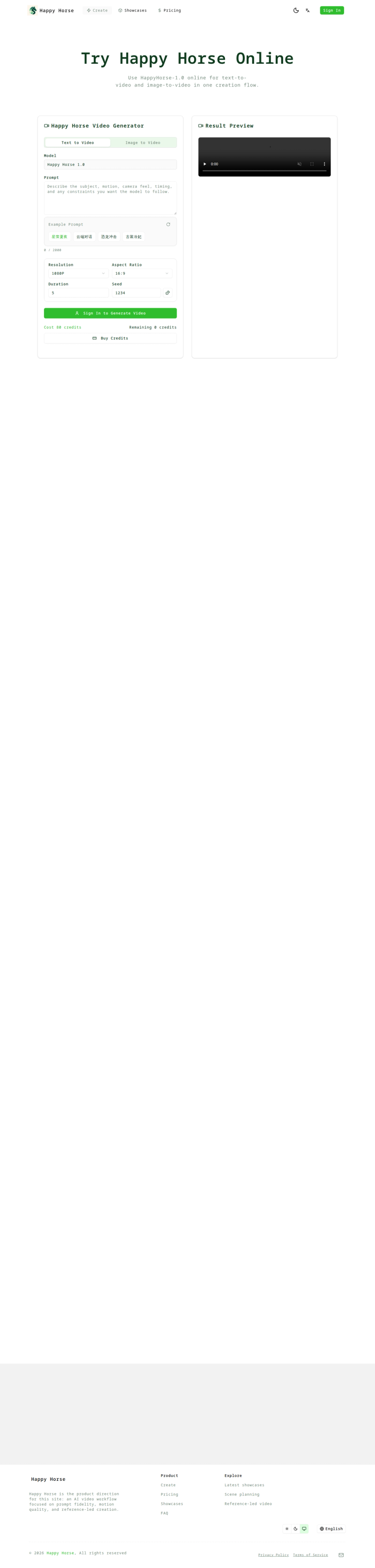
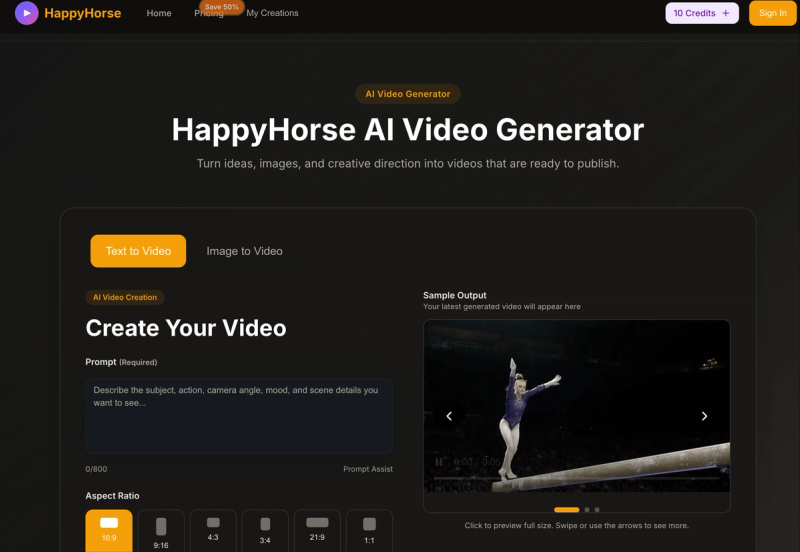
- Multiple formats — 9:16, 16:9, and 1:1 outputs; the tool preview shows a Basic option of 480P, 16:9, 5 seconds, alongside 1080P HD output.
- 20 credits on signup — new accounts receive 20 free credits with no credit card, enough for one generation once output is live.
- Credits only spent on generation — reading the landing page, loading example clips, or filling in the prompt does not consume credits.
- Paid upgrades unlock HD and rights — paid plans add higher resolution, watermark-free exports, Full Video allowances, and commercial use where applicable.
- No timeline editing — the workflow covers text to video, image to video, and full video assembly without a video editor's timeline.
Who should use MyAIVideo?
- Social creators on TikTok, Instagram Reels, and YouTube Shorts: turn a one-line hook into a vertical 9:16 clip without filming, using Quick Clip for daily first drafts.
- Marketers and small ad teams: generate an ad-style product teaser clip from a written scene, camera move, and mood.
- E-commerce and product sellers: animate an existing still product photo into motion for listings and social posts.
- Educators and course creators: use Full Video to convert a topic into an explainer with script, voiceover, and captions.
What can you do with MyAIVideo?
- Product teasers: a 9:16 ad-style product shot with slow camera motion, generated from a text prompt instead of a shoot.
- Photo animation for social: animate a portrait or product photo that already exists, keeping the original frame recognizable.
- Explainers and marketing pages: hand over one brief and get back a structured video with narration, captions, visuals, and background music for YouTube uploads.
- Square and widescreen posts: export 1:1 or 16:9 versions where a vertical clip is not the right fit.
How does MyAIVideo work?
The workflow has three steps. First, choose Quick Clip (short clip from a prompt or image) or Full Video (complete scripted piece). Second, describe what you want: for clips, write the scene, camera move, and mood or upload a still; for Full Video, give the topic, audience, and target platform. Third, preview the result and export an MP4 when generation is live.
Pricing
MyAIVideo uses a freemium credit model rather than subscriptions shown on the landing page. Signing up grants 20 free credits with no credit card required, which covers one Quick Clip or Full Video generation. Additional credits are purchased to cover more runs, HD exports, watermark-free downloads, Full Video allowances, and commercial rights where applicable; current packages are listed on the pricing page.
Alternatives
Other tools in this space include Runway, Pika, and Canva, which leans toward template-driven design.
FAQ
Is MyAIVideo free to use?
Yes. Creating an account gives 20 free credits with no credit card required, enough for one Quick Clip or Full Video generation. Viewing the page, loading examples, and writing prompts do not use credits; extra runs, HD exports, and watermark-free downloads require buying more credits.
Do I need a credit card to sign up?
No. The signup offer is 20 credits with no card required, so you can judge clip or Full Video quality before paying. Purchased credits are what unlock additional generations, higher resolution, and commercial rights where applicable.
What is the difference between Quick Clip and Full Video?
Quick Clip turns a text prompt or an uploaded image into a short social-ready clip and is the default path for fast daily posting. Full Video takes one idea plus topic, audience, and platform, then drafts a script and adds voiceover, captions, visuals, and background music.
Can I create videos from text and images?
Yes. Text to video takes a written scene description and returns a short MP4 clip; image to video accepts JPG, PNG, or WEBP stills and animates them while keeping the source frame recognizable. Both target 9:16, 16:9, and 1:1 output formats.
Can I use AI videos commercially?
Commercial rights are granted on paid plans where applicable, alongside watermark-free exports. The 20-credit free tier is intended for testing prompt and output quality before buying credits, not as an ongoing commercial license.