
What is Ledge?
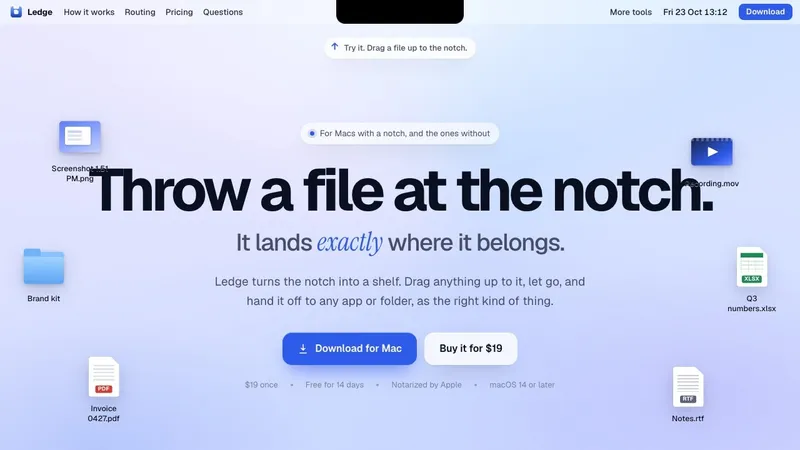
Ledge turns the notch on your Mac into a shelf. Drag any file up to the notch, let go, and hand it off later to any app or folder.
It holds screenshots, PDFs, folders, app bundles, images, links and text, and each tile shows a real preview, a clean name and a type badge. The hand-off adapts to where it goes: Terminal gets the quoted path typed in, Slack and Mail get the file attached, a folder gets the file (or a JPG if you set a rule). Per-app rules let you decide.
Option-Space opens it, or click the notch. It works on Macs without a notch too, and settles into a hairline when idle. No account, no cloud. $19 once, free for 14 days, macOS 14 or later.
Drag up. Let go. Caught.
Files pile up on the desktop, in Downloads, in a dozen tabs. Ledge gives them one place to land: the notch, already at the top of every screen. Start dragging any file and the shelf slides down to meet it, with no target to find and no window to summon.
The right shape everywhere
Drop a screenshot on a terminal and you want its path. Drop it in a chat and you want the upload. Ledge rewrites the hand-off in flight, so each destination gets what it expects, and it tells you which before you let go.
- Terminal gets the quoted path, typed in for you
- Slack and Mail get the file, attached and ready to send
- A folder gets the file, or a JPG if you set a rule
Your destinations
Flip a switch for the apps you send to and they stay on the shelf as destinations, even when closed. Fold in folders so a drop lands in the right place with the right name.
Fast to reach
Option-Space opens the shelf and puts it away, or click the notch itself. Done with it, and it settles into a hairline under the notch.
Details
- $19 once, free for 14 days, no card to start
- No account and no cloud
- macOS 14 or later, Apple silicon and Intel
- Made by Everyday Mac Tools


