
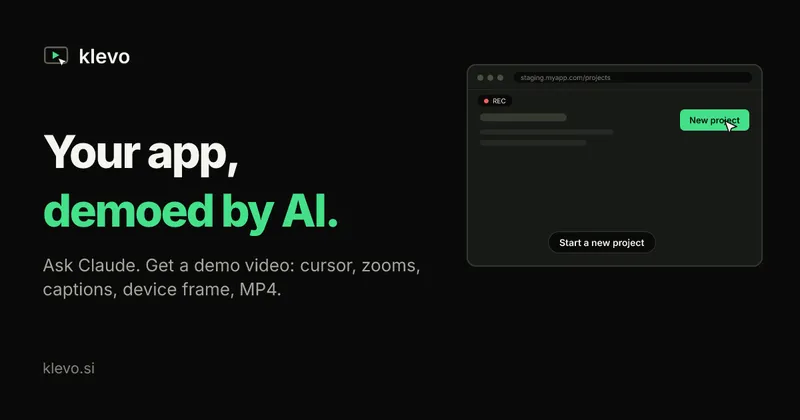
Klevo is an MCP server that turns a one-sentence prompt into a finished MP4 demo video of your web app, driven by the AI assistant you already use.
What is Klevo?
Klevo is a remote Model Context Protocol (MCP) server that records demo videos of web applications. You connect it once to Claude, ChatGPT, Cursor or Claude Code, then ask in plain language for a demo of a flow, such as "record a demo of creating a project on staging.myapp.com". Your AI opens the page and clicks and types through the live app one step at a time, checking a screenshot after each action, and Klevo replays the saved steps in a fresh browser and renders an MP4 with a smooth cursor, zoom-ins on key clicks, one caption per step, a device frame and intro/outro cards. Inputs are a short JSON script (URL, device, a named login secret, and steps with captions); output is a downloadable MP4 plus the script, both stored in your Klevo account. A short demo renders in roughly a minute.
What makes Klevo stand out?
- AI-driven recording — the assistant you already pay for does the clicking; Klevo is a connector with nothing to install, working in Claude on web, desktop and mobile, in ChatGPT, and via a key in Cursor or VS Code MCP settings.
- Rendered, not captured — the exploratory session is never the video. Klevo replays the saved steps in a clean browser and composes the clip from scratch, so there are no pauses, mis-clicks or cursor hunting.
- Script-based output — every video comes from a small JSON file holding the URL, device, a reference to a login secret and the steps with their captions. Keep it in your repo and re-render when the UI changes.
- Cursor, zoom, styles — a smooth cursor on desktop or a touch ripple on mobile, automatic zoom into the important click, and three Pro styles (smooth, snappy, minimal) plus an optional click sound.
- Any format, no re-recording — export 16:9, 9:16, 1:1 or 4:5 from the same script, as desktop, tablet or mobile.
- Frames and typography — a browser window on desktop and an iPhone on mobile, on a background in your brand colour; Pro allows any frame or none, any Google Font, your own background and hidden cards.
- Secrets for login — save a test account, an exported Playwright browser session or a magic link; Klevo signs in before recording, secrets are encrypted at rest and password fields are blurred in every frame.
- Failed steps as diagnostics — if a button is gone the render stops there and returns the step number, a screenshot and the page's console errors.
Who should use Klevo?
Product marketers and founders who need a landing-page hero clip, Product Hunt post or launch video. Developer-tool teams whose UI changes weekly and whose onboarding emails, changelogs and support docs each want a short clip. Support and docs writers who need a reproducible walkthrough of a signup or setup flow. Engineers on staging who want the same demo in vertical and square cuts without opening a video editor.
What can you do with Klevo?
- Launch teams: record a signup or onboarding flow on staging once, then render it in 16:9 for the landing page and 9:16 for shorts from the same script.
- Developer-tool marketers: keep the demo script in the repo and re-render the whole video after a UI change instead of booking an afternoon with a screen recorder and editor.
- Docs and support: generate a captioned walkthrough of a multi-step setup flow, with password fields automatically blurred.
- QA and product: run a scripted flow and use a failed step's screenshot and console errors as an early bug report.
How does Klevo work?
- Add Klevo as a connector in Claude or ChatGPT and sign in; Cursor and Claude Code use an API key. Save a test login as a secret if the app is behind auth.
- Describe the flow in chat, e.g. "record a demo of creating a project on staging.myapp.com, desktop, 16:9". The AI drives the app, writing a caption for each step.
- Klevo replays the steps in a clean browser and returns a download link for the MP4 in about a minute. Ask for a different format or device later and it renders again without re-recording.
Pricing
Klevo is freemium. Free renders 20 videos a month at 720p with a small klevo.si watermark and the default look. Pro costs $19/month or $149/year and gives 50 videos a month, 1080p with no watermark, up to 60 steps and 3 minutes per video, frame/font/background control, caption editing and ElevenLabs narration. A Founder lifetime tier is $147 for the launch (rising to $197 and then $247, capped at 100 spots per step), with a 14-day full refund.
FAQ
Is Klevo free?
There is a free plan with no card required: 20 videos a month, every export format, 720p output and a small klevo.si watermark in the bottom-right corner. Pro removes the watermark, renders 1080p and adds narration, frames and fonts.
Can Klevo record an app on localhost?
No. Klevo's browser runs on its own servers and only opens public URLs, so it needs a staging or production address it can reach; private and local hosts are refused.
How does Klevo log in to my app?
You save one secret: a test account's email and password, a Playwright storageState session export, or a magic link. Klevo signs in before recording starts, so the login never appears in the video. This is also the workaround for two-factor, Google sign-in and captchas, which cannot be automated.
Do failed renders cost me a video?
No. If a step fails, the render stops at that step and reports the step number, a screenshot and the page's console errors, and failed renders do not count against the monthly quota.
What platforms does Klevo work with?
Klevo is a remote MCP connector, so it runs in Claude.ai, the Claude desktop and mobile apps, Claude Code, ChatGPT, Cursor, VS Code and any other assistant that supports remote MCP servers. There is nothing to install locally.


