
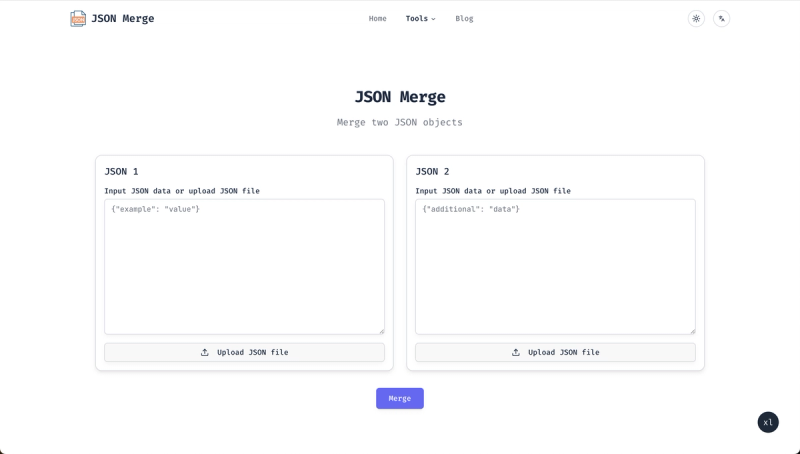
JSON Merge is a free online tool that merges, compares, and validates JSON files directly in your browser using client-side processing for enhanced security.
What is JSON Merge?
JSON Merge is a comprehensive online utility designed to streamline JSON workflows for developers, data analysts, and IT professionals. It takes JSON data as input (by pasting, typing, or uploading files) and produces a merged JSON output. The tool runs entirely in the browser, ensuring data never leaves your device. It is provided by JSON Merge.
Key Features
- Smart merging algorithms — Handles nested structures, arrays, and complex objects with precision while preserving data integrity.
- Instant processing — Merges JSON files instantly with no waiting.
- Customizable conflict resolution — Multiple algorithms to suit your merging needs.
- Visual diff tool — Compare JSON files side-by-side with an intuitive visual interface.
- 100% free — No login required, no subscription, no hidden fees.
- Secure — Client-side processing means your data never leaves your browser; no storage after processing.
- Large file support — Optimized to handle large JSON files efficiently.
Who is it for?
- Developers working with API responses who need to merge multiple JSON payloads.
- Data teams merging datasets from different sources into a unified structure.
- QA engineers comparing JSON outputs to identify differences in test results.
- Anyone needing quick JSON manipulation without installing software.







