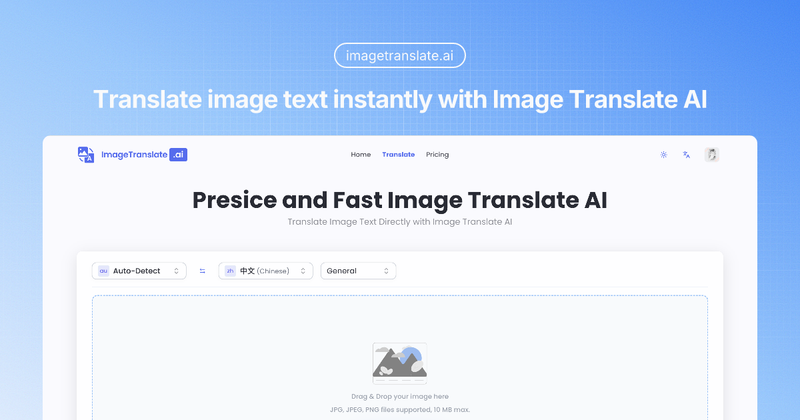
ImageTranslate.AI is an AI-powered image translator that instantly translates text in images across 130+ languages while preserving the original layout and styling.
What is ImageTranslate.AI?
ImageTranslate.AI is a web-based tool that accepts images (JPG, JPEG, PNG, WebP) or image URLs and outputs translated images with text replaced in the target language, maintaining fonts, colors, and positioning. It is developed by an independent team and offers both free and paid subscription plans.
Key Features
- 130+ Language Support — Translates to and from major Asian, European, African, and Middle Eastern languages, including automatic source language detection.
- Layout Preservation — Maintains original image design, fonts, and styling after translation, ideal for professional marketing materials.
- Batch Image Translator — Process up to 20 images per batch, selecting up to 10 target languages simultaneously (available on Professional and Enterprise plans).
- Translation Editor — In-browser editing tool to adjust fonts, colors, sizes, and positions of translated text for pixel-perfect results.
- OCR & Text Extraction — Integrated OCR to extract text from images, and a Text Remover to erase unwanted text or watermarks.
- Manga Translator — Specialized mode that detects speech bubbles and text panels, translating comics and manga while preserving artwork.
- E-Commerce Mode — Optimized for product descriptions and marketing content with context-aware terminology.
- Public API — REST API for developers to integrate image translation into their own applications.
Who is it for?
- E-commerce businesses expanding globally by translating product images and advertisements.
- Marketing professionals localizing visual content for international campaigns.
- Manga and comic readers wanting translated versions while preserving original art style.
- Content creators and document teams needing fast, accurate translation of screenshots, reports, and infographics.
What can you do with ImageTranslate.AI?
- Translate product images for online stores in multiple languages to reach global customers.
- Localize menus, documents, and signs with instant translation while keeping layout intact.
- Convert manga and comics page by page with speech bubble detection and translation.
- Process batch translations of multiple images for high-volume workflows.
- Edit translated text directly on the image using the Translation Editor for fine-tuning.
How does it work?
- Upload an image (drag and drop or URL) or select from your library.
- Choose source language (or auto-detect) and target language from 130+ options.
- Click translate — the AI processes the image, detecting and replacing text while preserving layout.
- Download the translated image or further edit it in the Translation Editor.
Pricing
ImageTranslate.AI offers a freemium model:
- Free — 20 basic credits per day, enabling 2 free translations daily, with limited features.
- Starter ($8.3/month billed annually or $9.9/month) — 5000 advanced credits per month, full features, commercial use.
- Professional ($16.6/month billed annually or $19.9/month) — 12000 advanced credits, priority support, API access.
- Enterprise ($83.3/month billed annually or $99.9/month) — 80000 advanced credits, 1v1 custom support, higher file size limits.
All payments are processed securely via Stripe.
FAQ
Is ImageTranslate.AI free?
Yes, there is a free plan that gives 20 basic credits per day, enough for 2 translations. No credit card is required to start.
The tool supports JPG, JPEG, PNG, and WebP. Free users can upload images up to 10 MB; paid plans allow larger files (up to 50 MB for Enterprise).
Can I translate multiple images at once?
Yes, the Batch Image Translator lets you upload up to 20 images and select up to 10 target languages in one go. This feature is available on Professional and Enterprise plans.
How does the Translation Editor work?
After translation, you can click “Edit” to access the Translation Editor. You can change text, adjust font style, color, size, and position for each text block, or hide/restore original text.
Does ImageTranslate.AI offer an API?
Yes, a public REST API is available for developers. You can send an image and receive the translated image, using the same engine as the web app. See the API documentation for details.