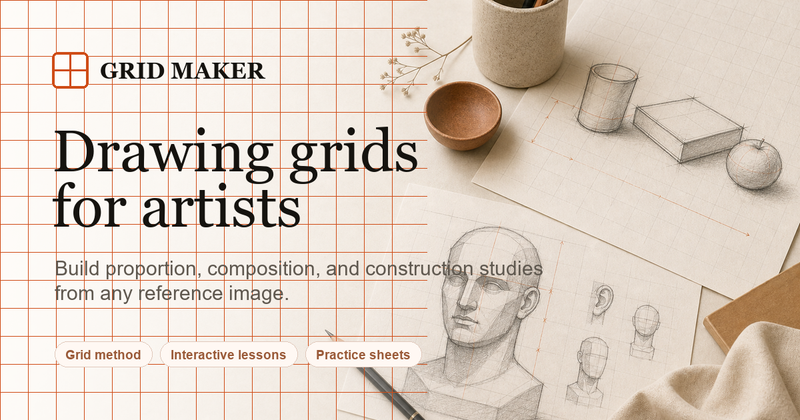
Grid Maker (DrawGrid) is a free online tool that lets artists, illustrators, and students add customizable grids, portrait guides, composition overlays, perspective lines, and value studies to any reference image for drawing and painting practice.
What is Grid Maker?
Grid Maker is a browser-based web app that takes any uploaded image (JPG, PNG, or WEBP) and lets you overlay a wide variety of drawing guides. You can export the gridded reference image and a matching blank practice sheet with identical proportions and numbering. No sign-up is required, and all image processing happens locally in your browser — images are never uploaded to a server. The tool is created and maintained by an independent developer (no company name is listed on the site).
Key Features
- Guides Library — Over 80 preset guides organized into eight categories: Basic Grids (2×2 to 16×16, major/minor, numbered, custom), Portrait (headshot, half body, full body, face symmetry, facial thirds, eye line, Loomis head, profile, figure proportions), Composition (rule of thirds, golden ratio, golden spiral, diagonal, center cross, triangle, dynamic, horizon, radiating, symmetry), Perspective (one-point, two-point, three-point, curved, fisheye, interior, street, vanishing points), Value (grayscale, 2–9 values, high contrast, posterized, shadow map), Outline (edge, simplified, silhouette, negative space, major shapes, contour, blur study, upside-down), Color (limited palette, 5-color, 8-color, warm/cool, complementary, analogous, triadic, saturation, color blocks), and Crafts (pixel art, cross stitch, crochet, knitting, quilting, mosaic, perler beads, diamond, weaving, embroidery).
- Customizable Grid Settings — Adjust rows (1–40), columns (1–40), lock square cells, line color, line thickness (0.5–4), opacity (10–90%), row/column labels, and advanced options like major/subdivision lines, offset, rotation, label format, starting number, coordinates, and line style.
- Dual Export — Export both a gridded reference image and a matching blank practice sheet with identical cell structure and numbering, ready for print at any size.
- Works 100% Offline — All image processing is done in-browser; no files are sent to any server.
- Free and No Sign-Up — The entire editor and all guides are free to use with no account required.
Who is it for?
- Drawing students and beginners — Use the grid method to break down complex references into manageable cells for accurate copying and proportion study.
- Portrait artists — Apply face symmetry lines, facial thirds, Loomis head guides, and eye-line overlays to check feature placement while drawing.
- Fine art teachers — Demonstrate composition rules (rule of thirds, golden ratio) or perspective concepts using the preset guide overlays on sample images.
- Crafters — Convert any photo into a pixel-art, cross-stitch, diamond painting, or quilting pattern using the crafts guides.
What can you do with Grid Maker?
- Create a gridded reference for drawing — Upload a photo, choose a 6×6 numbered grid, adjust line thickness and opacity, then export the gridded image to use as a reference while you draw on a matching blank grid.
- Study masterwork composition — Load a painting image and overlay golden spiral or rule-of-thirds guides to analyze how the original artist arranged elements.
- Practice portrait proportions — Use the headshot or facial thirds preset to check the alignment of eyes, nose, and mouth on a reference photo before starting a portrait.
- Plan a craft project — Upload a photo, apply the cross-stitch or perler beads guide, adjust grid size, and export the pattern for your craft.
How does Grid Maker work?
- Upload an image (drag-and-drop or file picker) or use the built-in sample image.
- Choose a guide from the Guides Library (e.g., 8×8 grid, Loomis head, golden spiral).
- Customize the guide settings: rows, columns, color, opacity, labels, and more.
- Export the gridded reference image and/or a matching blank practice sheet as a downloadable file.