Newsletter
Join the Community
Subscribe to our newsletter for the latest news and updates
Free online tool to format, validate, minify, and beautify JSON. Fast, secure, and built for developers. No login, no tracking, just clean JSON.
Traffic, search & AI signals for formatjsononline.com.
Third-party traffic estimate · Updated Sep 9, 2026
Submit your own product to reach creators and founders looking for the next tool to try.
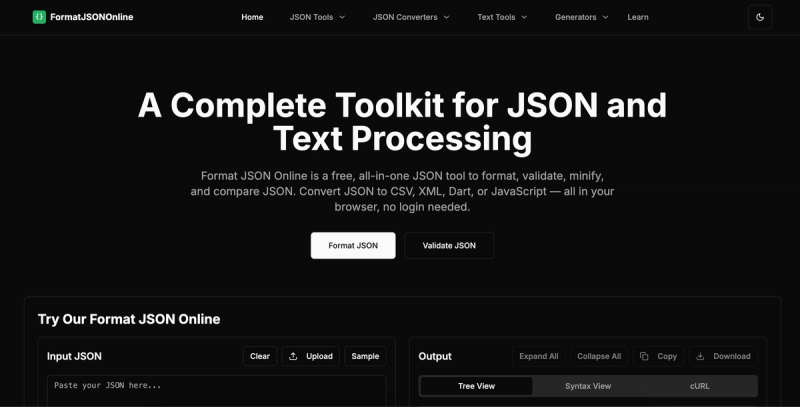
Format JSON Online is a free, browser-based toolkit for formatting, validating, minifying, and converting JSON data, with all processing done client-side for privacy and security.
Format JSON Online is a free, client-side JSON utility that allows you to format (beautify), validate, minify, compare, and convert JSON data. It takes raw JSON text as input and produces formatted, validated, or minified output, supporting files up to 100 MB. The tool runs entirely in your browser (no server uploads) and requires no signup or installation. It is provided by FormatJSONOnline, a site dedicated to JSON developer tools.
Paste your JSON into the JSON Formatter, choose your indentation style (2–8 spaces or tabs), click "Format", and copy or download the beautified result. You can also sort keys alphabetically.
Yes. All core processing runs 100% in your browser using client-side JavaScript. Your JSON data never leaves your device or is sent to any server. Only optional AI features use secure, anonymous processing.
Minifying removes all whitespace, reducing file size by 30–50%. This speeds up API responses, reduces bandwidth costs, and improves application performance while keeping the JSON functionally identical.
A JSON formatter adds indentation and line breaks for readability. A JSON validator checks syntax and identifies errors. A JSON minifier removes whitespace to compress data for production use.