FileOnTap HEIC to PNG Converter
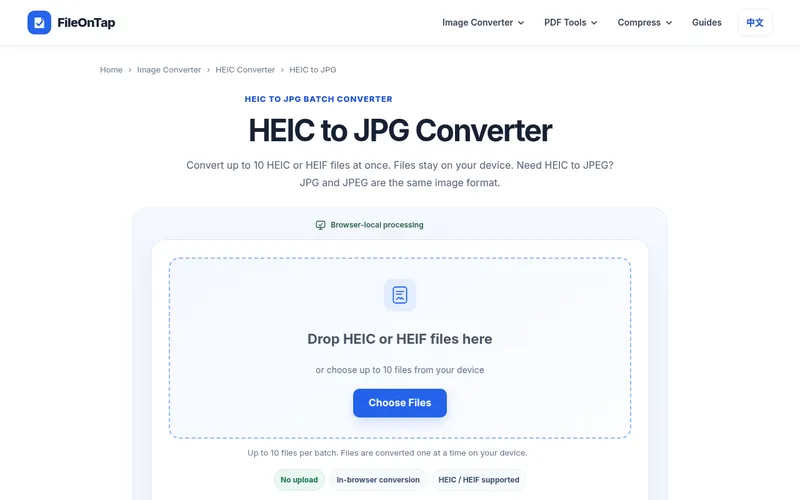
FileOnTap's HEIC to PNG converter turns iPhone HEIC photos into lossless PNG files. Conversion runs entirely in your browser, so your photos are never uploaded to a server. There's no sign-up, and you can convert batches of up to 10 photos at once. Free to use.
Why convert HEIC to PNG?
iPhones save photos in the HEIC format by default. HEIC is space-efficient, but many apps, websites, editors and operating systems still do not open it reliably. PNG is supported almost everywhere, and it is lossless, so the converted image keeps the full detail of the original photo without extra compression artifacts. That makes PNG a good choice for editing, design work, documents, presentations and archiving.
How it works
- Open the converter in any modern browser.
- Drop your HEIC or HEIF files onto the page, or choose them from your device.
- Wait a moment while the conversion runs locally on your device.
- Download your PNG files.
Private by design
Because everything happens inside your browser, your photos never leave your device and are never uploaded to a server. There is nothing to install and no account to create. You can convert up to 10 photos in a single batch, which is handy after a day of shooting on your iPhone. FileOnTap also offers related tools such as a HEIC to JPG converter, so you can pick the output format that suits your workflow. Everything is free to use.