
A Photoshop-style browser workflow
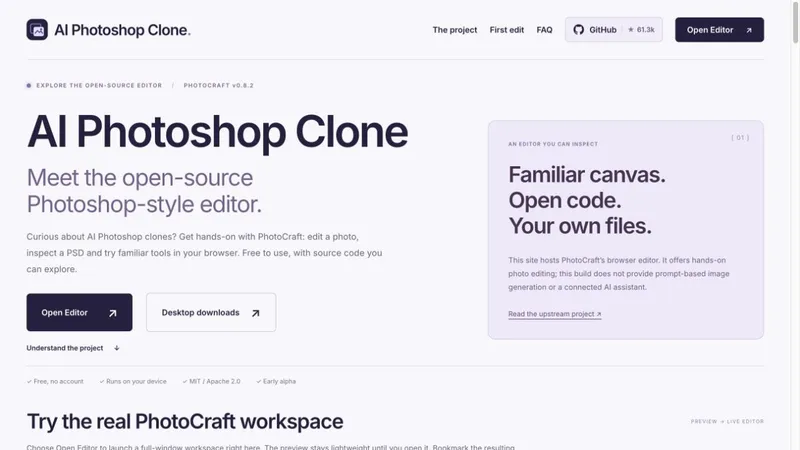
AIPhotoshopClone.com is an independent browser trial and explainer for upstream PhotoCraft v0.8.2, developed by the ArtCraft team and contributors. The website hosts the same editor as PhotoCraft.design; it is not a separate editing engine or an official Adobe product. Our work covers hosting, navigation and practical explanations.
Visitors can open the workspace without an account, create a practice document or open a copy of an image, and explore layers, masks, brushes and supported PSD workflows. The introduction explains what is available before loading the live browser workspace.
A practical first task is to add a text layer, toggle it on and off, save an editable document under a new name, then export a PNG. Inspect the downloaded image outside the editor. For important PSD files, compare fonts, masks, layer visibility and effects against a trusted preview, and keep the original untouched. Opening a file is not proof of complete PSD compatibility.
This free deployment is early alpha. Despite the site name, it provides no prompt-based image generation, connected AI assistant, autosave or crash recovery. Save manually before closing or reloading the page.
Editor credit: https://github.com/storytold/photocraft
Our companion first-edit guide: https://photocraft.design/tutorials/ai-photoshop-clone-getting-started/


