
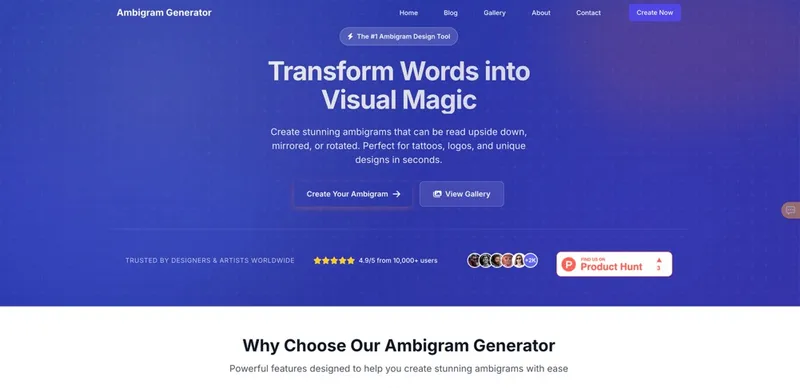
Ambigram Generator is a free online tool that creates rotational and mirrored ambigrams from text, allowing users to design multi-orientation typographic art for tattoos, logos, and creative projects.
What is Ambigram Generator?
Ambigram Generator is a free web-based tool that takes a word or phrase as input and outputs an ambigram design readable from multiple orientations—typically upside down. The platform runs entirely in the browser, requires no downloads or registration, and is developed by AmbigramGeneratorOnline.org. Users can customize font style, size, and colors to produce unique, balanced ambigrams instantly.
Key Features
- Multiple font styles — Choose from Playwrite Regular, Dancing Script, and UnifrakturMrs Sheppards to match your aesthetic.
- Customizable dimensions — Output sizes range from 320x240 to 1920x1080 pixels for digital or print use.
- Color control — Set both text color and background color independently, with a hex picker.
- Instant preview — See your ambigram update in real time as you adjust parameters.
- Download — Export high-resolution ambigram files directly from the browser without watermarks.
- Gallery — Browse community-created designs for inspiration, accessible via the View Gallery link.
- High user satisfaction — Rated 4.9/5 by over 10,000 users, with 83% five-star reviews.
- No account needed — Unlimited ambigram generation with no sign-up or cost.
Who is it for?
- Tattoo artists — Create custom ambigram tattoos that read correctly upside down, impressing clients with precision.
- Graphic designers — Generate logo concepts and typographic art without manual drawing, saving hours of work.
- Art teachers — Demonstrate symmetry and visual perception in typography classes using an accessible tool.
- Brand consultants — Produce unique logo variations for client presentations that stand out.
Use cases
- Tattoo design: Generate a personal word that reveals two meanings when rotated, creating a deeply symbolic piece.
- Logo creation: Craft a brand name that works in both orientations for versatile placement on merchandise.
- Social media content: Produce shareable optical illusion images that engage viewers and spark curiosity.
- Gift personalization: Design a meaningful ambigram for a friend's name or a special date.
How does it work?
Enter your text into the input field, choose a font style from the dropdown, select a size and both text and background colors, then click "Generate Ambigram". The tool processes the text through its algorithm and displays a preview. You can then download the result directly in high resolution.


