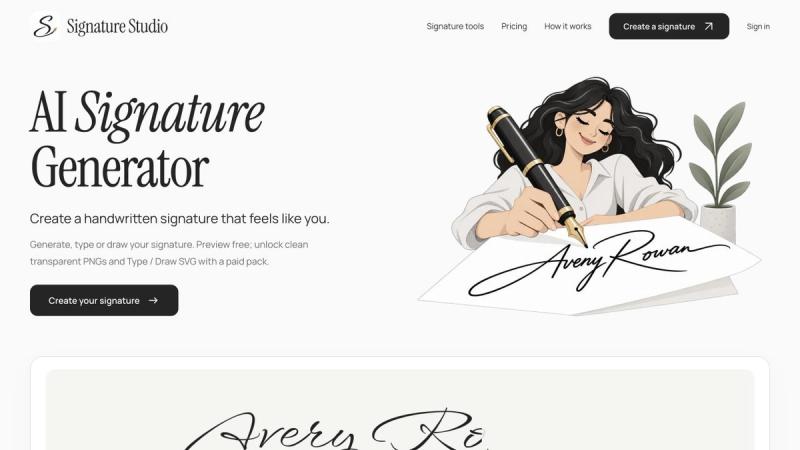
A personal signature is a small but visible part of a creator’s identity, especially when a portfolio or personal note needs a consistent finishing touch. AI Signature Generator gives freelancers and small business owners a browser workspace for exploring that detail before choosing a final look. Start by entering a name to see handwritten-style previews, then compare the visual directions before choosing one. The site also includes Type and Draw methods: typing provides a starting point for a text-based signature, while drawing lets someone use their own strokes. These methods let visitors try different approaches to a personal signature without moving between several applications. The workflow focuses on visual design: review the shapes, decide what feels readable and personal, and choose the export that fits the intended layout. Previewing is free, so visitors can inspect results before paying for a clean download. Paid packs unlock clean transparent PNG files and Type or Draw SVG exports. PNG is useful when an image-based signature is convenient, while SVG is available for the supported Type and Draw paths when a scalable file is preferable. Free preview access should not be confused with unrestricted free downloads. Visitors can explore the generator and the two hands-on methods from the same website, with no separate desktop design application needed to begin.
AI Signature Generator
Preview handwritten-style signatures from a name, or type and draw a signature in the browser.
Information
- Publisher李靖
- Websiteai-signature-generator.com
- Published date2026/10/01
- Views0 views
Launch on turbo0
Submit your own product to reach creators and founders looking for the next tool to try.