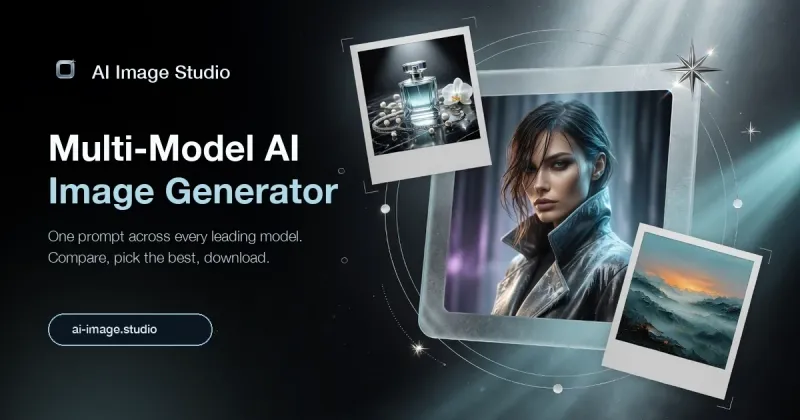
AI Image Studio is a free, browser-based AI image generator at ai-image.studio that turns text prompts into images using a selection of top AI models, with nothing to install.
What is AI Image Studio?
AI Image Studio is a web-based image generation tool that accepts a text prompt as input and returns an AI-generated image as output. Its site is tagged "Free Image Generator With Top AI Models," indicating that users pick from more than one image model rather than being locked to a single engine. Because it runs in the browser at ai-image.studio, there is no desktop download, app store install, or local GPU requirement mentioned on the page.
What makes AI Image Studio stand out?
- Free positioning — the page title explicitly labels it a "Free Image Generator," so generating images is presented at no cost rather than behind a paywall.
- Multiple AI models — the headline promises access to "Top AI Models," meaning the workflow is model choice rather than a single fixed generator.
- Text-to-image generation — the input is a written prompt and the output is an image, the standard text-to-image loop.
- Browser-based access — it runs on the web at ai-image.studio, so it works from any modern browser without a desktop client.
- No install step — nothing in the page copy references downloading software, drivers, or a local runtime to start generating.
Who should use AI Image Studio?
- Social media creators: produce scroll-stopping visuals for posts, thumbnails, and stories directly from a written idea instead of sourcing stock photos.
- Small business owners and marketers: generate promo imagery, blog headers, or ad concepts without hiring a photographer or licensing photos.
- Hobbyists and first-time AI users: try text-to-image generation in a browser with no software setup and no upfront payment.
- Designers and illustrators: draft visual directions quickly from prompts before refining a concept in a dedicated editing tool.
What can you do with AI Image Studio?
- Concept art and mood boards: describe a scene in words and get a rendered image to react to, useful before committing to a final design direction.
- Marketing visuals: generate header art, ad mockups, and campaign imagery from prompts rather than buying stock licenses.
- Prompt experimentation: because the site advertises multiple models, you can compare how different engines interpret the same written prompt.
Pricing
AI Image Studio is presented as free — the page title brands it a "Free Image Generator." No tier names, subscription plans, or paid upgrade levels are stated on the page.
FAQ
Is AI Image Studio free?
Yes. The site title describes it as a "Free Image Generator With Top AI Models," so the advertised entry point costs nothing. No paid tiers or subscription names are listed on the page.
Do I need to install anything to use AI Image Studio?
No. It runs in the browser at ai-image.studio, so there is no desktop application to download and no local installation step described. You open the site and start generating.
What does AI Image Studio take as input?
The input is a text prompt describing the image you want. The output is an AI-generated image, produced by whichever of the available top AI models the tool routes your request to.
Can I choose which AI model generates my image?
The marketing headline promises "Top AI Models" in the plural, which points to a choice of engines rather than one fixed model. The specific model names are not listed on the page itself.